
 Windows Central Insider





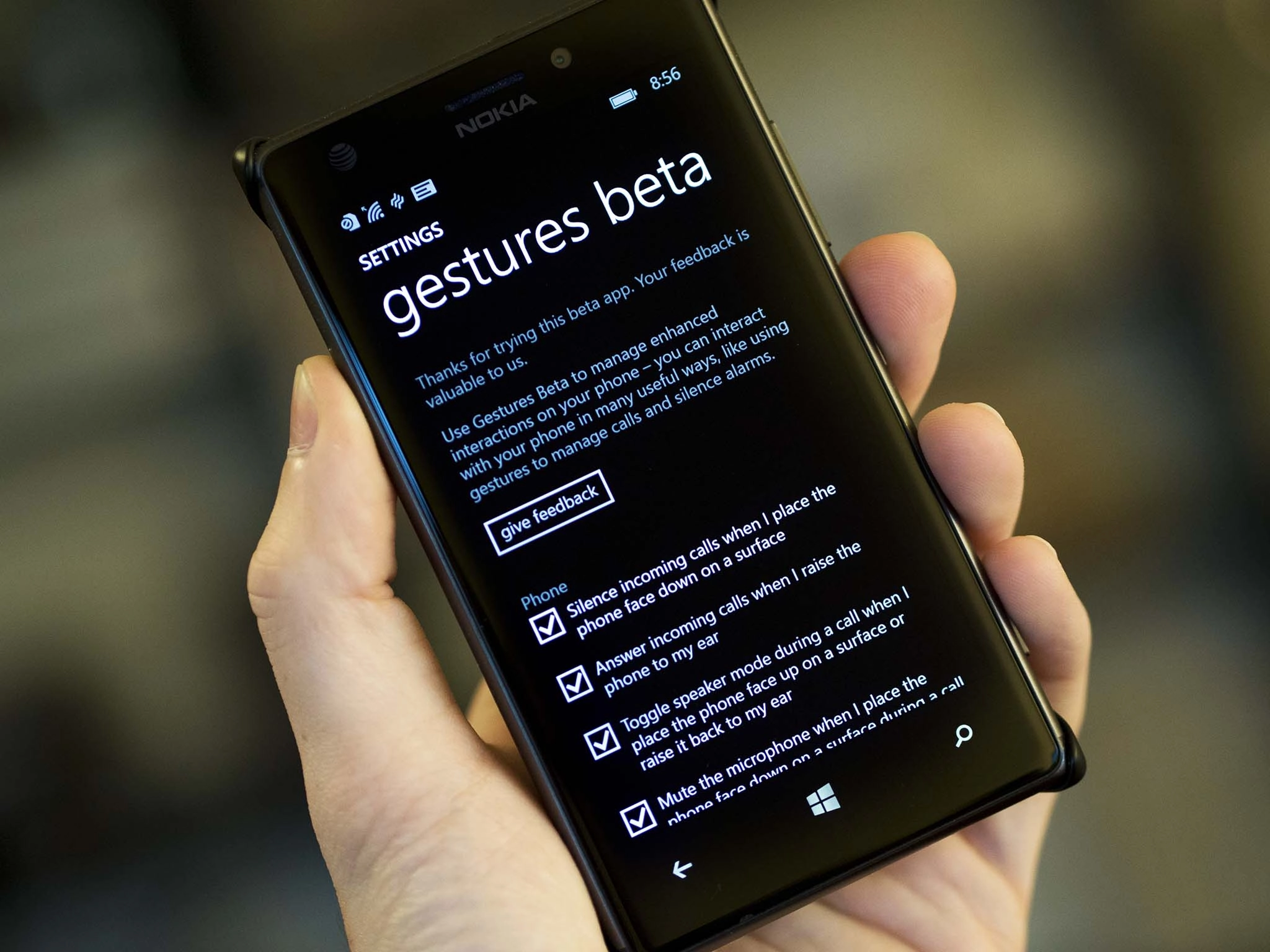
Sure, you can use Glance to view incoming notifications without unlocking your phone, but what about using your device without actually interacting with the touchscreen? That's where Gestures Beta comes in. With the latest utility from Microsoft, you can automatically answer a call by picking up your phone and putting it to you ear, and much more.
As demonstrated in the video above, there are several features that are available with Gestures Beta, like:
- Answer a call by picking up your phone and putting it to you ear
- Mute your mic during a call by placing the phone on a flat surface with the display facing down
- Put the call on speaker by placing the phone on a flat surface with the display facing up
- Silence the phone by flipping it display down (if not in active call).
This is the first release of the client, so it is likely that more features will make their way as updates roll in. Do note that you need to restart your phone after installation to be able to use the feature. Also, Microsoft mentions that devices like Lumia 635, Lumia 630 and Lumia 530 have limited functionality.

Windows Phone fans, what do you think of Gestures Beta? Let us know what functionality you'd like to see in upcoming versions in the comments.


