Latest Microsoft How To
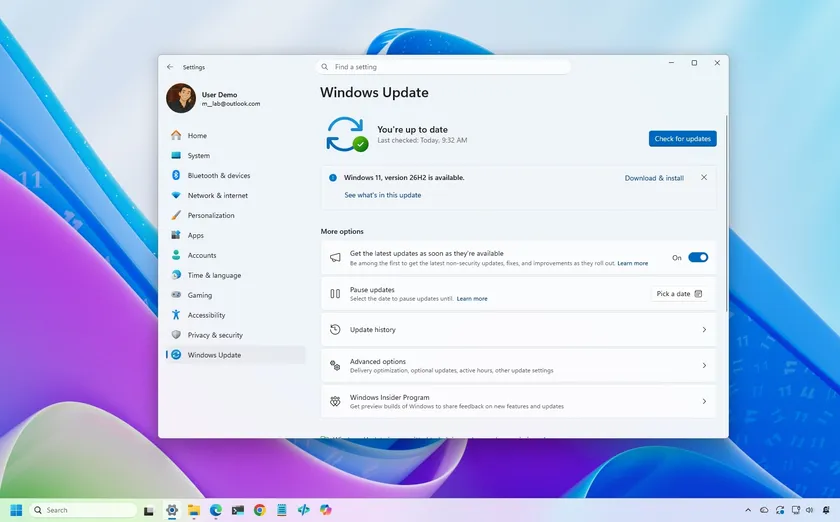
Windows 11 Windows 11 26H2 is rolling out now. Here's how to install the 2026 Update using Windows Update, the Installation Assistant, an ISO, or USB media.

Windows 11 Windows 11 finally lets you move the Taskbar, resize the Start menu, and disable web and Store suggestions with the September 2026 update. Here's how.

Windows 11 Windows 11 can feel busy with widgets, badges, and recommendations. These are the features I disable for a calmer desktop experience.

Windows 11 Windows 11 update KB5101650 fixes 570 vulnerabilities and marks a new era for Patch Tuesday, as AI is now helping Microsoft to accelerate vulnerability discovery.

Windows 11 Microsoft's Cloud rebuild for Windows 11 downloads a fresh installation and drivers from Windows Update. Here's how it works and what to know.

Windows 11 BleachBit is an open-source Windows 11 cleaner with advanced cleanup options. Check out the recommended settings, secure deletion, and safe usage tips.

Windows 11 Windows 11 lets you limit system RAM using System Configuration settings. Here's how it works, why Task Manager may show less memory, and how to restore it.

Windows 11 PowerToys 0.100 introduces a smarter Shortcut Guide that helps Windows 11 users discover keyboard shortcuts without leaving their workflow.