


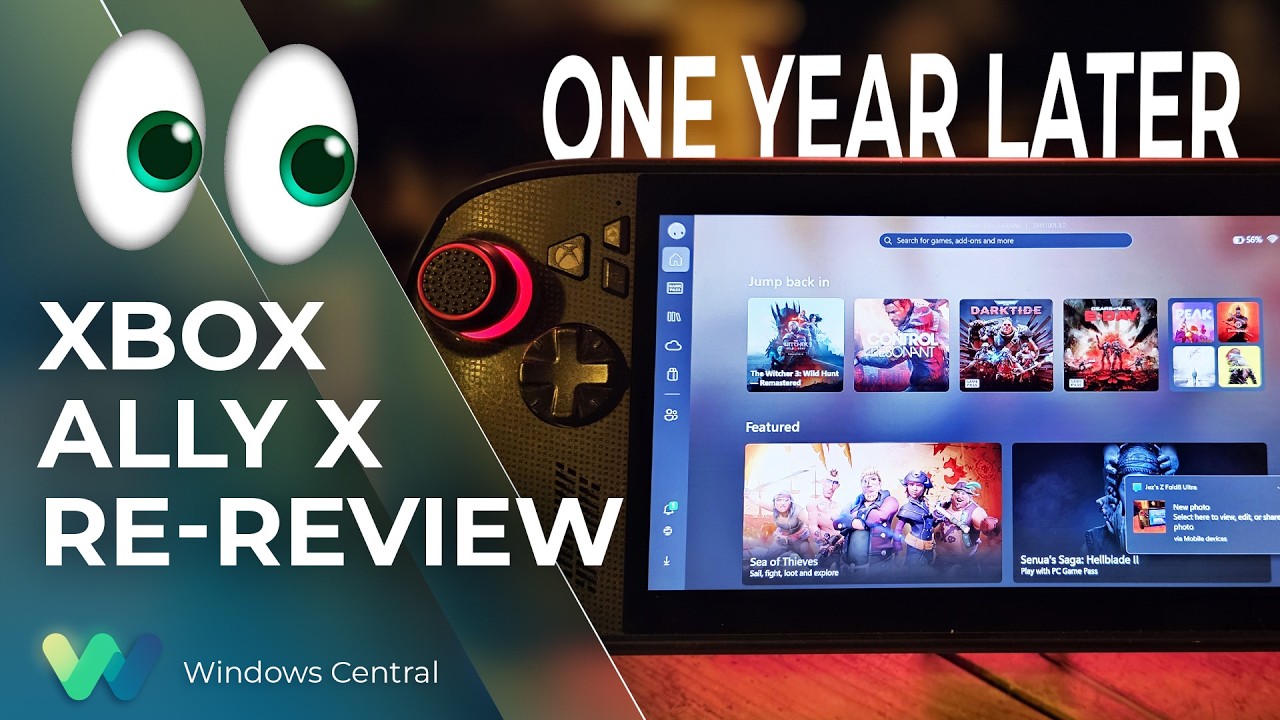
It has been a year since the Xbox Ally X launched, so I figured it was about time we did a re-review.
We have FSR 4.1 on the Xbox Ally X now, a big Xbox app revamp is around the corner, and I'm probably one of the few content creators who actually uses this device on an almost daily basis. So, I really want to answer that burning question for Xbox ecosystem users: is it actually still worth a thousand big ones, even now, one year later?
How has the battery life stacked up? Is Windows 11 actually functional for handheld PC gaming yet? Does FSR 4.1 make for a killer feature?
Let's discuss.
FSR 4.1 is, indeed, a killer feature for the Xbox Ally X

The Xbox Ally X launched around this time last year (depending on your market) in partnership between Microsoft and ASUS. I'll do a write-up and a video on its less powerful Xbox Ally Z2A cousin in the future too. But we're looking at the $1,000 Xbox Ally X today. It was the first device to sport the Z2 Extreme chipset from AMD, making it the most powerful handheld at the time. AMD's new FSR 4.1 tech has given it a further boost on top of that as well.
FSR 4.1 is a heavier upscaling model than FSR 3, but it's all about boosting image quality, giving you more flexibility over how you play. You can now run quality modes that would previously look too ugly and blurry to bear, and still maintain a good level of performance. This extends to very graphically intensive games like Control Resonant, Cyberpunk 2077, Gears of War: E-Day, and games like Warhammer 40K Darktide, which have lots of enemies on-screen at any one time. FSR 4.1 will be adopted natively by more games over time, potentially extending the lifespan of the device even further. AMD has a list of games that already support it over here.

Using Performance and Turbo modes for maximum power, you're easily getting anywhere between 40 and 60 FPS at 1080p for most games out of the box. Heavier games will benefit more from FSR 4.1 being set to performance mode, which appears as crisp as quality mode did on FSR 3 models. I find FSR Frame Generation is also a good way to loop in more frames at the cost of some latency, although in most games I tried it was barely perceptible.
Heavily-optimized games like Death Stranding and the new Witcher 3 enhanced edition look absolutely stunning on this device, both in high and low power modes. Games with FSR 3 automatically benefit from FSR 4.1, which are presently in beta testing on the Xbox Ally X here. Witcher 3 absolutely sings on this device, although games with heavy reliance on ray tracing, like Silent Hill 2, still struggle a bit.
Either way, FSR 4.1 is going to vastly improve the lifespan of compatible devices like this, and it'll be interesting to see how it boosts the base Xbox Ally Z2A model (and Xbox Series X|S platform) in the future.
The hardware holds up, but Windows 11 still needs work

On the topic of lifespan, I'm someone who uses this handheld very regularly, at least every other day before bed. I've been using it mostly to grind Darktide recently, but I will also be using it for WoW: Forever in the coming weeks since it now supports a controller.
The hardware itself has held up incredibly well for me, but it would be neglectful not to mention the quality issues I've seen with the thumbsticks online and on Reddit. I think ASUS could've done a bit more to reinforce the sticks here, but if you go gently on it, I guess, like I do, perhaps you'll be okay. The most wear I have is that the paint on some of the buttons is beginning to wear off, but besides that, my Xbox Ally X seems rock solid.
I find that even a year in, the battery life is still decent on the Xbox Ally X too. I use Battery Care mode religiously to keep the charge topped off at around 80% to protect the lifespan of the cell, but when fully charged at 100% you're easily getting 4-5 hours in 13w silent mode in 2D games, and maybe 2-3 hours in 17w performance mode in a more intensive game, with trade-offs. If you go turbo mode, then yes, the battery will drain out in an hour or so. However, I find that when traveling these days on planes or trains, there's usually an outlet available to give you some extra juice.
There are a lot of games that offer a solid 3D experience even in silent 13w mode, if you're willing to compromise on visual quality and performance to maximize the Ally's longevity.
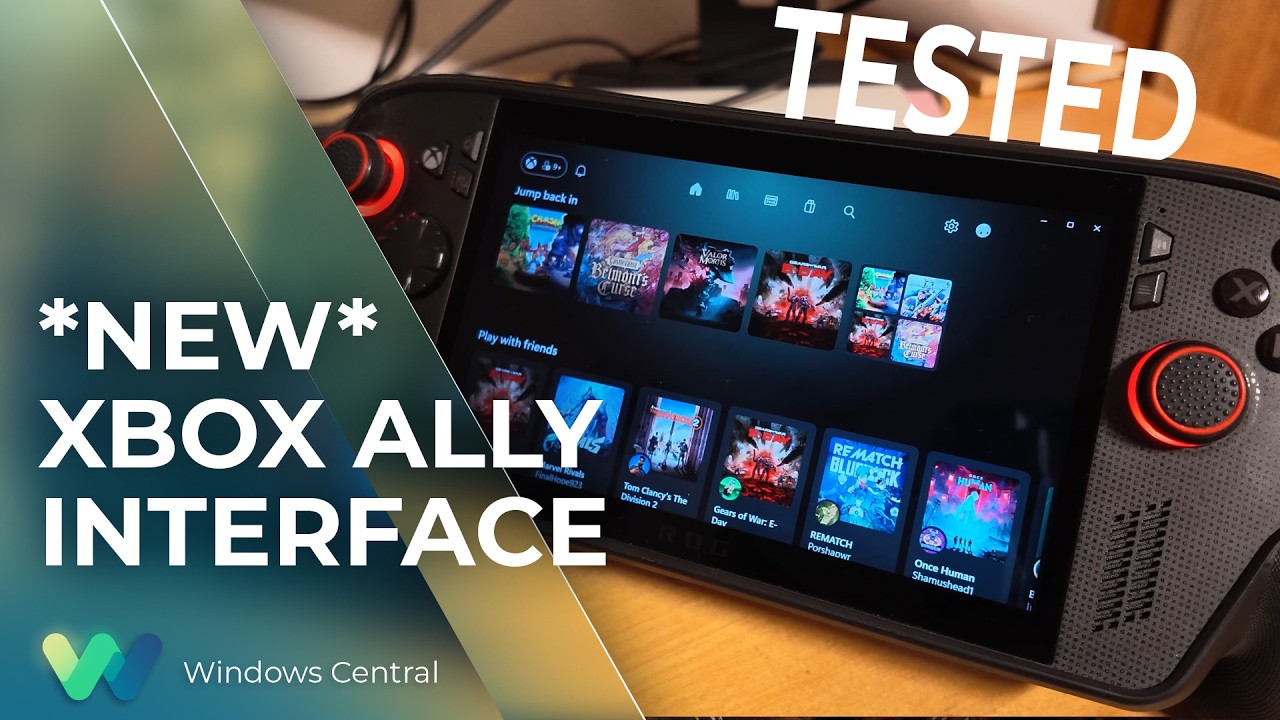
What is perhaps less solid is the operating system experience. This isn't ASUS' fault, of course, but more on Microsoft and Windows. Xbox and the Windows teams have been collaborating to improve the experience for users on devices like this, but the results have been mixed. The Xbox Ally X is particularly painful to use when hooked up to a TV in a Switch-like "docked" setting. Sometimes the controller loses the focus window, and there's no way to get it back without tapping the screen.
Basic parts of Windows still aren't navigable without a mouse, and the Xbox PC app still leaves a lot to be desired whether docked or not. Luckily, Microsoft is shipping a big update to the Xbox PC app in the coming weeks, and Windows 11 itself is picking up further refinements. It still feels overall like you're a bit of a beta tester for the OS itself, but you do get the full power of Windows as a trade-off, able to turn this device into a work laptop if you so desire (as I've done while traveling myself). You can run any launcher without hassle, like Steam or GOG, and you can connect any accessory that's compatible with Windows, including gamepads, mice, keyboards, and even printers.
The bottom line: I still adore the Xbox Ally X

But the bottom line is this: when you're actually in a game, this device absolutely sings. In Turbo mode at 35W, it will provide a solid 1080p 30~ish experience in the heaviest AAA games, even on a medium or even high quality setting, particularly with FSR 4.1 tweaks injected. You can get up to 60 FPS if you're willing to compromise on quality, generally speaking. There are many higher-end games that have been well-optimized for handhelds that deliver a 1080p 60 FPS experience too, such as The Witcher 3 Enhanced Edition.
I've never encountered a scenario where I couldn't get a satisfactory experience from a game, which cannot be said about the Steam Deck and other older or lower-end handhelds.
Given the state of the RAMpocalypse and component market in general, I expect it might be a while before developers push their visuals beyond what is available today. The Xbox Series X|S, PS5, Switch 2, and devices like this are probably going to be the baseline for a longer period than usual. If you were to buy the Xbox Ally X today, I expect you're going to get at least 3 to 4, maybe 5 years of solid use out of it before it might start feeling obsolete.
This is a fantastic device, a perfect companion for any Xbox player with a big Xbox Play Anywhere library. Even if you're dedicated to Steam, you can set Big Picture Mode as your default launcher and skip the Xbox ecosystem entirely if you fancy it.
For gaming evenings in bed, portable co-op with friends, or even as an emergency workhorse, the Xbox Ally X is a fantastic PC companion that I hope will be a staple of my gaming experience for a long time to come. And I would absolutely recommend it — as long as you think you'll get a good amount of use out of it.

Join us on Reddit at r/WindowsCentral to share your insights and discuss our latest news, reviews, and more.

