
 Windows Central Insider





That's because Windows Phone 8.1 Update 2 supports Bluetooth keyboards. Here's how it all works.
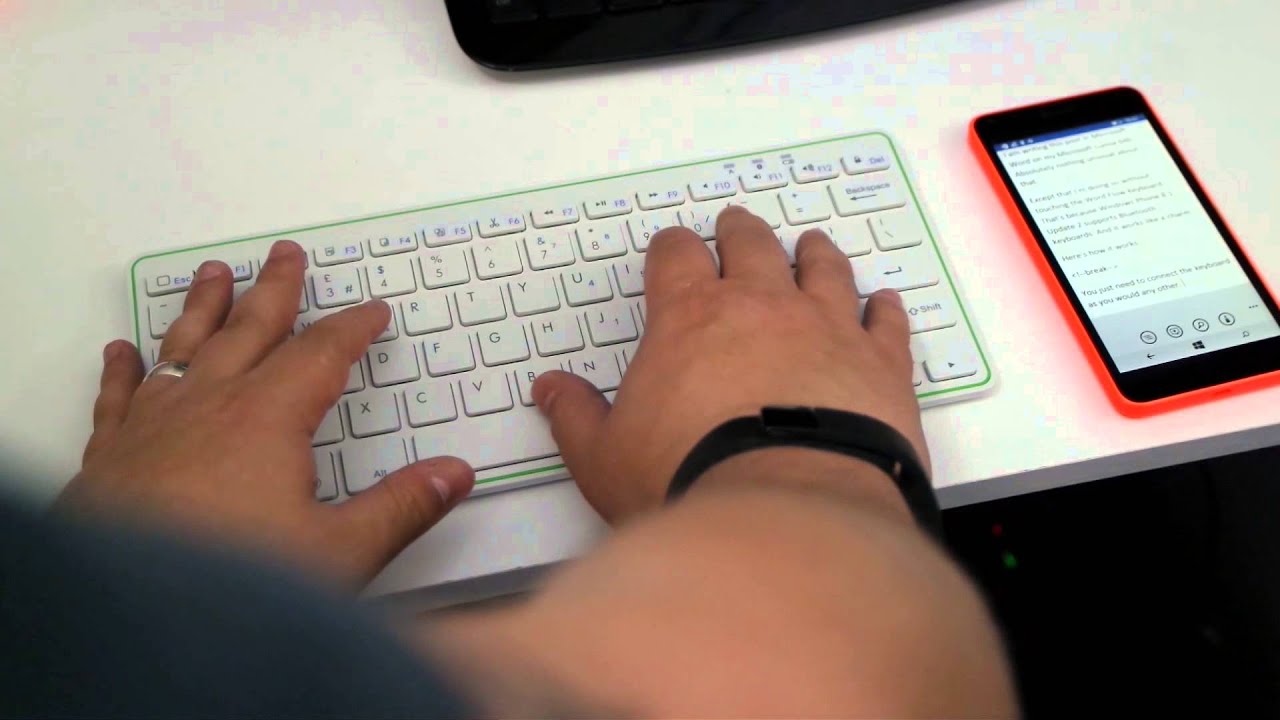
Once your keyboard is connected you don't have to do anything else. When you're in an app for typing in such as Outlook or Microsoft Word, the phone will recognize that a Bluetooth keyboard is connected and minimize the on-screen one. It'll still do autocorrect and offer predictions, but you've got about 75% of the display place for your typing.
You can also perform a few other commands that we've noticed so far. The Windows key to go back to the Start screen doesn't seem to work but you can turn the display off and lock the phone, turn it back on again to the lock screen, toggle volume up, down or off, even launch the camera. The key combinations will vary depending on your keyboard, on ours they don't match up to the labels on the keys.
It's pretty straight forward and it's not something that everyone will want. But it works. And it works pretty well. The big drawback right now is that it's limited to the Lumia 640 and Lumia 640 XL thanks to those being the only two phones with Windows Phone 8.1 Update 2. But, as the update to Windows 10 rolls out later this year, it'll open up to many more.

