I'm losing track of all the changes and shake-ups with Microsoft Rewards lately, but this latest update seems to be at least a positive and more personal one.
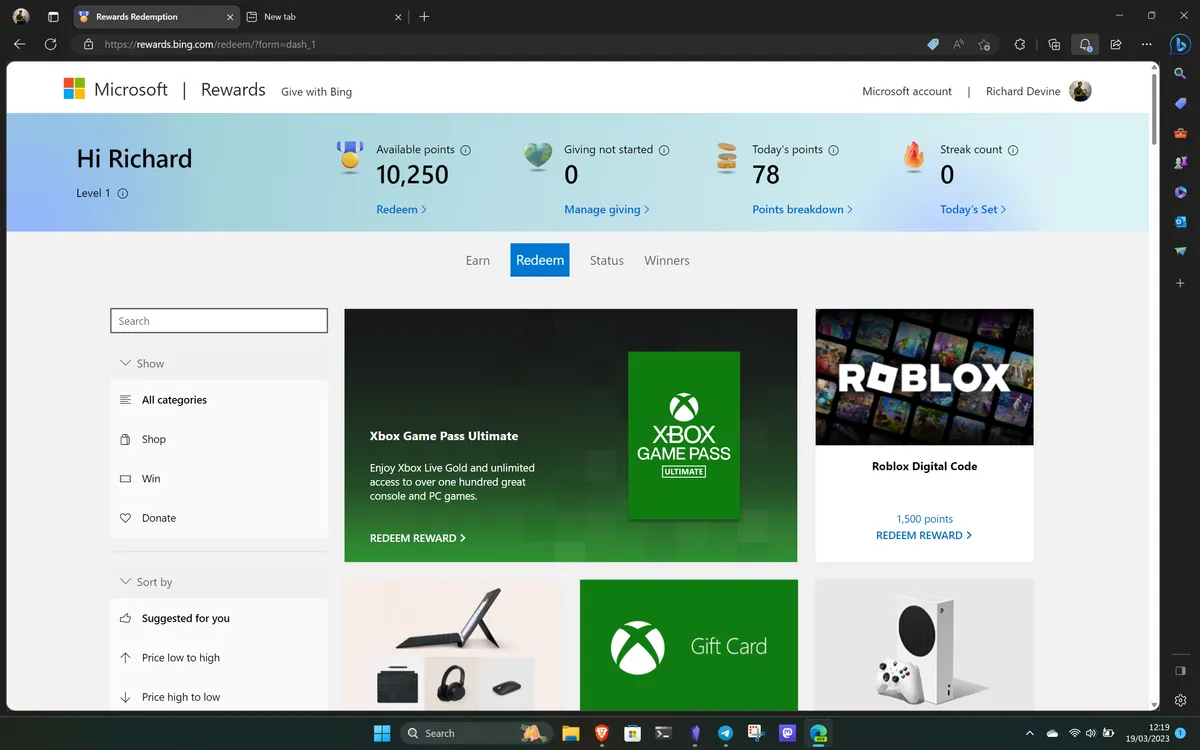
Alongside the news that we can finally spend points directly on the Xbox dashboard, Microsoft has rolled out a new Birthday Gift feature. Free points for aging? At least there is one upside.
Microsoft Rewards birthday bonus and how it works

The feature went live on Monday April 20 and was spotted by a redditor but comes with a specific set of rules that you'll want to track if you're planning on taking advantage of a birthday splurge in Microsofts store.
According to the Microsoft Rewards FAQ , the gift isn't a simple point drop.
"During your birthday week (Monday - Sunday), eligible Rewards members will receive a special birthday gift.
You can earn 2x Rewards points on eligible games and add-ons purchased from the Store during this week. The points earned during this time can be claimed the week following your birthday.
Check the Rewards hub to see what's available for you."
Essentially, Microsoft is giving you a week-long window to double your earnings on digital content. If you've been eyeing a new release, your birthday week is a good time to pull the trigger.
It's a bit of a three-step dance, though. First you need to check the Rewards hub during your birthday month to see the offer on the dashboard. Next, you have to make the purchases during your birthday week, which Microsoft defines strictly as Monday through Sunday. Finally, you don't get those bonus points instantly; you have to return to the Rewards Hub the following week to claim them.
- Step 1 - Head to the Rewards Hub on your birthday month and find the offer to opt in.
- Step 2 - Go on a shopping spree but ONLY during the Monday to Sunday period where your birthday falls.
- Step 3 - Head back to the Rewards Hub the week AFTER to claim your extra points.
I do wonder why they have made it so convoluted. In the UK, for example, I get a flat double points bonus on my Boots card (drugstore) during my birthday month. It's no extra work and a passive bonus. It doesn't need to be that deep, Microsoft!
Either way, points hunters who make an effort to clear their dashboards each day will enjoy the opportunity to earn more points, and the 2x multiplier is generous if you can be bothered to jump through the hoops.
The other fine print
The offer cannot be combined with other Rewards promotions, and monthly earning limits still apply.
This means if you’ve already hit your cap for the month through other activities, the birthday bonus might not be as lucrative as you’d hope.
Additionally, point values will still fluctuate based on your local currency and your current Rewards level.
The Senior Software Engineer for Microsoft Rewards did comment on the thread to say "this one was a shocking amount of work" and how excited the team is to release it, so I hope plenty of users still take advantage of the offer even with the required admin.

Join us on Reddit at r/WindowsCentral to share your insights and discuss our latest news, reviews, and more.