


What I'm working on this week: It's all about Computex prep this week, but I'm also taking advantage of warm weather to get my yard in top shape for summer.
I don't think there's any PC gamer who doesn't know about Steam. It's the world's biggest storefront and player network, with more than 130,000 games available at any time.
Although its library of games is the most attractive aspect for many a PC gamer, Steam is also a great place to find non-game software. Whether it's for development, design, editing, or production, chances are high that there's a program on Steam that you can make use of.
With my Steam account now old enough to buy a beer in all 50 states, I've spent a fair amount of time trying out Steam's non-game software. Here are the 5 best I've come across so far.
1. Aseprite — Make your own pixel art, no experience necessary
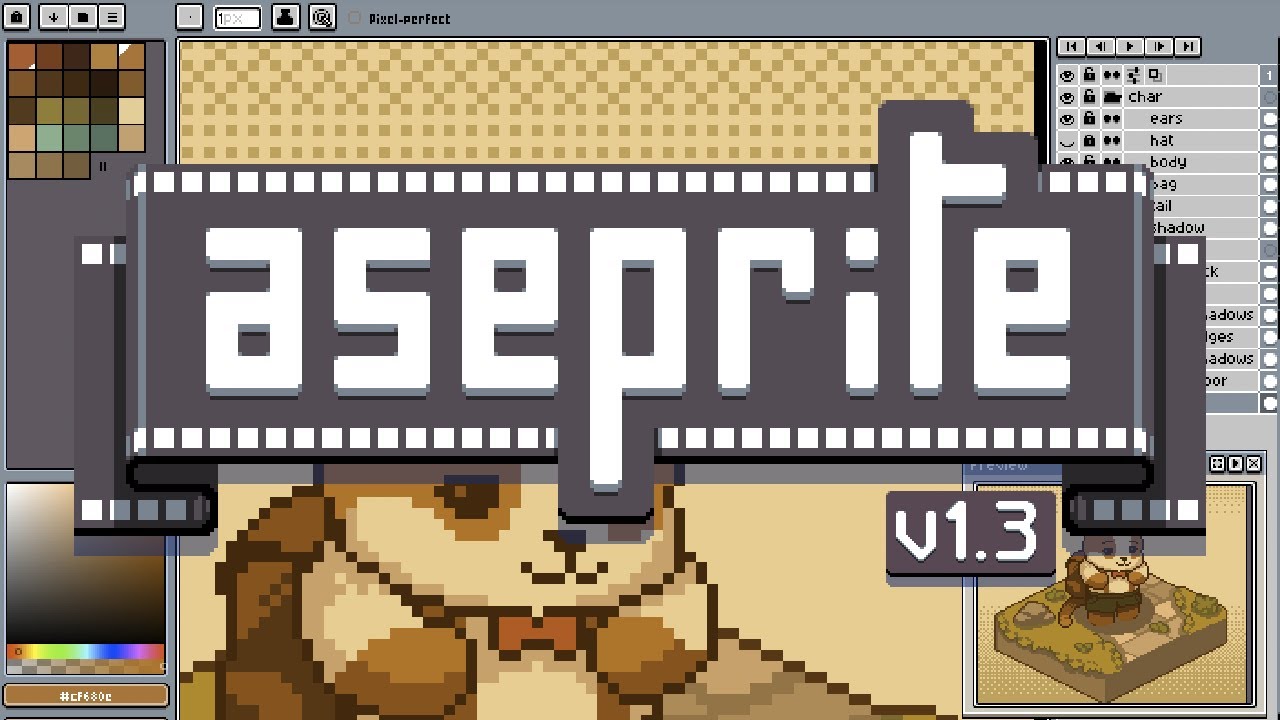
I'm not a visual artist. My artistic talents, if I have any, lie in music and words. But that didn't stop me from picking up Aseprite on sale at Steam years ago.
Aseprite is designed to make static and animated 2D pixel art as straightforward as possible, and I can testify that it does exactly what's advertised in a clean, no-nonsense UI.
It's easy to get the hang of, and once you know what you're doing, the 2D artwork starts flowing. I haven't used any of my artwork for other projects, although that's the primary use case. I just enjoy sitting down and making some art whenever I need to destress.
If you've ever dreamed about making your own games, this is a great place to start.
👉 Visit Aseprite's official website
2. Lossless Scaling — Frame generation for any GPU and any game
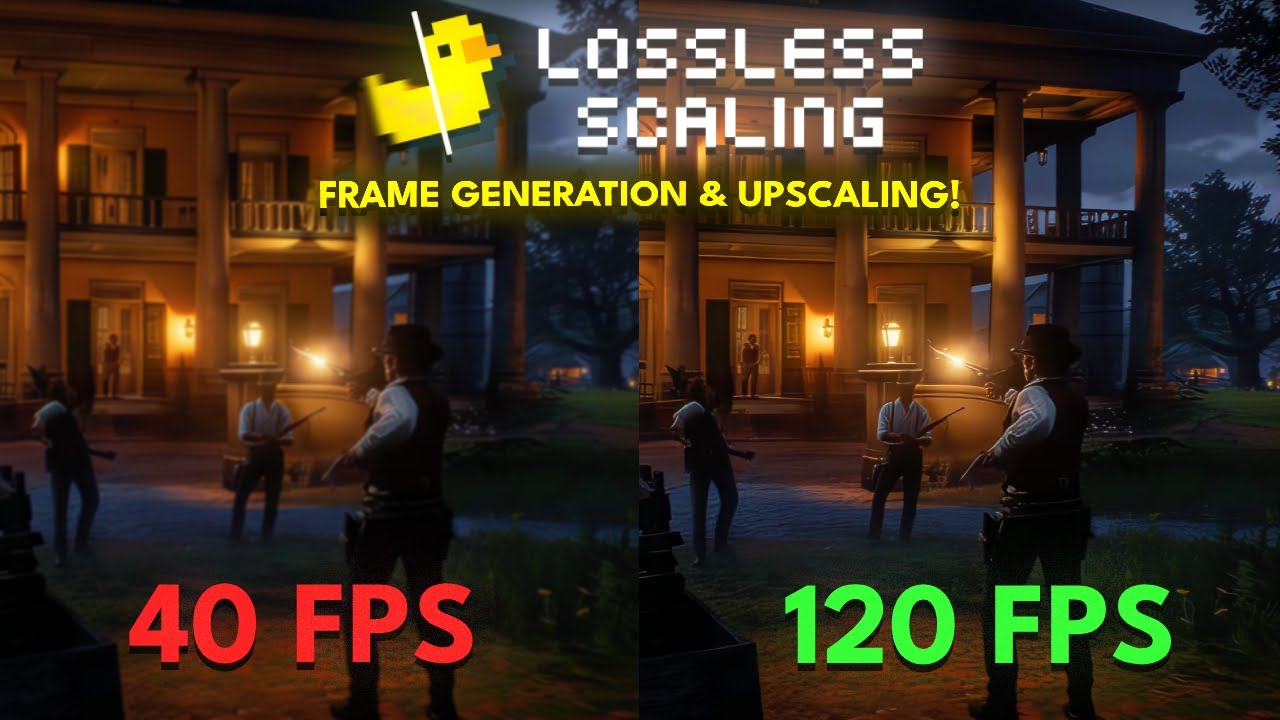
I've covered Lossless Scaling's abilities in the past, but I'm never afraid of reminding our newer readers that it exists.
Lossless Scaling is a $7 app that essentially enables forms of upscaling and multi-frame generation on any GPU with any game. It was originally created to help upscale old games for new monitors, but it proved so effective that the developer has continued to add new features over time.
If you don't have an NVIDIA or AMD GPU that handles native, branded frame gen, Lossless Scaling is the next best thing. And even if you do have a newer GPU, it remains a great tool for those who enjoy retro games.
👉 See Lossless Scaling at Steam
3. Wallpaper Engine — Create your own wallpapers and screensavers
Wallpaper Engine is a massively popular tool that sits at an Overwhelmingly Positive rating on Steam.
Launched in 2018 and a staple on my PC ever since, Wallpaper Engine makes it easy to create or manage animated, live wallpapers or screensavers for your desktop. It supports multi-monitor setups, different aspect ratios, many video formats, RGB lighting suites, and more.
With the rise of OLED displays and their inherent risk of burn-in, this is basically a must-have if you want to style out your screensaver. Best part? It's just $5.
👉 See Wallpaper Engine at Steam
4. Crosshair X — Custom crosshairs for all your favorite PC games
Hate the crosshair but love the game? There's an app that can fix that. It's called Crosshair X, and for less than $10, it enables the complete customization of your reticle in practically any game.
Not only is there a thriving community with countless crosshairs to download and test out, but you can also create your own with ease from within the app. Crosshair X integrates with the Xbox Game Bar on PC, making it work perfectly in full-screen mode and with multi-monitor setups.
5. OBS Studio — Everyone's favorite free recording and streaming tool

OBS Studio certainly isn't exclusive to Steam, but it's so popular and has been a staple for streamers and vloggers for so long that I can't exclude it.
👉 How to stream to Twitch, Facebook, and YouTube with OBS Studio
OBS Studio is the best first stop on your streaming and recording journey. In many cases, its extensive set of tools will prove more than enough for your needs, saving you money on more expensive software.
Seriously, if you're interested in showing off your gameplay but don't know where to start, get OBS Studio now and don't look back. It's easy to use, it's surprisingly powerful, and it's free.
👉 Visit the OBS Studio website
What's your favorite app on Steam?
I'm barely scratching the surface here with my top 5 picks of non-game apps on Steam. These are the ones I like most, but I'm sure you have a great suggestion that I've overlooked.
👉 Reddit users highlight 10 open‑source apps that run great on Windows 11 and deserve more attention
Let me know in the comments section below which Steam app gets the most attention from you, and why!

Join us on Reddit at r/WindowsCentral to share your insights and discuss our latest news, reviews, and more.

