


In April, Microsoft published an article in its Learning Centre, indicating that “for many Windows 11 users, Microsoft Defender Antivirus covers everyday risk without requiring additional software.”
Interestingly, most users seemingly shared the same sentiments as the tech giant across social media. "I haven't used a 3rd party antivirus since XP," a user indicated. "Windows Defender is enough and maybe even too much," another user added. Some Windows Central readers agreed with Microsoft's premise, too:
"It's not a secret Windows Defender has been the best or near the best antivirus for years by now. Times when third-party antivirus actually served a purpose are long gone. You're just slowing down your system and paying for no reason."
However, other users indicated that they are more reliant on third-party solutions. "The choice to add third‑party antivirus depends on how you use your PC and which features you value," Microsoft added. "You might consider extra security software if you manage multiple devices, share devices with family members, or want services like identity monitoring or parental controls."
And now, as spotted by AV Comparatives, the company has since pulled down the article in its Learning Center platform, where it had blatantly indicated that third-party software is not needed (via Beta News).
As detailed by the outlet:
"On 13 January 2026, Microsoft published an article titled “Trusted antivirus protection for PCs” in the Windows Learning Center. The core message: Windows 11 already comes with solid, real-time security in the form of Microsoft Defender Antivirus, no subscription, no installation required, and “for many users, this level of protection is plenty.”
Microsoft also notes that third-party tools offer additional features such as identity monitoring or built-in VPNs.
A sharper formulation of the same idea in April on the same website was summarized medially with the headline that Windows 11 essentially no longer required a third-party antivirus. That April article appears to have been taken down in the meantime, and we see this as a constructive step. The current Learning Center text is noticeably more measured: it positions Defender as a strong baseline, acknowledges that third-party tools deliver capabilities beyond the basics, and stops short of claiming that Defender is sufficient in every scenario."
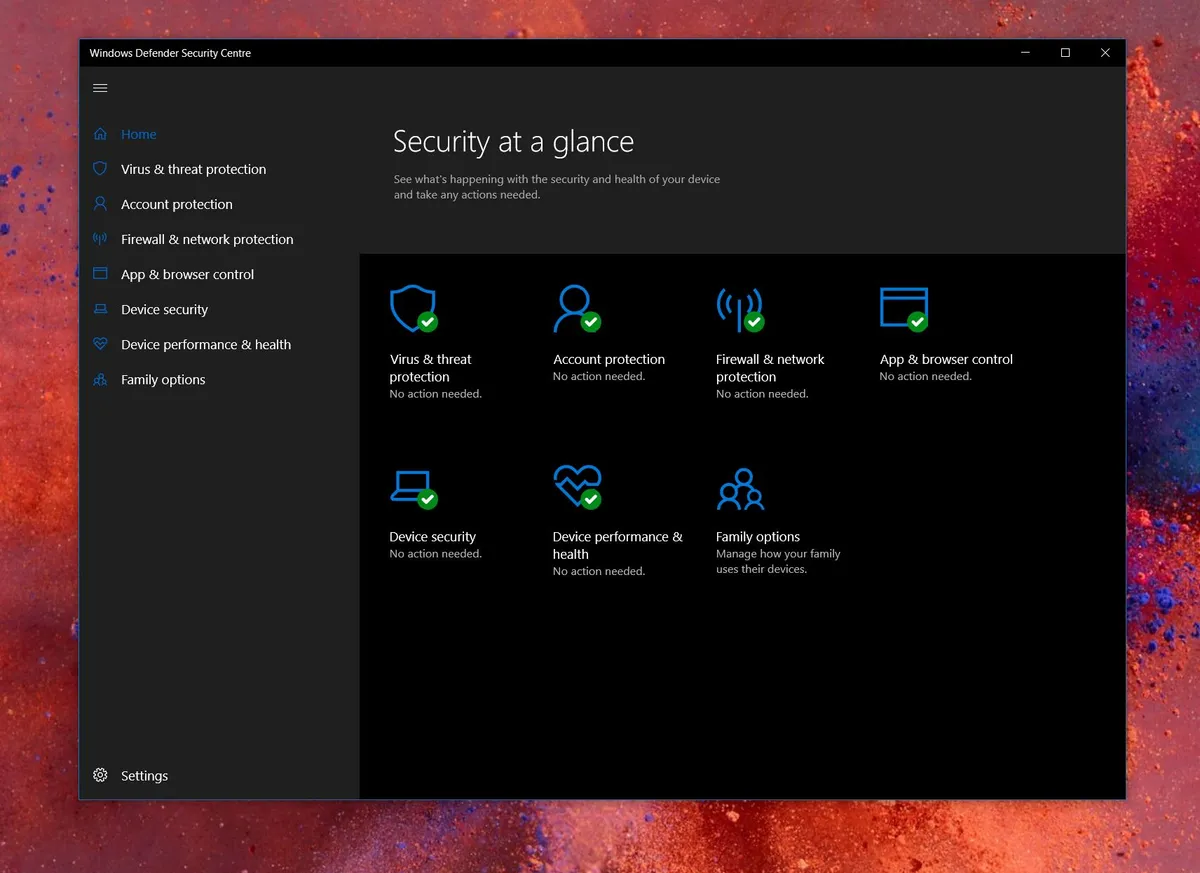
The company had fronted Microsoft Defender as “usually sufficient when Windows 11 runs with default protections enabled, updates are installed regularly, and software downloads are deliberate.”
Without requiring subscriptions or installation prompts, Microsoft highlights Windows 11’s built‑in antivirus as solid, real‑time protection with features like automatic threat scanning, cloud‑based intelligence updates, unsafe site and download alerts, and more.
To that end, Microsoft says Defender's level of protection is plenty for many users, but admits "some third-party tools offer extras (like identity monitoring or built-in VPNs)."
Do you prefer using third-party antivirus tools over Windows 11's built-in Defender offering? Let me know in the comments.

Join us on Reddit at r/WindowsCentral to share your insights and discuss our latest news, reviews, and more.

