


Microsoft Teams and OneDrive are both staples of the Windows 11 experience, and while this may not come as a surprise to all users, that experience only improves when you're running them on cutting-edge PC hardware.
Don't believe me? Let's dive into some of the less recognized features of modern PCs that help make your time with Windows 11 and its built-in tools that much better.
TPM 2.0 and why it's so crucial to Teams, OneDrive, and Windows 11 security
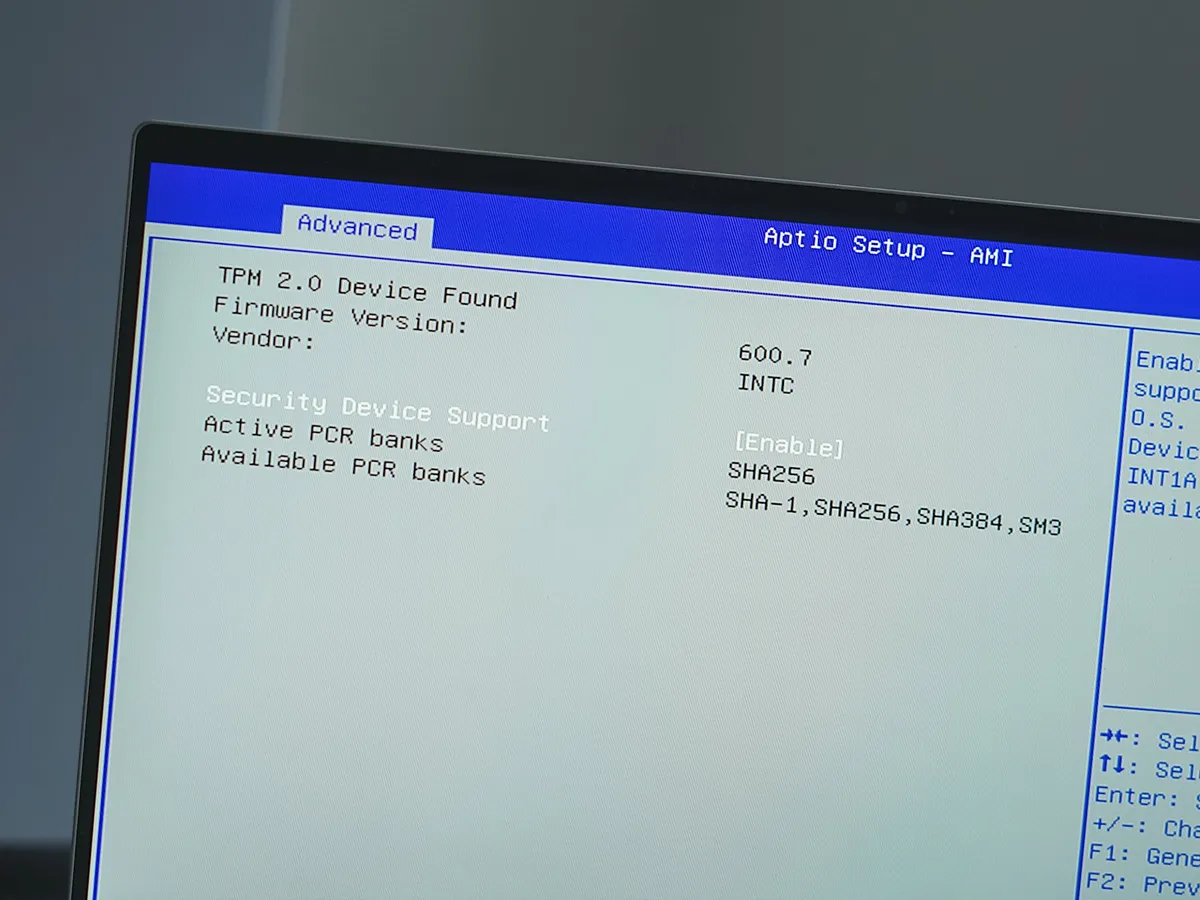
One of the requirements to run Windows 11 on modern hardware is a dedicated Trusted Platform Module (TPM) 2.0 chip. This small piece of additional hardware quietly enables features like device attestation and secure key storage, essentially acting as a reinforced vault for your PC's most sensitive information.
One of the most common ways the TPM 2.0 chip is employed in Windows 11 is for authentication. Many of us take the fast, secure Windows 11 sign-ins via Windows Hello for granted, but any time you have your fingerprint or face scanned, it's pulling info from the chip before giving access.
Sitting at the core of Windows 11's modern security suite, TPM 2.0 also directly influences Teams and OneDrive. Device attestation, which relies on TPM 2.0, is a nifty feature that can automatically check your PC's security any time you boot up. This ensures that vulnerable devices aren't accessing sensitive data in Team and OneDrive.
Building on security is BitLocker, another feature reliant on TPM 2.0. BitLocker is designed to protect entire drives in Windows 11, ensuring that OneDrive and Teams data remains invulnerable even if your PC is lost or stolen.
Hybrid CPUs and how they make Teams, OneDrive, and Windows 11 faster

Modern Intel, AMD, and Qualcomm processors use a form of hybrid architecture that better allocates specialized cores based on the task at hand. While each brand of chip has a slightly different method of employing the technique, the end result is largely the same.
Processor cores designed for performance are able to handle the heavier tasks that you're tackling in the foreground of Windows 11, while the more efficient cores run background tasks without slowing down the rest of the system.
Looking at Teams specifically, this hybrid setup prioritizes smooth video conferencing and screen sharing no matter what's going on in the background. OneDrive, which often handles file operations and syncing while you're doing other work, intelligently uses available cores to remain efficient and speed up transfers even when it's not at the forefront.
This method also improves efficiency, allowing you to work longer on a single charge without having to search for an AC outlet.
How modern NVMe SSDs transform storage performance and reliability

NVMe SSDs are the standard in Windows 11 PCs, and they're a big reason why Windows 11 feels so responsive and boots so quickly. Thanks to low latency, your files and apps launch quicker than if you were using an older drive.
And because NVMe SSDs offer massive bandwidth, they're much better at multitasking or moving large files around.
A fast SSD also benefits Teams, especially if you're sharing files. You never know when a large attachment will be shared, and you don't want to sit around waiting for it to launch while you're in the middle of a meeting.
Advanced Copilot+ AI features boost productivity with an NPU

Many of the latest and greatest Windows 11 PCs are classified as Copilot+ PCs thanks to the inclusion of a powerful Neural Processing Unit (NPU). This specialized piece of hardware is separate from the CPU and GPU, and it focuses primarily on powering on-device AI tools.
Not only does the NPU allow the CPU and GPU to run more efficiently with tasks they were designed for, but it also unlocks a wide range of AI features, like Live Captions, Recall, and Cocreator, that help make your Windows 11 experience that much more efficient. Because they run locally, there's no waiting around for the cloud.
In Teams, the NPU handles real-time transcription and video effects, ensuring that you always have accurate meeting notes and that you're always looking your best.
For OneDrive, Copilot+ makes it easier to find what you're looking for with semantic search and intelligent file recommendations, and it's also great at summarizing documents.
A modern GPU isn't just good for gaming in Windows 11
The GPU is a piece of hardware most commonly associated with PC gaming, but Windows 11 leans on it for far more functions than just having fun. Even integrated graphics have come a long way in recent years, and the benefits are immediately evident.
Whenever you sit down at your Windows 11 PC, the GPU inside is busy handling animations, effects, and display settings. When you play a video, it's the GPU ensuring that it plays smoothly and efficiently. A faster GPU essentially means a smoother overall experience.
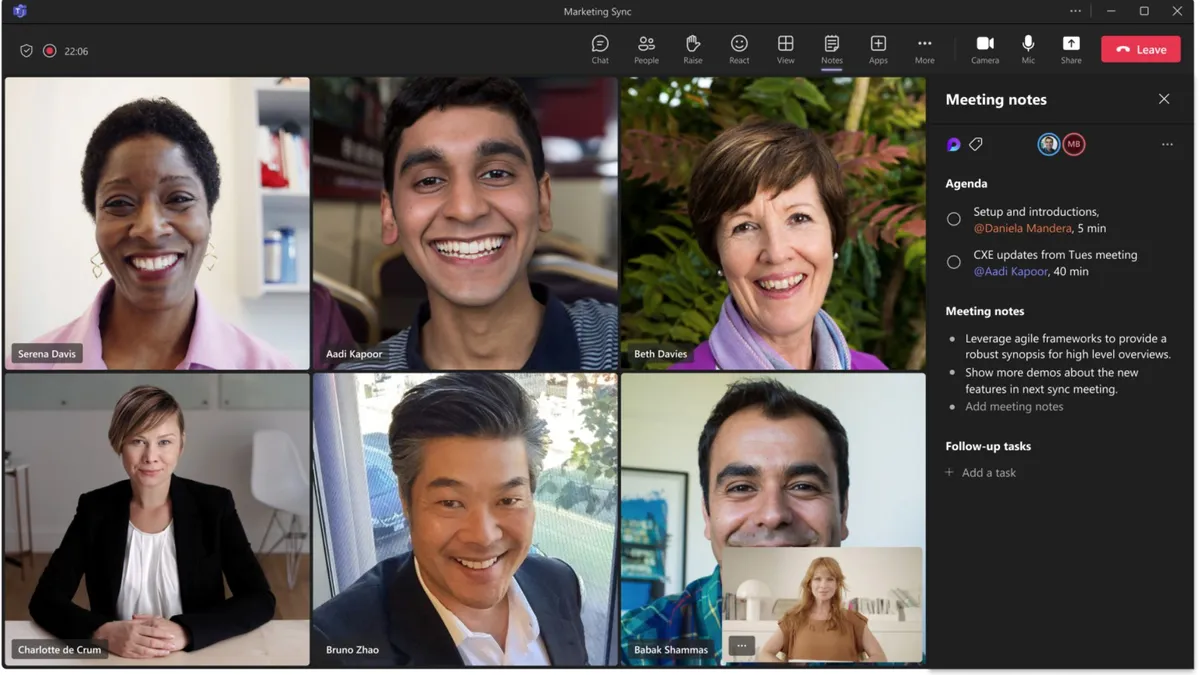
In Teams, a more modern GPU is much better at handling high-resolution calls with improved efficiency, and it can pitch in on real-time effects that aren't already tackled by the NPU.
OneDrive also benefits from a modern GPU, improving thumbnail generation, video playback, and image previews in the cloud.
Modern Wi-Fi standards make a difference in Teams, OneDrive, and Windows 11

Wi-Fi is another feature of modern Windows 11 PCs that most of us take for granted, but there's a big difference between older standards and the latest Wi-Fi 6, Wi-Fi 6E, and Wi-Fi 7.
For Windows 11 in general, a PC with a modern Wi-Fi standard offers improved security, smoother transitions between access points, and, of course, better overall performance and reliability.
When video conferencing or collaborating in Teams, low latency and high throughput are crucial for smooth operation, and that's exactly what modern Wi-Fi standards offer. Many modern workers split time between home and office, and modern Wi-Fi is designed to work efficiently even when you're connected to a crowded access point.
Because OneDrive is all about cloud syncing, having modern Wi-Fi in your PC only makes uploads and downloads faster and more reliable. It also reduces the likelihood of errors and delays when you find yourself working in a crowded office.

