


Windows 11 has become the ultimate productivity hub, delivering a unified experience that streamlines your workflow. In the corporate world, efficiency, effectiveness, and uninterrupted productivity are critical to meeting key performance indicators (KPIs) and Microsoft’s ecosystem is the perfect candidate for the job — specifically the Windows 11, OneDrive, and Teams trifecta ensures you’re set up for success.
Compared to archaic approaches that forced users to work across multiple siloed apps, which was a recipe for disaster, especially when trying to maintain focus. These approaches were consistent with inconsistent design languages, poor integrations, and tedious file-sharing techniques.
Nothing quite like that Windows 11, OneDrive, and Teams combo
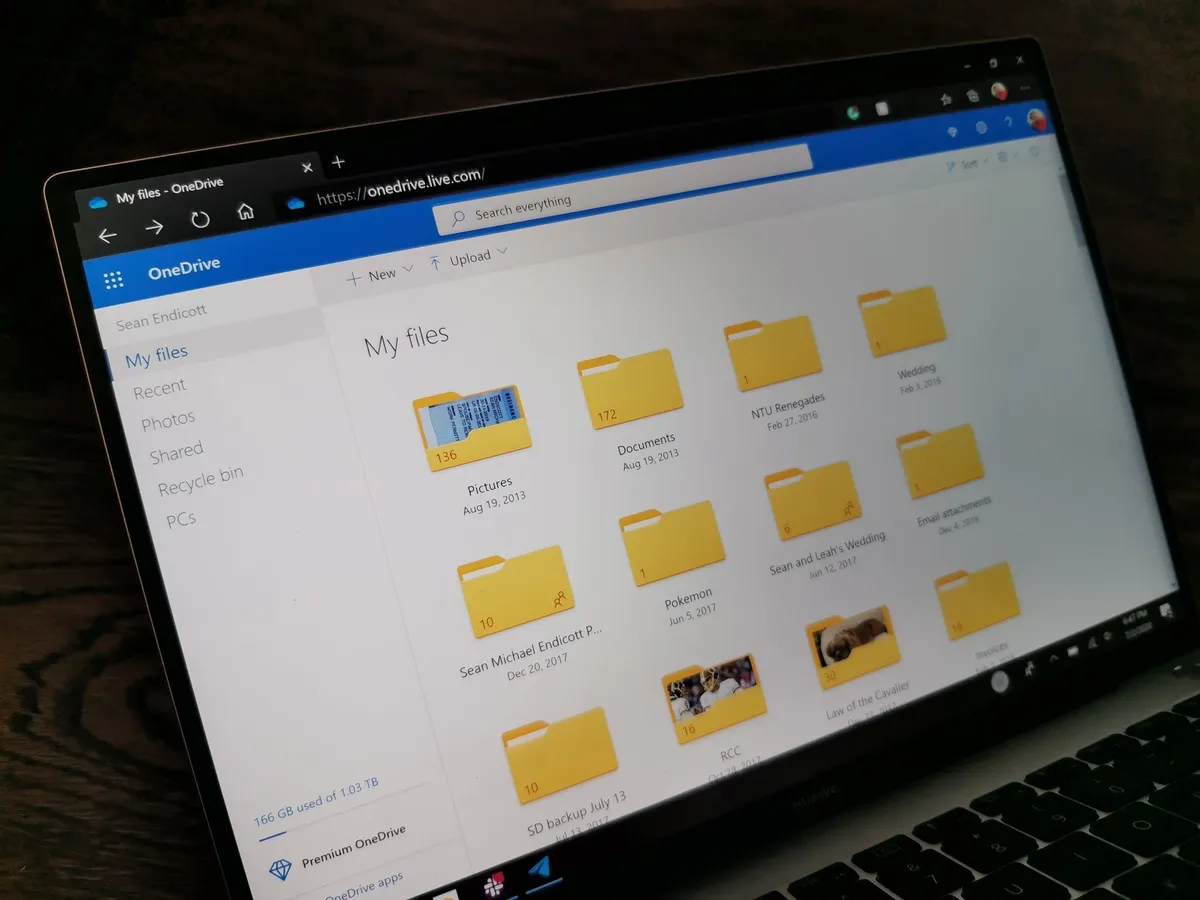
Right off the bat, Windows 11 ships with OneDrive and Microsoft Teams as in-box apps, pre-installed in the operating system to help you hit the ground running. Think of Windows 11 as the glue holding the Microsoft ecosystem together, specifically Teams and OneDrive.
Windows 11's Action Center is strategically positioned to ensure you're all caught up with notifications from Teams and OneDrive, fostering seamless productivity.
Microsoft Teams is far more than a simple video conferencing tool for your organization. It's deeply integrated into Windows 11 and OneDrive. For context, you can save your meeting recordings in OneDrive for future reference and use. But what makes this deal sweeter is that you don't necessarily have to navigate through OneDrive to retrieve them — Windows search can equally get the job done!
OneDrive ensures your documents and files are always available and secure. Even better, its cross‑device support makes it a true lifesaver when you’re on the go. As long as your files are backed up and synced to the cloud, you can easily access them from your Windows 11 desktop, a laptop, or even your phone.
It's all about staying on top of your workflow effortlessly
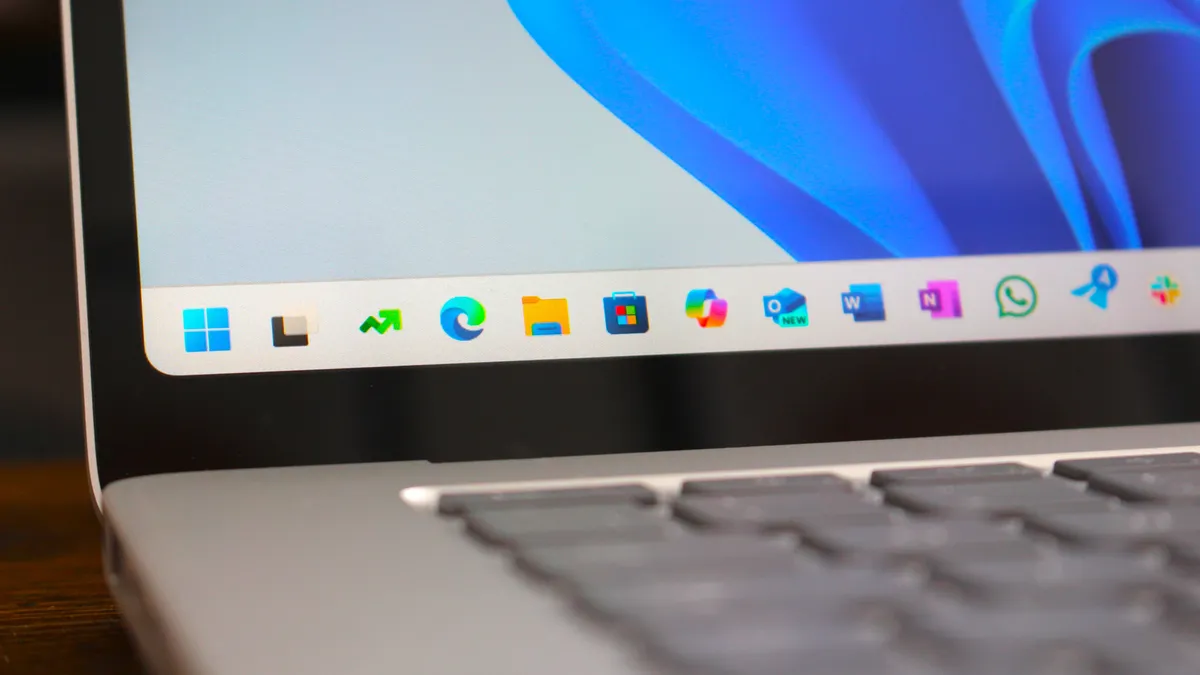
Windows 11's search can do more than just find documents and files that are locally stored in your PC. It's possible to find a document, a chat message, or even a meeting recording through the search experience.
This means, you'll no longer need to launch multiple apps when searching for something, which can sometimes turn into a hamster wheel experience and a productivity and focus killer.
Windows 11's Fluent Design language transcends across Microsoft apps. This way, when you're interacting with OneDrive or Teams, it feels less like a separate app and more like a unified experience. As a result, it creates a consistent user experience across multiple apps and a subtle productivity booster since you'll barely notice the difference between the apps.
Copilot AI takes the edge off in Teams and OneDrive

Microsoft has double down on integrating AI-powered experiences across its tech stack, including Windows 11, Microsoft Teams, and OneDrive.
Have you ever gone on leave only to come back to work and find Teams packed with hundreds of notifications and messages? It can be a daunting tasks to try and go through each one of these notifications, but this is where Copilot's capabilities shine the most.
You can ask the chatbot to summarize missed meetings and communication within Microsoft Teams. The tool's capabilities can be stretched beyond catching up with missed notifications and meetings; you can also use it to answer questions asked by attendees, or even create a meeting agenda based on chat history.
The same can also be said about Copilot in OneDrive. The tool makes file management far less overwhelming and time-consuming by allowing you to extract information from files without you necessarily having to open them.
Additionally, you can also compare files in OneDrive using a single click, summarize files, generate insights from complex files, and more using Copilot.
And as you may know, Copilot is integrated into Windows 11's user experience to help you with quick searches, generate images, and even help you understand complex topics.
It can also help break through creative blocks by guiding you to close the loop on ideas you may have struggled to fully conceptualize. This helps you reclaim valuable time that would otherwise be wasted jumping through hoops and losing focus.
This is especially crucial for when those tight end‑of‑day deadlines loom, every minute counts and makes all the difference.
What's perhaps more interesting is that you can ask the chatbot how to optimize your Windows 11 experience to better suit your needs and productivity.
It's undoubtedly hard to beat the Windows 11, OneDrive, and Teams combo. This is because they complement each other so well, making it easier for users to get their work done with little to no disruptions. It just works!
