


Browsing the web without an ad blocker is a brave adventure, especially on the mobile web. That's a big reason why I opted for Microsoft Edge and its built-in blocker on Android so many years ago; I just wanted to read articles in peace. Then again, it's sometimes an experience that's forced upon me when certain pages manage to bypass my ad blockers.
Of course, there are plenty of other browsers to choose from. Almost too many. But I'm not in a position to migrate my bookmarks, history, and logins to yet another Chromium clone just to escape overbearing ads for a while. That's why I've been leaning more on Reading Mode for the past few months or so, and it's a mostly flawless experience.
Reading Mode isn't new, but underappreciated
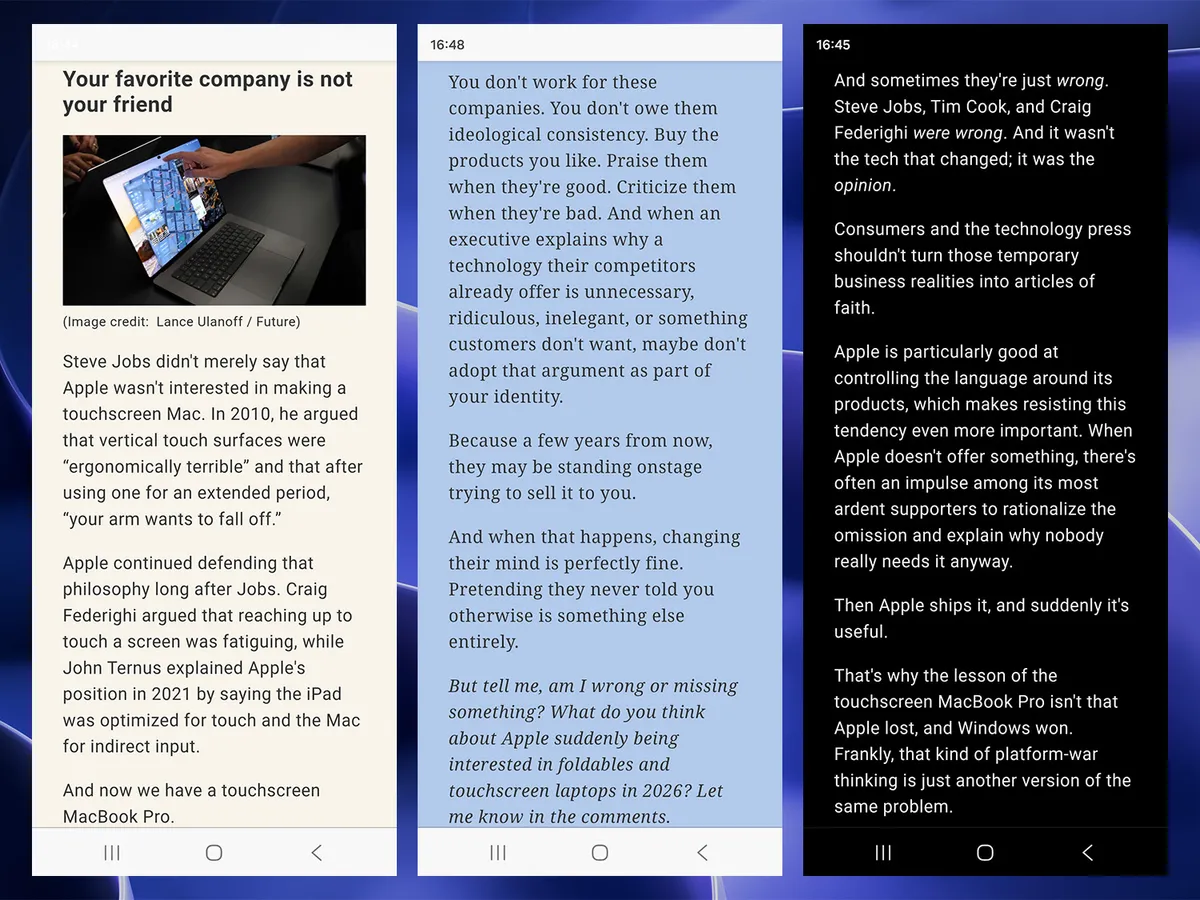
Microsoft Edge switches into Reading Mode for compatible articles with a single press of the F9 key, while Google Chrome needs a slightly more involved Alt+Shift+R shortcut. Alternatively, a tiny 'page' icon appears in the address bar on desktop browsers, while the Android app uses an 'open book' equivalent and activates the same thing.
Inside, I can toggle a few customization options, like text size, paragraph width, and color themes for the entire page that go further than a simple light or dark mode. A sepia-toned background might be easier on the eyes for some, and overriding the font to serif (or sans-serif) also helps some users read dense text faster. It's designed as an accessibility feature, but it helps in other ways.
The only downside is that, occasionally, some articles are inexplicably incompatible with Reading Mode, and it doesn't work as the icon disappears completely. It's usually specific to a certain website or outlet, which is even more confusing when they're often geared toward written content. I could probably solve it with another browser plugin, but I'd sooner look for a better ad blocker.
It isn't perfect either, but it's better than ads
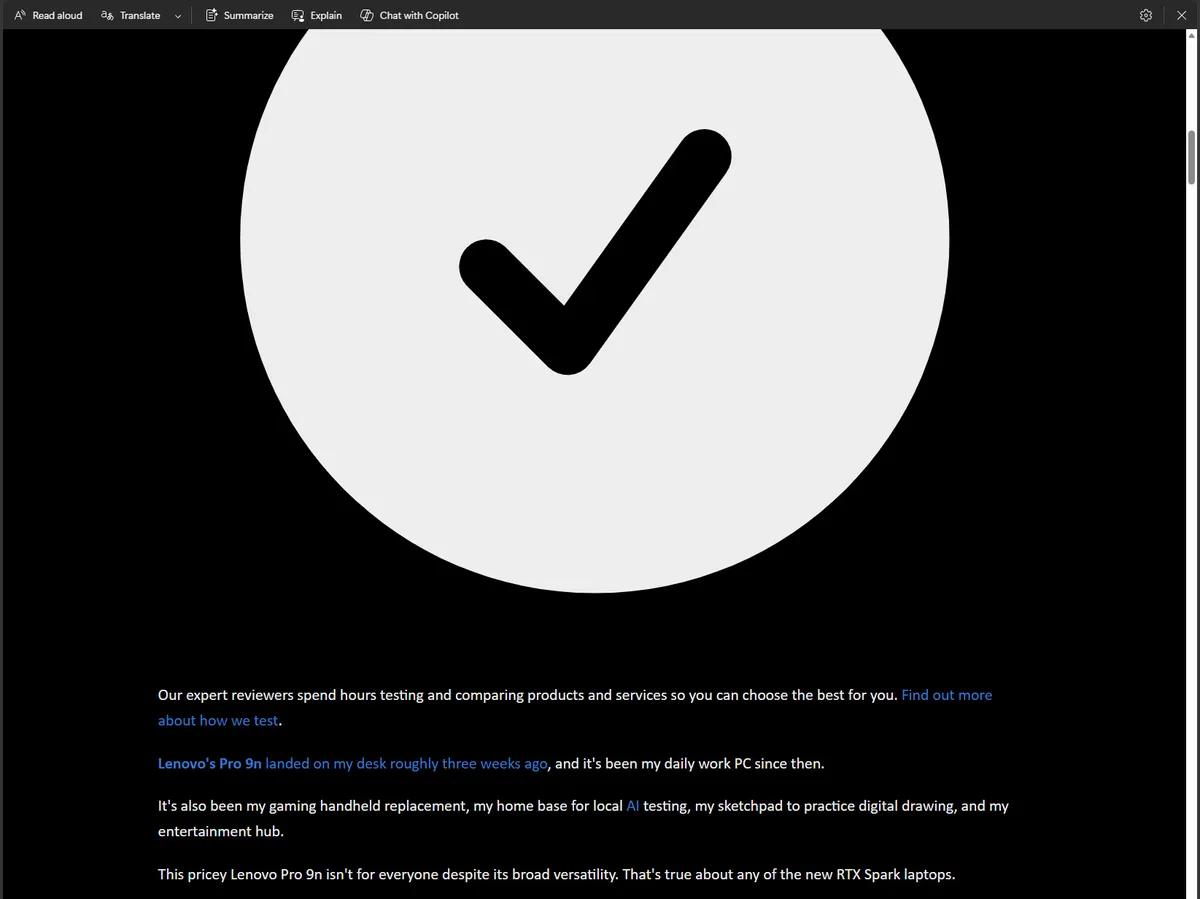
It's a small change, but switching to Reading Mode on the regular has made the mobile web (and sometimes the desktop web) feel less cluttered and, for the most part, less annoying. Admittedly, there are still times when it goes a little haywire, blowing up tiny .svg icons into full-page eyesores, but, again, it's better than ads that follow me down the page.
Simplify any article or webpage by removing ads, sidebars, and visual clutter—so you can focus and read at your own pace.
Microsoft, describing Reading Mode
There's nothing magical or groundbreaking about it, and no implication that I struck gold on finding some hidden feature. Instead, it feels more like one of those "Huh, I should have been using this for years" kinds of moments. I already contribute to brands that I care about the most through various memberships, but for the rest of the time, I don't want to be bothered with ads.
"Yet you display ads on your website. Curious!"
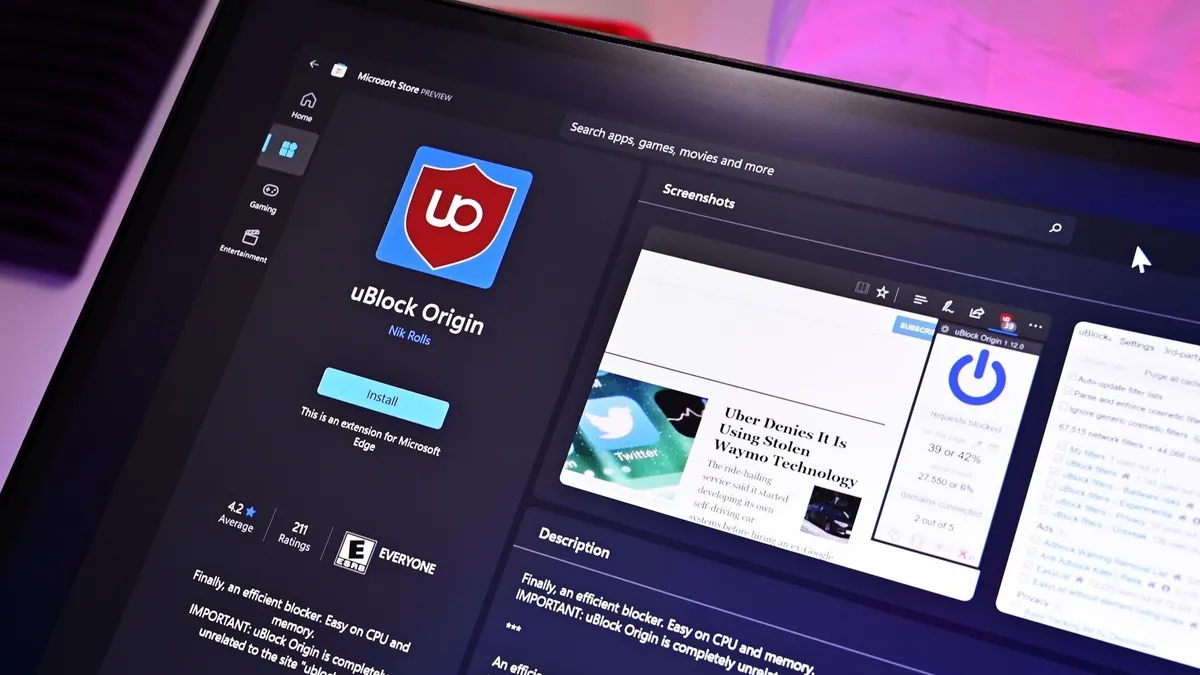
Indeed, but you also control your own devices, and what you see generally depends on your choices. Advertising can work when it's done well, and we request ads relevant to our content, even if that doesn't always work out. In that, I'll generally only switch to Reading Mode once I've landed on a (usually long-form) article, to keep distractions to a minimum.
Ultimately, I'd much rather read some creative writing and human-driven opinions over an AI summary, and Reading Mode is proving to be the best way to do it. Again, I could consider an even better plugin as a replacement, but so far, I've been quite happy with this setup for now. Hopefully, Microsoft won't mess with it (or remove it entirely) on mobile.
Maybe you've found an even better solution? Perhaps an extension that has a little more determination to work on absolutely any article? I'm open to suggestions. Let me know in the comments if you have a setup that works for you, or what you think about reading articles on the mobile web in general. We'll always forward any feedback on our ads to the right people, too. We hear you.

Join us on Reddit at r/WindowsCentral to share your insights and discuss our latest news, reviews, and more.

