


Latest about Windows 11 Help

Windows 11 Windows 11 can feel busy with widgets, badges, and recommendations. These are the features I disable for a calmer desktop experience.
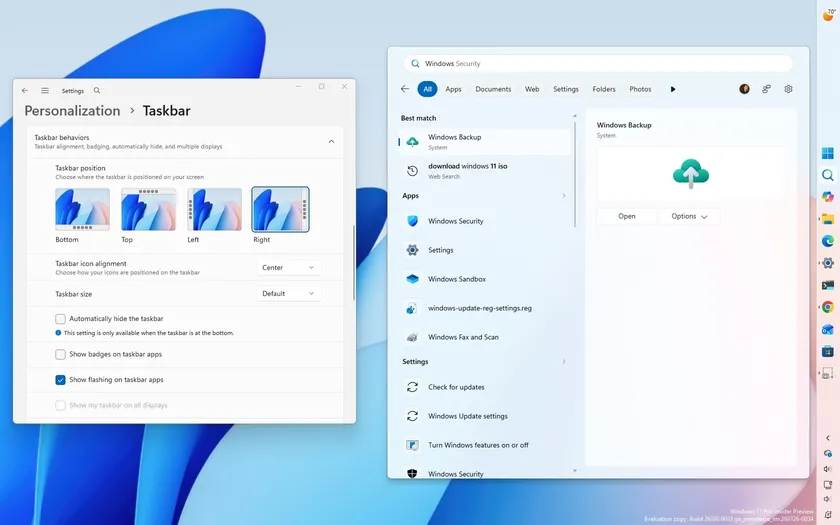
Windows 11 Microsoft tested new Windows 11 features in July 2026, including Taskbar controls, Start menu customization, improved Search, and File Explorer improvements.

Windows 11 Microsoft expands Enhanced Sign-in Security on Windows 11. Here's how it differs from standard Windows Hello and who should use it.

Windows 11 A lifelong Linux user switched to Windows 11, and the Reddit discussion reveals why compatibility still outweighs platform loyalty for many users.
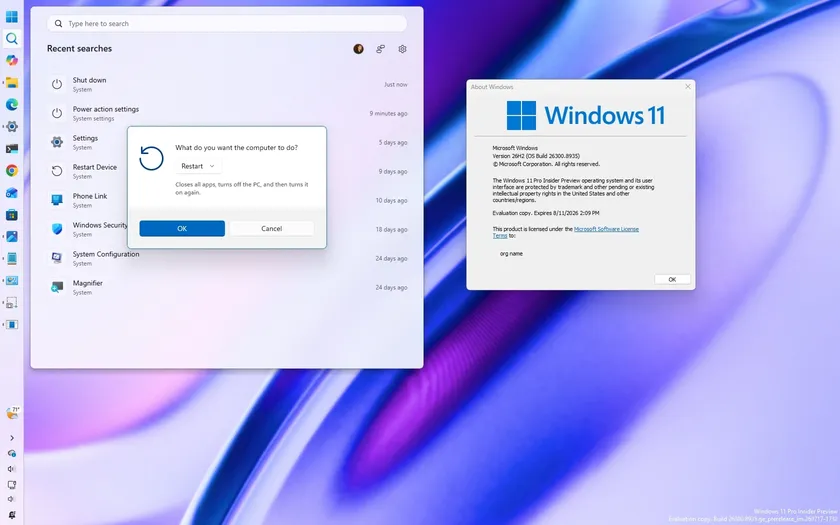
Windows 11 Here are all the Start menu, Taskbar, and Windows Search improvements coming with version 26H2.

Windows 11 Discover 10 underrated Windows 11 features Reddit users swear by, from Clipboard history and Winget to Sandbox and Reliability Monitor.
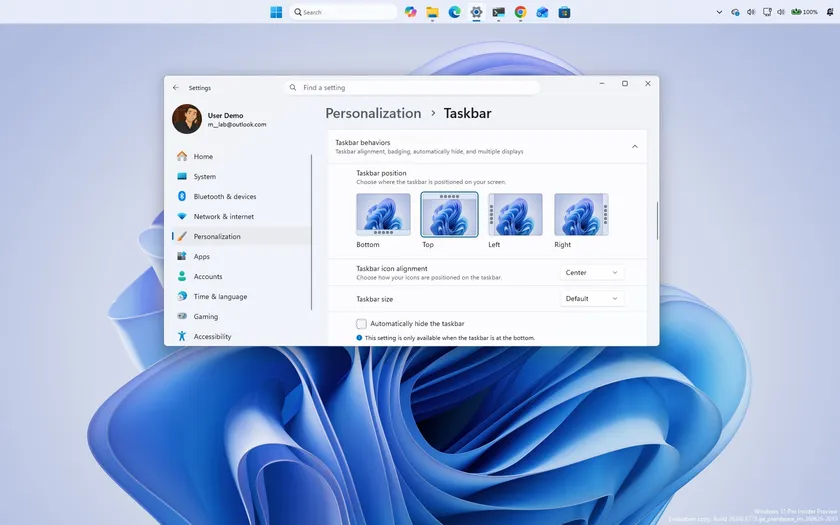
Windows 11 Microsoft's Windows 11 version 26H2 update explained. Discover what changes, upgrade options, hardware requirements, and why it matters.

Windows 11 Windows 11 update KB5101650 fixes 570 vulnerabilities and marks a new era for Patch Tuesday, as AI is now helping Microsoft to accelerate vulnerability discovery.


