


What you need to know
- Microsoft recently released Edge Dev version 96.0.1032.0.
- The update enabled voice typing in web pages on Windows 11.
- Edge gains a handful of other features in the update, including a button that makes it easier to report feedback.
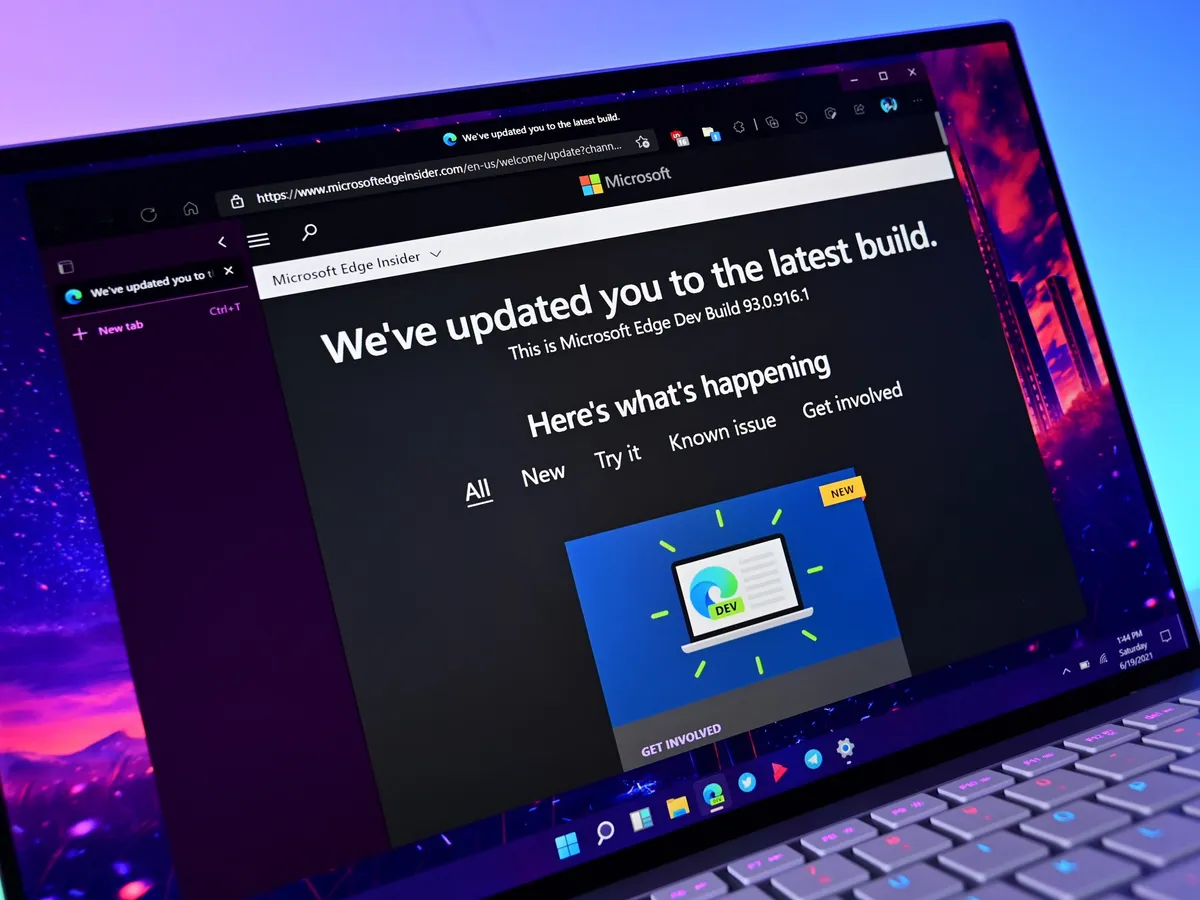
Microsoft Edge build 96.0.1032.0 is now available through the Dev Channel. The update enables voice typing in web pages on Windows 11 and adds a handful of other new features. A new button in the main feedback dialog makes it easy to get to the "Recreate my problem" sub-dialog. The latest version of Edge Dev also adds a button to exit Immersive Reader on iPads.
Here's everything that's new in Edge Dev version 96.0.1032.0:
- Added an item to the menu when right-clicking tabs that moves the tab to a different profile, even if no windows for that profile are currently open.
- Enabled voice typing in web pages on Windows 11.
- Added a button to the main feedback dialog to easily get to the "Recreate my problem" sub-dialog.
- Added an X to close certain toast notifications that appear when managing Collections.
- Added a button to exit Immersive Reader on iPad.
- Added improved messaging when the Web Widget fails to open because an extension disabled it.
The update also improves reliability in several ways:
Latest Videos FromWindows Central
- Fixed a crash when opening a window to a profile when a window for another profile is open.
- Fixed a crash when viewing Settings in a Guest window.
- Fixed a crash when using Internet Explorer mode.
- Mobile:
- Fixed a crash on Android when using third-party autofill providers.
- Fixed a crash on Android when downloading something.
- Fixed a crash on iPad.
- Fixed some crashes on Android 12.
- Fixed a crash in WebView2 apps when opening a context menu (Issue 1744).
You can grab the latest build of Edge Dev through Microsoft's website or update from the previous version of Edge Dev.

Microsoft Edge
The latest version of Microsoft Edge Dev enables voice typing in webpages on Windows 11.
TOPICS

LATEST ARTICLES
