


One of the best parts of Microsoft Edge getting revamped a few years ago was the addition of support for Chrome extensions. But just because you can use the Chrome Webs Store to find extensions that work on Edge doesn't mean Microsoft wants you to. The tech giant has revamped its Edge Add-ons website to make it easier to navigate.
The new Edge Add-on site is rolling out gradually, so you may not see it yet.
"We’re excited to announce the launch of our newly revamped Edge Add-ons website, designed to enhance your browsing experience through extensions and themes," explains Microsoft in a blog post. "This update brings a host of improvements aimed at making it easier for you to discover and acquire add-ons like extensions and themes through a more modern, functional, and actionable store."

The new version of the Edge Add-ons website has enhanced autosuggestions that appear as you type. The top suggestion will have a "Get" button next to it that allows you to install the extension without having to jump to a different page.
Search results can now be filtered by product type, category, ratings, and other options.
Locating themes should be easier as well, as they're now categorized better. I hope Microsoft does something similar with the themes in the Microsoft Store. The tech giant is retiring its free wallpaper site and the equivalent in the Microsoft Store is poorly organized and lacks categories.
Can Microsoft Edge run Google Chrome extensions?
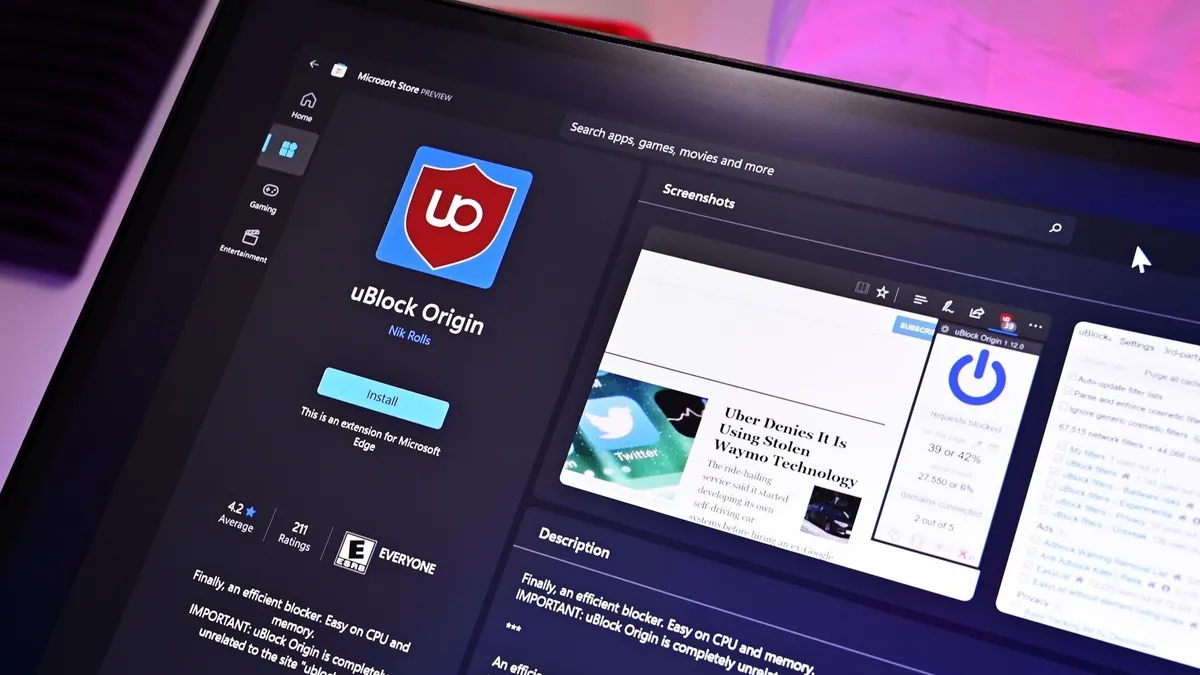
The Edge Add-ons site is a bit redundant for some users. Microsoft Edge can run Google Chrome extensions, so many people just use the Chrome Web Store to install extensions onto Edge. But if you prefer Microsoft's interface or if you want to completely remove Google from your life, the Edge Add-on store is there.
There are extensions that are only available through the Chrome Web Store. Edge has a smaller user market share than Chrome, so developers often target Google's browser. In those cases, people can grab the extension through the Chrome Web Store and use it on Edge, Chrome, or one of many other Chromium browsers.
While Chrome has a bigger market share than Edge, it's also controlled by Google. That means if Google blocks an extension from working, such as uBlock Origin, your best option to continue to use that extension could be to use another browser. At least for now, uBlock Origin works on Edge, though that could change in the future.

