


Frozen apps and laggy messages can make any job more stressful. Recent updates to Microsoft Teams should lessen those issues, making chats faster, apps more reliable, and searching for people more streamlined.
A blog post by Ihor Lukyanenko breaks down how performance and reliability were improved in Teams.
Speeding up chats
Chat latency in Teams has been reduced by 20% since the start of this year. The biggest gains will be seen when "cold switching" between chats.
When you switch to a chat you've opened recently, data is in your system's memory and performance is better: that's called a warm switch. A cold switch is when you open a chat that has not been loaded recently. Microsoft focused heavily on cold switches this year.
Root Cause |
Fix |
|---|---|
Data queries were fired too late – The query to fetch conversation data was triggered during the React render cycle, but the main thread was busy with component unmounting and effect cleanup, delaying the processing of data responses. |
Query first – Instead of waiting for the React render cycle to request data, we now fire the data query immediately in the click handler—before rendering begins. This gives our data layer a head start, while main thread renders parts that don’t depend on query data. |
Waterfall data responses – Multiple sequential queries were sent to the data layer, each triggering its own round-trip and render cycle. This created a cascade of small delays that added up significantly at the tail. |
Broad query – We consolidated all the data needed for a chat switch into a single query, eliminating the waterfall of sequential requests. One switch now results in exactly one data round-trip. |
Uncontrolled response priority – Non-critical data responses could be processed before critical ones, further blocking the main thread and delaying the content the user was waiting to see. |
Faster paint – We suspend when rendering reaches a point where data is needed. We then resume rendering after the response comes back. After performing a single pass render, we yield to browser to paint the frame. |
Cold-switch latency was greatly reduced due to the changes Microsoft made. You should see a difference regardless of your hardware, but people with slower networks or older devices will see the biggest change.
Reducing app hangs
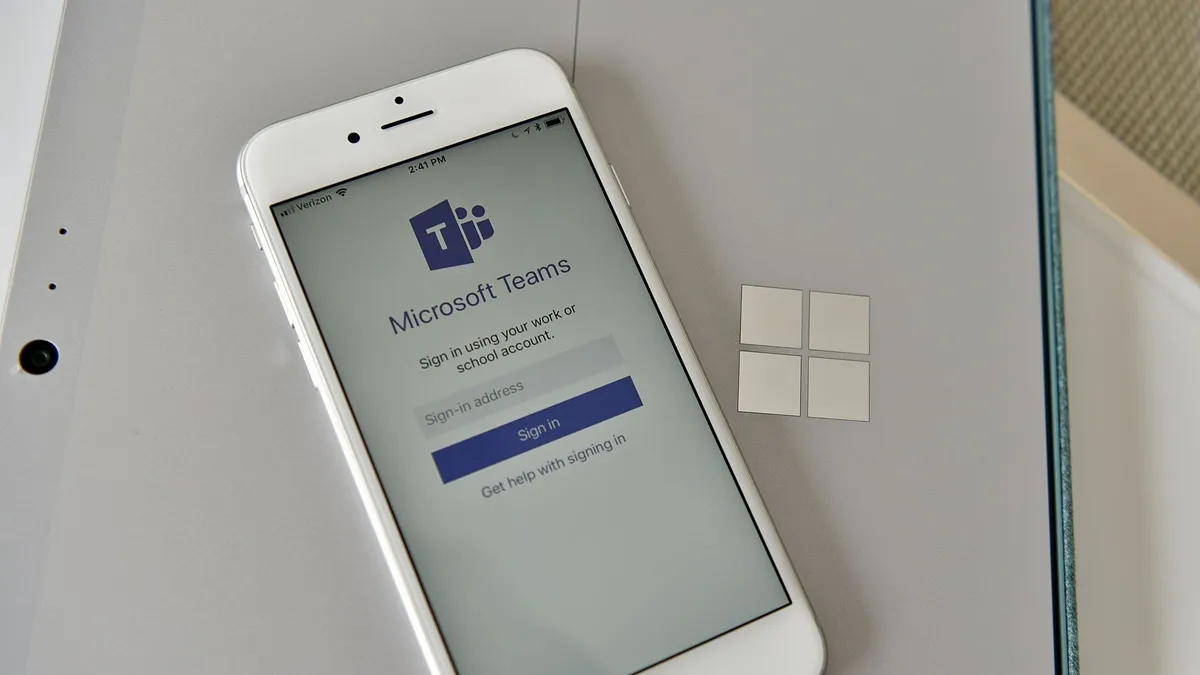
An app "hanging" refers to when it stops responding. A common way hanging affects usage is that touching the app fails to register, often forcing a restart.
Microsoft fixed the most common causes of app hangs for Teams on macOS and iOS this year. Daily users of the apps have seen a 35% decrease in hangs since the changes shipped.
Here's what the developers of Teams did on macOS, according to Lukyanenko:
- Network status monitoring – The native network status tracker was making a blocking call on the main thread to check connectivity changes. We moved this to a background thread, eliminating the single largest source of macOS freezes.
- WebView2 library loading – Loading the WebView2 dynamic library on the main thread caused 6% of all freezes. Working with the WebView2 team, we enabled a new feature that preloads the library on a background thread, significantly reducing the blocking time during the call to create the WebView2 environment.
- Error reporting – A URL request made during web app error reporting was blocking the main thread. We switched to an asynchronous call, resolving 1.7% of freezes with a straightforward fix.
Improvements to Teams on iOS came from a more widespread effort that included redesigning how database operations run, caching, and offloading certain calculations.
Speeding up search
Finding people within Teams is faster as well, 25% faster, to be exact.
Search within Teams refers to more than just the app's search box. These fixes also speed up how quickly names appear when you mention someone with the @ symbol.
To improve search performance, Microsoft "optimized the query pipeline, reduced database queue congestion, and enhanced overall system throughput."
Have you noticed a difference?
Unlike many changes to Teams which we cover just as they roll out or while they're still in testing, these improvements have already shipped and have been out for months. Have you noticed a difference in app performance and reliability this year? Is Teams where it needs to be for daily use?
Lukyanenko highlights that "performance is never finished," but I'm curious if it's good enough for you to use Teams without frustration.

Join us on Reddit at r/WindowsCentral to share your insights and discuss our latest news, reviews, and more.

