


Microsoft will place another meeting feature behind a paywall. Outlook's Meeting Insight feature will be retired by early September 2026. After that date, meeting insights will not appear in event details and Outlook users will not see relevant files and emails brought up by Meeting Insight.
The replacement to Meeting Insight is the "Prepare for this meeting" experience. That feature summarizes relevant content for a meeting, such as tasks and documents.
According to Microsoft, the change is being made to "provide a more intelligent and context-aware meeting preparation experience." That may be true, but it comes with the side benefit to Microsoft of requiring a paid Microsoft 365 Copilot license.
Meeting Insight within Outlook did not require a Microsoft 365 Copilot license.
Microsoft detailed the change through the Microsoft 365 Message Center (archived here):
"Microsoft is retiring Outlook's Meeting Insights by early September 2026, replacing it with Microsoft 365 Copilot's meeting preparation features for licensed users. Meeting Insights will be removed across platforms, with no action required but recommended communication, documentation updates, and user training. No compliance issues noted."

Meeting Insight in Outlook and the "Prepare for this meeting" experience are somewhat similar, but I wouldn't call the switch a one-for-one swap. Meeting Insight brings up the actual files and emails related to a meeting. The "Prepare for this meeting" experience creates a summary of relevant content.
While summaries can be useful, they are not replacements for source material. That's even more the case if users already include summaries in relevant documents and emails.
Curbing Copilot
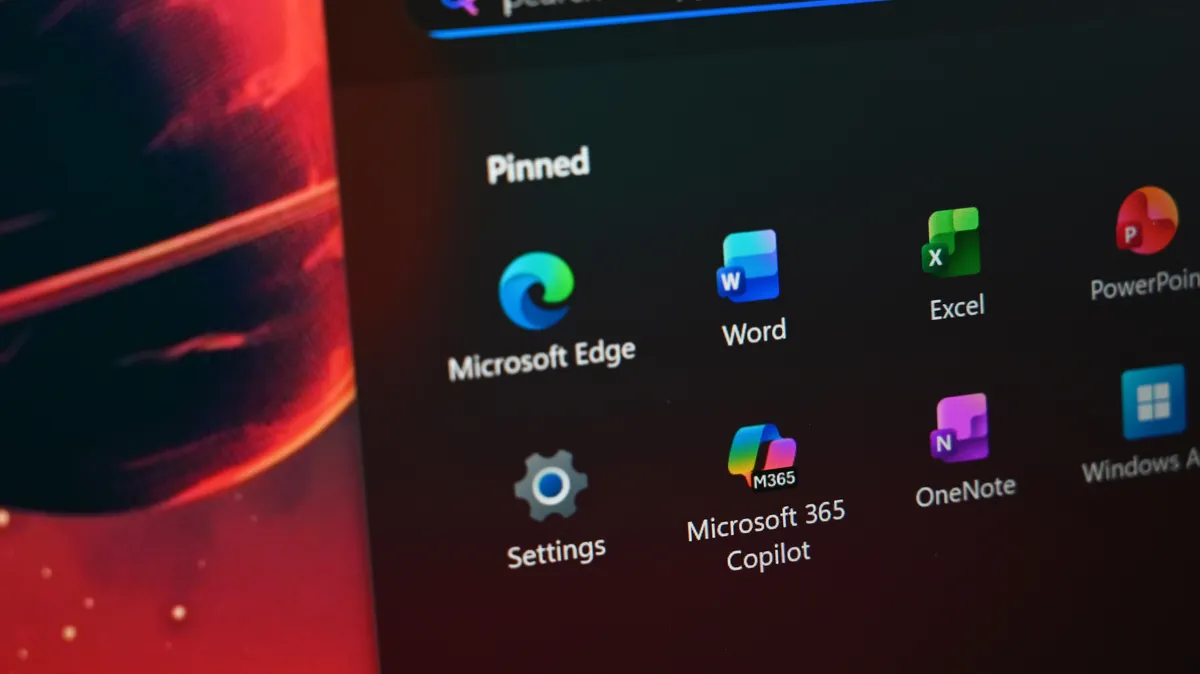
I thought Microsoft had seen the light when it came to Copilot. The company appeared to be shifting away from the term in some spaces, such as Copilot+ PCs. Several of the latest Windows laptops are not marketed as Copilot+ PCs even if they are.
Microsoft cancelled plans to ship several Copilot-branded AI features to Windows 11 earlier this year.
But the company's near obsession with Copilot still permeates through Microsoft 365, often behind a paywall. Back in April, Microsoft started requiring a Microsoft 365 Copilot license to use Copilot Chat in Word, Excel, PowerPoint, and OneNote.
Now, more functionality that was once free will require payment.
With Copilot, it always felt like Microsoft thought it had a good idea and decided to run with it everywhere. There are almost 80 distinct products labeled as Copilot, though that figure is in flux.
Heck, Microsoft had a Copilot OS in the works at one point, though it's not known if that was ever meant to see the light of day.
Now that Microsoft has thrown every type of Copilot against the wall to see what sticks, the company will start squeezing money from users where it can. Over time, I think we'll see more useful features moved behind paywalls and free equivalents removed or stripped down.


Join us on Reddit at r/WindowsCentral to share your insights and discuss our latest news, reviews, and more.

