


Microsoft's built-in video editor on Windows 11 now requires a OneDrive account. Following a recent change, the app now requires you to use OneDrive to create or edit projects.
Not only does that mean any future projects require a Microsoft account, editing your preexisting projects now requires signing in to OneDrive.
Specifically, Clipchamp requires you to save projects to OneDrive if you'd like to make edits. You can store media locally, but projects need to be saved to Microsoft's cloud.
That's a strange limitation, because it means you could save the project to OneDrive but only have your media files on your PC, making it impossible to work across devices.
It would make more sense to have a "local-only" option that keeps project files and media files offline and a "cloud" option that keeps all files synced through OneDrive.
When you log in to Clipchamp, it will guide you through the process of setting up OneDrive. For a moment, you may believe you can keep everything local to your device, but that's not really the case. If you save your projects locally, those projects will not be editable. Selecting that option shows the following message:
"Store your past projects on your local disk instead of OneDrive?
If you choose to store projects locally, they won’t appear in the Clipchamp app. Projects must be saved to OneDrive to stay editable."
Windows Latest was the first to flag the change to Clipchamp.
I was surprised to see the change to Clipchamp, so I reached out to Microsoft for confirmation. The company confirmed that OneDrive is required to create and edit Clipchamp projects. Users don't need to upload media assets to OneDrive and retain the option to store those locally. If cloud backup is enabled, those files may be saved to OneDrive.
💬 Has Microsoft broken Clipchamp?
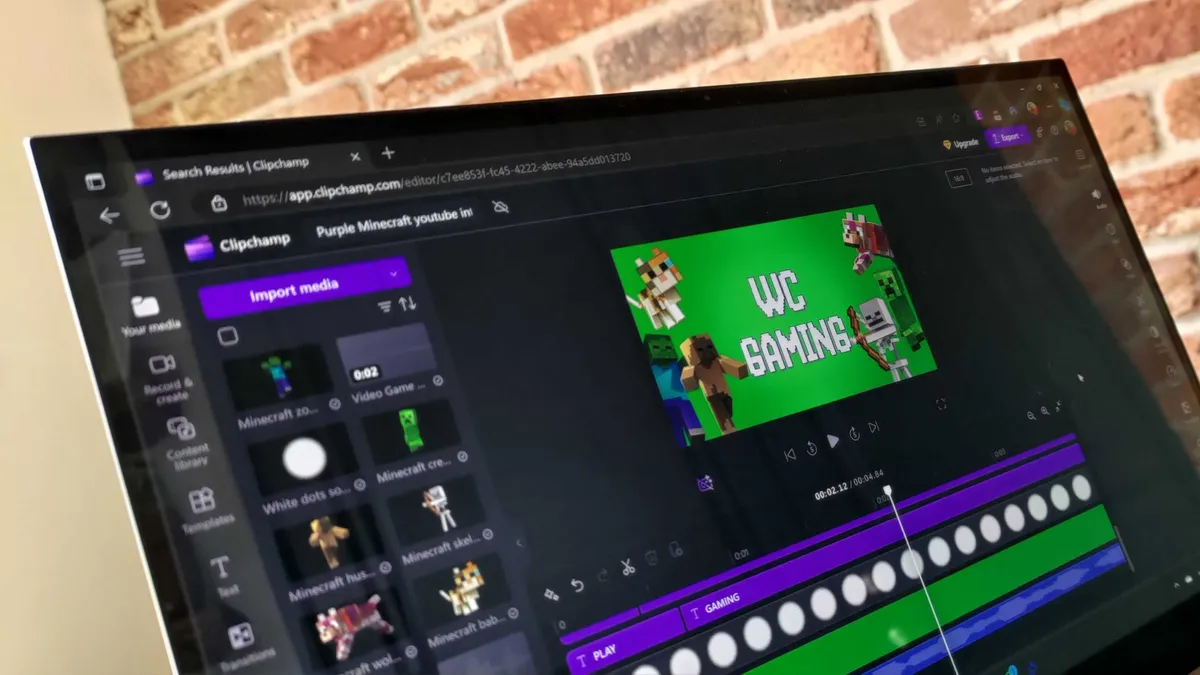
Microsoft acquired Clipchamp in 2021, but the video editor came into its own when the free tier gained access to 1080p video creation. I like Clipchamp quite a bit as a video editor due to its ease of use, simplified interface, and integration with media sources.
But the requirement to use OneDrive is a blot on the app. Clipchamp is the built-in video editor for Windows 11. That means you cannot edit videos on Windows 11 without using OneDrive or downloading a third-party app. That's ridiculous.
If Clipchamp were a standalone product or exclusively sold as part of Microsoft 365, I'd understand requiring OneDrive. But Microsoft ships Windows 11 with Clipchamp installed regardless of whether you have a OneDrive subscription.
Microsoft has included free media tools with Windows for years. Technically, you can use OneDrive for free, Microsoft 365 comes with 5GB of storage at no cost. But we're getting dangerously close to a built-in media app on Windows 11 being behind paywall.
What's next, making us use OneDrive to view photos on a PC? Is Sticky Notes going to require a Microsoft 365 subscription soon?

Join us on Reddit at r/WindowsCentral to share your insights and discuss our latest news, reviews, and more.

