


Microsoft Edge's Sidebar just got a big boost for AI users. Copilot within the Sidebar can now show previous conversations and it supports Think Deeper.
The addition was spotted by Leo Varela, who shared screenshots on Reddit. The new features are rolling out gradually, so you may not have them at this time.
For example, I am able to view previous conversations within Copilot in the Edge Sidebar but Think Deeper support has not rolled out to my browser yet.
These additions make Copilot in the Sidebar more comparable to its web and Android versions in terms of features. In fact, Copilot in the Sidebar now beats its web counterpart because it can show previous conversations.
At least for me, Copilot on the web does not show a way to review previous conversations.
What is Think Deeper?
Think Deeper is a Copilot feature powered by OpenAI's o1 model. It is designed for complex tasks that require context and comparison.
For example, Think Deeper can break down the pros and cons of buying an electric car or renovating a home.
As the name suggests, Think Deeper is for conversations that require more thought and is designed for extended discussions.
Using Think Deeper takes a bit more time to load, but its answers are more thorough than those generated through regular Copilot.
In my testing, follow-up questions from Copilot are much better when using Think Deeper. I always caution on over-relying on AI to make decisions, but Think Deeper can help spark conversation and provide context for deeper topics.
Copilot users can use Think Deeper for free, though Copilot Pro users get preferred access during peak usage.
Microsoft Edge Sidebar
I've been a fan of the Microsoft Edge Sidebar since it first entered testing. I called Sidebar the "best browser feature you've never heard of" back in 2022.
Sidebar creates a small tab that you can hide or expand on demand. That tab can show anything from messaging apps like Telegram to tools like a calculator.
I use Sidebar mostly for Microsoft Edge Drop (another hidden gem on Edge), and to preview how Windows Central articles will look on mobile devices.
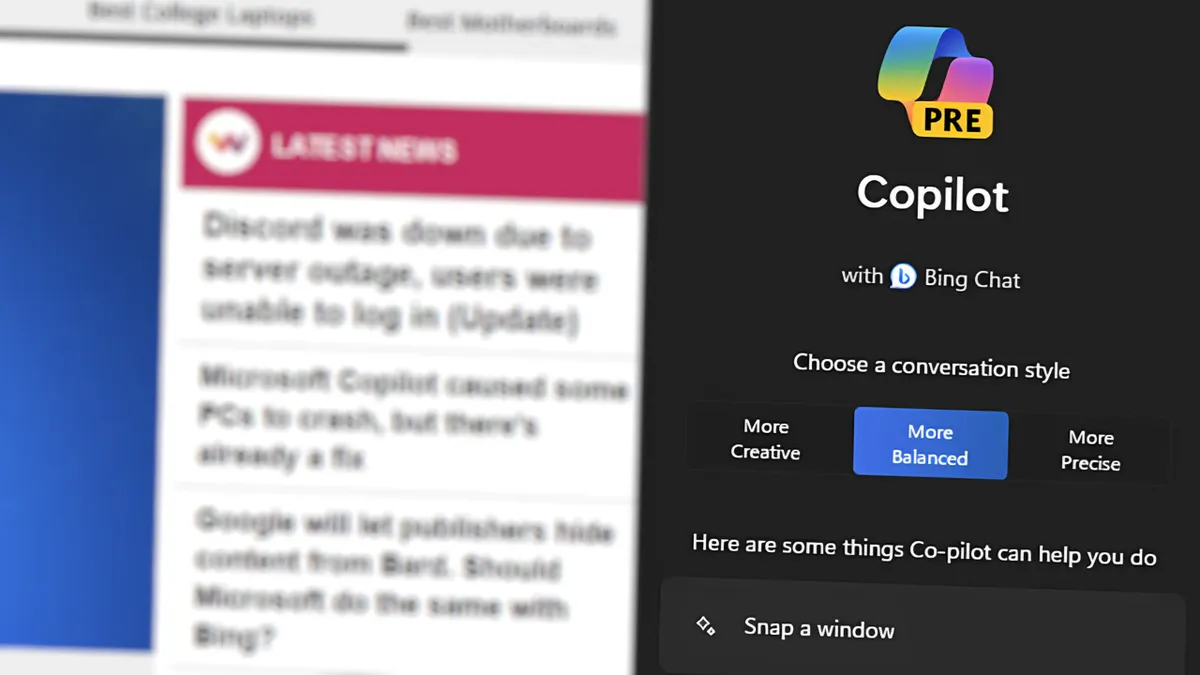
The feature has received several updates since its initial launch. Most notably, it now houses an easy way to access Copilot without having to navigate to a new tab.
Until recently, Copilot within the Edge Sidebar had limitations that the web version of Copilot did not. The addition of conversation history helps bring the Sidebar version of Copilot to parity with Copilot on the web.
The addition of Think Deeper is also a welcome upgrade. With the addition of that feature and other options available, Copilot within the Sidebar is arguably the best way to use Copilot on a PC.
That could change, however, with the release of the new Copilot app for Windows 11 that's in testing right now.

