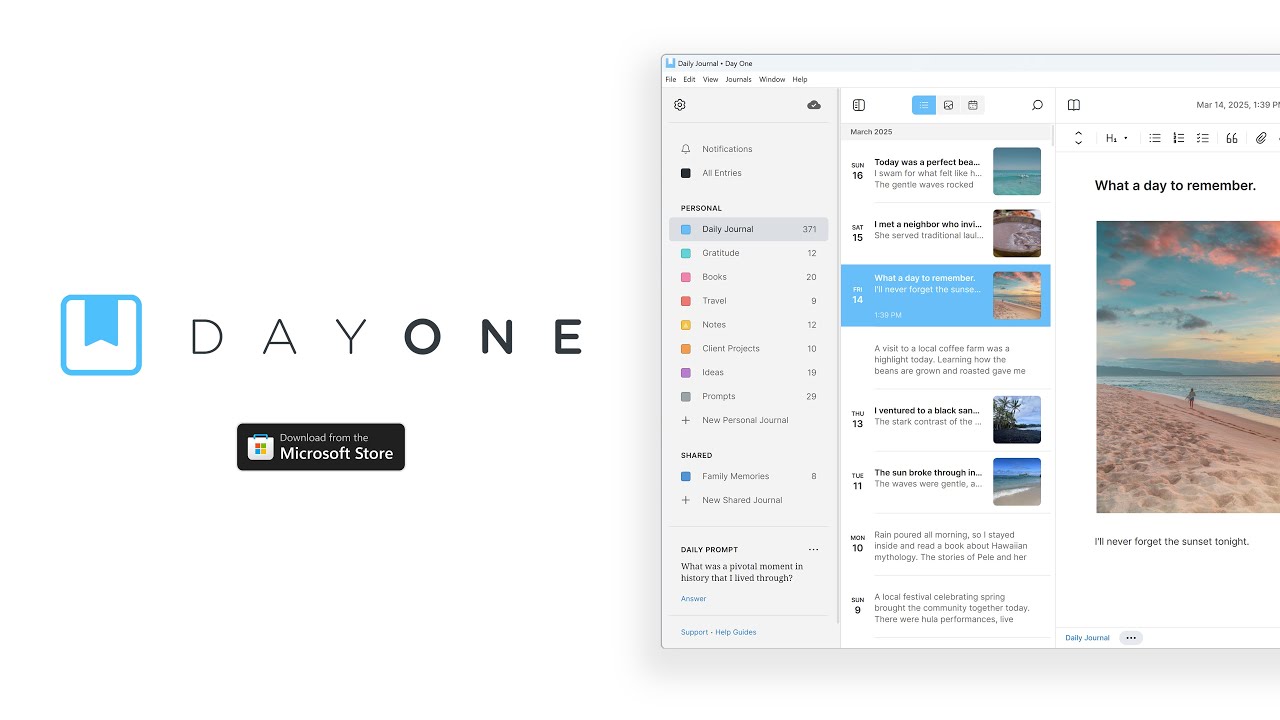
Day One, a popular journal app, has made its way to the Microsoft Store. The app was already available on macOS, iOS, Android, and the web, but it now has a Windows 11 app with features such as offline support.
Day One has a long feature list that makes it easy to record your life, such as text editing, saving photos, and saving videos. The app also supports auto tagging to make it easier to recall memories.
If you opt for the premium plan, which costs $2.92 per month (billed annually), you'll fully unlock the app.
Day One announced the Windows app earlier this week:
"For over a decade, Day One has been more than just a journaling app—it has been a companion for millions, capturing life’s moments, preserving personal histories, and helping people build a writing habit that lasts. With apps for Mac, iOS, Android, and the web, Day One has been the most trusted space for private, meaningful journaling.
Today, we’re taking the next big step: Day One for Windows is here."
Day One's premium plan includes unlimited syncing, cloud backup, photos, videos, audio recordings, and voice-to-text transcription.
Paid subscribers can also use unlimited journals, which help you keep different parts of your life separate.
The Windows version of Day One supports local storage, end-to-end encryption, and cross-device sync. By the looks of things, it is a natural extension of the Day One platform with a robust feature set.
To celebrate the launch of the app, Day One will not count Windows devices against your device limit.
Day One also teased upcoming AI features for its journal app. The app maker did not share many details apart from saying the tools "will help you reflect more deeply with context-aware prompts, summarize past entries, and more."
In my experience, the hardest part about journaling is committing to do it. If you can use templates and AI to get a post started, it may encourage you to sit down and reflect on your day or an event.