


What you need to know
- The Windows 11 Photos app is rolling out to some Insiders.
- The app has a refined layout and includes some new options that make it easier to navigate through images.
- It's possible to manually download the Windows 11 Photos app.
Microsoft's Panos Panay teased the new Windows 11 Photos app last week. At the time, Panay said that the app would ship to Insider soon. That time appears to be now, as some Insiders on Reddit have received the new Photos app.
The Windows 11 Photos app will look familiar to anyone that's used its Windows 10 sibling, but there are some notable changes. The image viewer within the app has a carousel view. The app lets you select multiple images, allowing you to view photos side-by-side. There's also a floating toolbar at the top of the app, which includes shortcuts for editing and saving an image. The app also has rounded corners, making it align with the look of Windows 11.
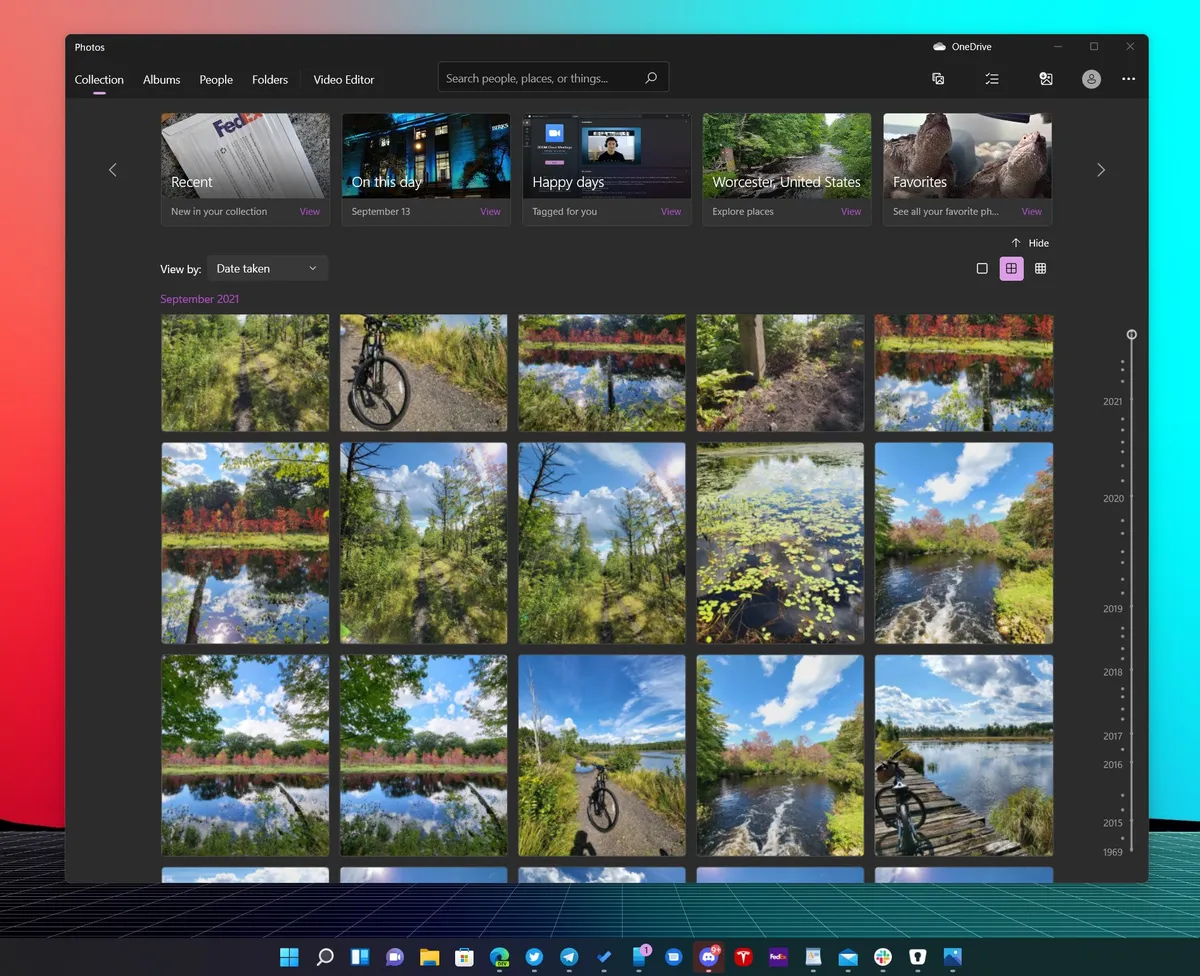

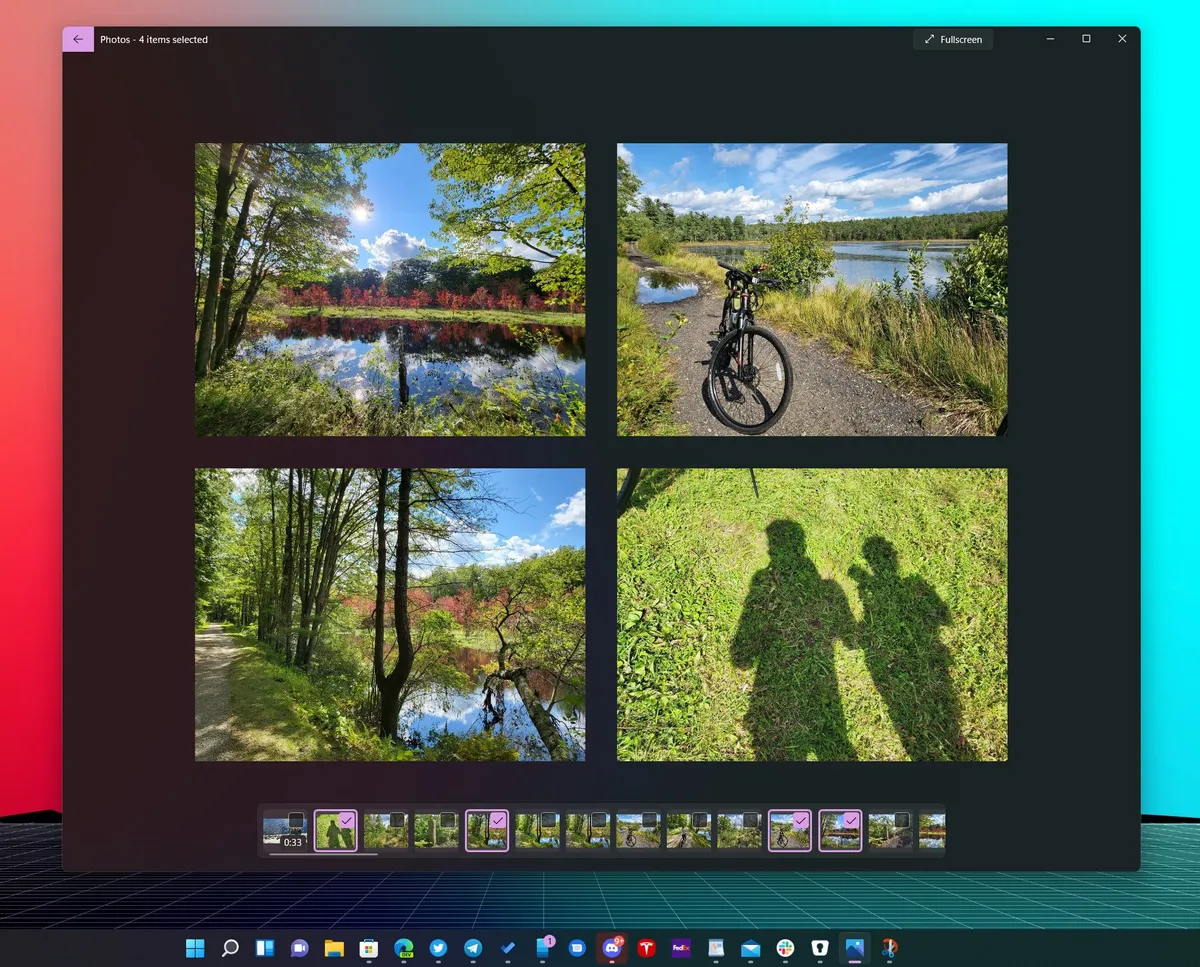


The app now has icons next to the options that appear in its ellipsis menu. The bottom of that menu states that you can "edit photos like a pro" by getting advanced photo editing extensions from the Microsoft Store.
Pumped to share another #Windows11 first look with you - the beautifully redesigned #PhotosApp is coming soon to #WindowsInsiders pic.twitter.com/hraNJAo9iFPumped to share another #Windows11 first look with you - the beautifully redesigned #PhotosApp is coming soon to #WindowsInsiders pic.twitter.com/hraNJAo9iF— Panos Panay (@panos_panay) September 7, 2021September 7, 2021
The new Photos app appears to be rolling out gradually, so you may not see it at this time. You can, however, download it manually, thanks to Deskmodder. Using that link forces the Photos app to update to its Windows 11 version. Alternatively, you can just wait to try it out. Windows 11 is set to come out in a few weeks on October 5, 2021.

