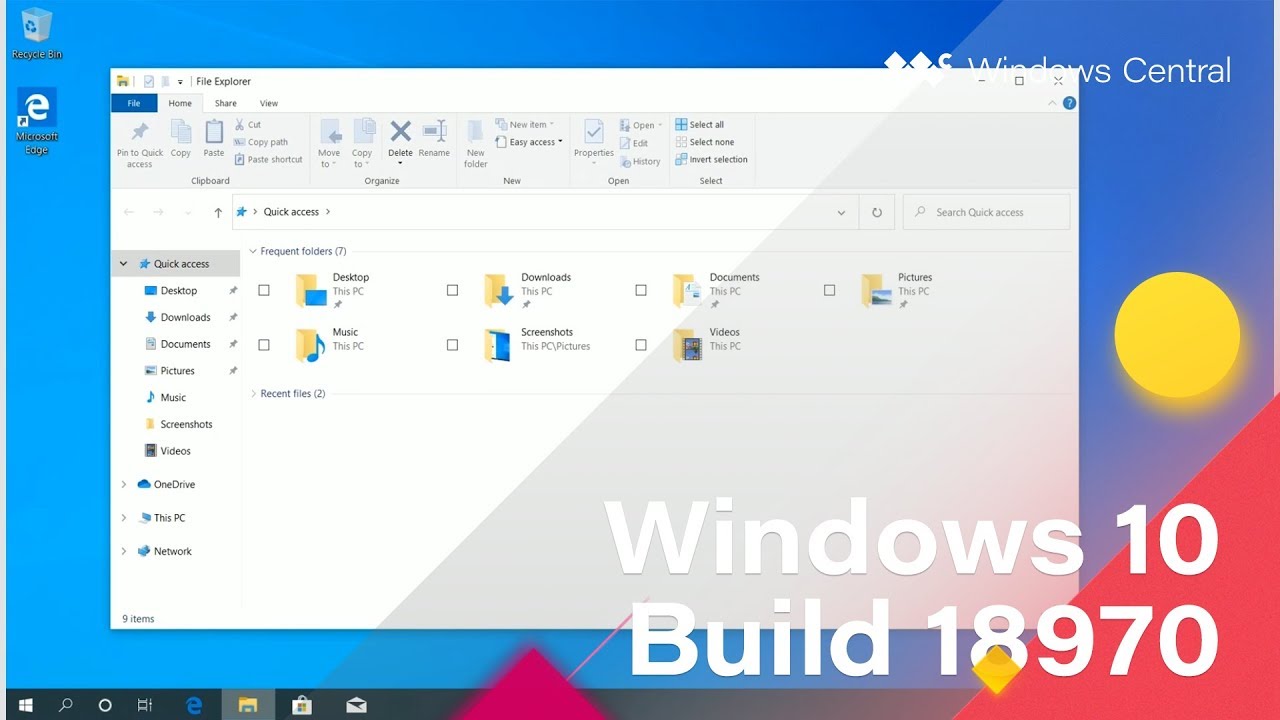
Hands-on with the new tablet experience in Windows 10 build 18970
Windows 10 build 18970 started rolling out to Fast ring Insiders yesterday. The build includes a new tablet experience for 2-in-1 PCs, the ability to reset your PC back to a fresh state through a cloud download, and brings the new Cortana experience to everyone.
The most notable change in this build is the new tablet experience. When a user flips a 2-in-1 PC around while running this build, the new experience automatically activates. It has spaced out touch targets along the taskbar, a File Explorer optimized for touch, and the touch keyboard automatically pops up when you tap within a text field.
The new tablet experience is separate from Windows 10 Tablet Mode, which is still present in this build and can be toggled on and off as usual.
All the latest news, reviews, and guides for Windows and Xbox diehards.

Sean Endicott is a News Writer at Windows Central, where he covers Windows 11, Surface hardware, Microsoft 365, AI, apps, and the broader PC ecosystem. Since joining the site in 2017, he has written well over a thousand articles across the Microsoft landscape, covering breaking news, analysis, and feature reporting.
He writes Windows Wrap, a weekly column covering the biggest stories in Windows and the PC industry, and what they mean for the platform going forward.
Before joining Windows Central full-time, Sean worked in journalism and media production after earning a First Class degree in Broadcast Journalism from Nottingham Trent University. Outside of tech, he is an award-winning American football coach based in Nottingham, England, and was named BAFCA Youth Coach of the Year in 2024.
