


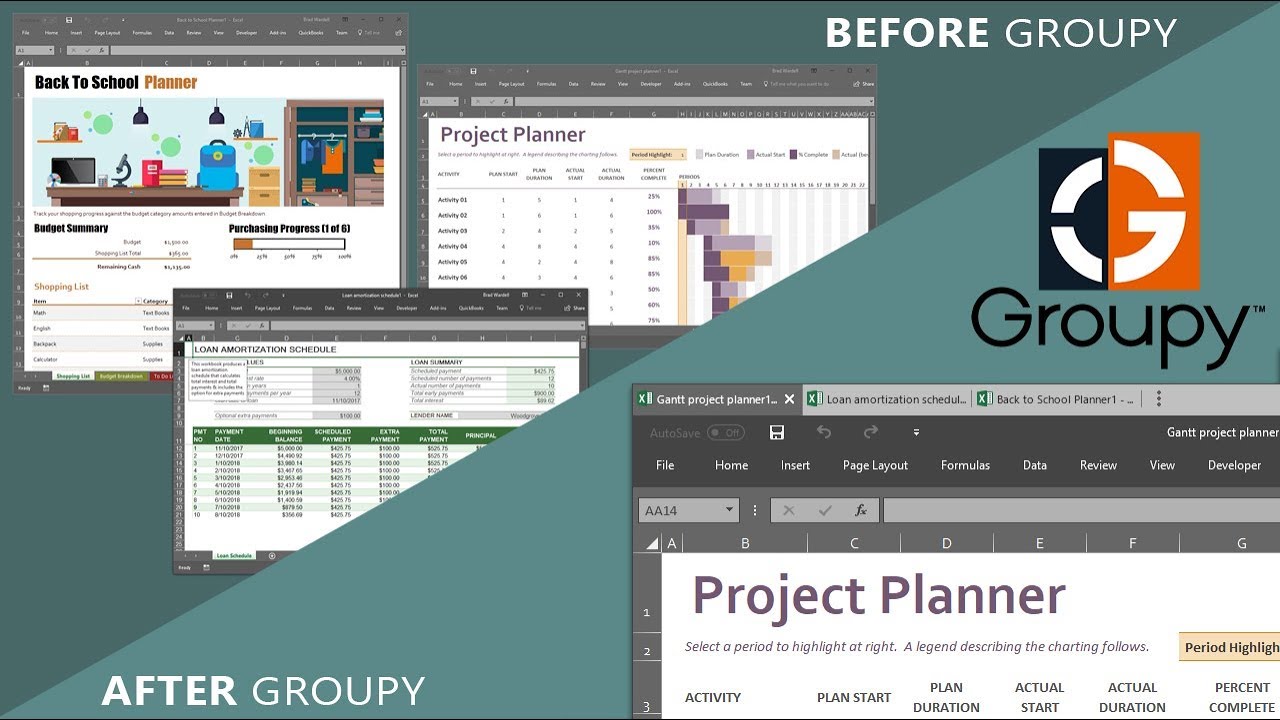
Multitasking in Windows has come a long way since the one-app-at-a-time days of Windows 8. The app Groupy takes that journey even further by letting almost anything run in series of tabs.You can drag and drop documents and apps into groups of tabs, and still use keyboard shortcuts to jump between them.
The app is not yet widely available and is currently in a beta phase, but it should roll out to the public next month for $9.99. The beta is available to users of the Object Desktop software suite, which is currently on sale for $29.99.
Maximizing small screens

Many people use multiple monitors or an ultrawide screen to get more work space, but when you're on a laptop or using a smaller screen, multitasking isn't quite as smooth. Windows 10 has great snapping functionality, and the taskbar, but these aren't as elegant as grouped tabs.
Groupy allows you to have groups of tabs that you can separate by category. You can have one window with content you need for work and another for entertainment, for example.
Using Groupy doesn't replace any of Windows 10's features because you can still snap windows, use Alt+tab, and click on programs and apps on the taskbar. Clicking on the taskbar even switches which tab is open within a window.
The end result is a fluid experience that better utilizes smaller screens, though it could also be used with multiple monitors or giant screens to streamline your workflow.
Tabbed File Explorer

Groupy works with a variety of apps and programs but it brings a feature that fans have been screaming for to the File Explorer. Using Groupy, you can have multiple tabs of the File Explorer open and drag and drop files between them.
It works rather seamlessly, as you can click on a file, drag it to the tab on the top of the window, and place it into a new folder or area. There's no need to copy and paste, and using it makes it almost upsetting that Microsoft hasn't brought tabs to the File Explorer already.
Groupy is an almost perfect app

Groupy is an excellent program with few flaws. The only complaint I have is that to resize windows you have to click and drag from the edge or corner of the app you are using within the tab, rather than the edge of the window containing the tabs. This is a small gripe and might be a limitation of Windows 10 rather than a choice by the developers of Groupy.
Once you start using Groupy, it'll be hard to believe this feature wasn't available earlier. The drag-and-drop mechanics are easy to use and customizable and make multitasking much easier, especially on smaller screens.
The $9.99 price is not cheap, but believe Groupy comes at a fair price.
Pros:
- Improves multitasking
- Feels like a native experience
- Allows you to use a tabbed File Explorer
Cons:
- Resizing windows with tabs is a bit tricky
Learn more about Groupy on Stardock.com

