


What I'm working on this week: I'm continuing to test desktop gaming PCs, and I've taken a plunge into Vampire Crawlers (awesome game) on Steam Deck while I watch playoff hockey in the evenings.
Microsoft's newfound dedication to improving Windows 11 in 2026 is something I love to see, but there's a growing issue I've noticed that doesn't get a lot of mainstream attention.
I want to take you back in time for a moment, back to when Windows 11 updates were delivered in a compact package measuring a few hundred megabytes or less.
Yes, I know, it's hard to believe. But when Windows 11 first launched in 2021 with version 21H2, its subsequent updates didn't take long to download or deploy.
I'm not basing this solely on memory. Windows 11's entire update history starting in October 2021 is listed on Microsoft's website. And although the official Release Information page doesn't include the size of the download, it's easy to cross-reference the list with Microsoft's separate Update Catalog.
Here's a look at a handful of random Windows 11 21H2 updates and their sizes from 2021, 2022, and 2023.
KB |
Date |
Size |
KB5006674 |
10/12/2021 |
174.7 MB |
KB5010386 |
2/8/2022 |
227.5 MB |
KB5016629 |
8/9/2022 |
288.8 MB |
KB5022287 |
1/10/2023 |
315.1 MB |
KB5028245 |
7/25/2023 |
346.2 MB |
The final update that Windows 11 21H2 received on October 8, 2024, came in at 511.9 MB.
Windows 11 22H2 updates kicked things off in 2022 with a 239.4 MB update, but by 2025, its last update had ballooned to roughly 1 GB.
When Windows 11 23H2 arrived in October 2023, updates were frequently arriving somewhere between 500 MB and 1 GB. This version's most recent update, as of April 14, 2026, arrived at just more than 1 GB.

Windows 11's version 24H2 is about when Microsoft really got serious about AI, and the update was a significant refresh that the company viewed as somewhat of a reset.
Although the updates began in 2024 with sizes around 1 GB, the latest update, as of April 30, 2026, weighs in at a whopping 5.1 GB. It's the same for version 25H2's latest update from the same day.
Why are Windows updates so big in 2026?
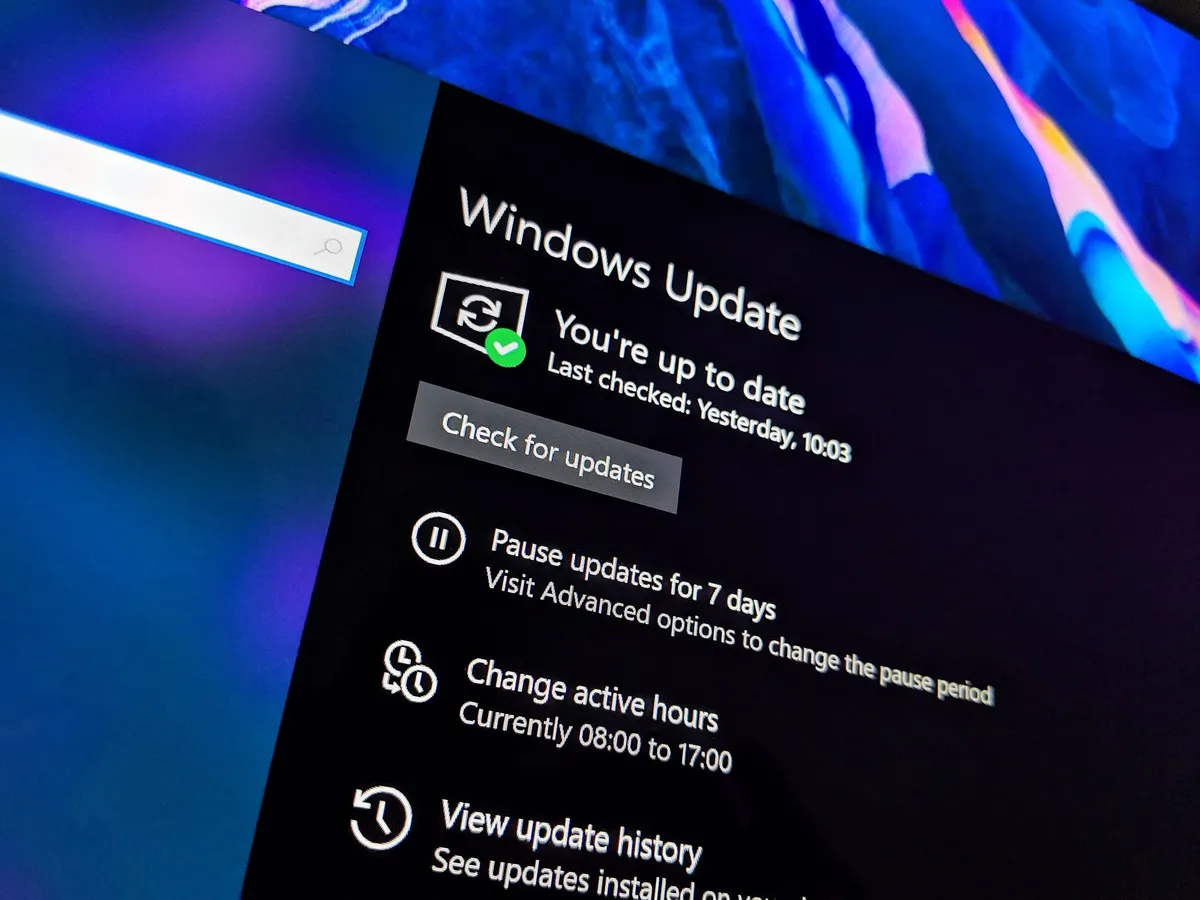
For comparison's sake, I put together another table with some randomly picked Windows 11 x64 updates from the current 25H2 era.
KB |
Date |
Size |
KB5066835 |
10/14/2025 |
3933.9 MB |
KB5070311 |
12/1/2025 |
4278.0 MB |
KB5077181 |
2/10/2026 |
4479.7 MB |
KB5079391 |
3/26/2026 |
4802.0 MB |
As I mentioned above, the most recent Windows 11 25H2 update from April 30, 2026, measures 5.1 GB. It's been a steady climb ever since 25H2 launched, and I don't know if there's a ceiling.
So, what exactly is causing this Windows update scope creep? Rather than shipping a bunch of smaller patches, the company now prefers to deliver larger cumulative updates containing everything from security features to general upgrades.
These platform releases now last longer, and because 25H2 is built on 24H2, that's a couple of years of cumulative updates all rolled up into one package. While this helps ensure that more users are on the same level, it contributes to the bloated update size.
The new Windows 11 26H1 version only arrived in February 2026, and because it doesn't carry the same 24H2/25H2 baggage, it comes in at around 3 GB as of April 30, 2026.
That's still fairly large, but that's what leads me to the AI factor.
How is AI affecting the size of Windows updates?

Although Windows updates might arrive as a 5 GB download, your hard drive isn't necessarily eating that much space every time your PC updates. Or ... that's sort of the case.
The size of an update listed on Microsoft's website isn't necessarily what your PC receives. Because Microsoft intelligently checks exactly what your specific system needs, your results vary each time a download is pushed.
👉 10 interesting facts about Windows 11 version 25H2
For example, if you're using a Copilot+ PC with an NPU, your update will include several gigabytes of AI model data that's used for core tools like Semantic Search.
This is evident once you crack open an update manually (via OutofOfficeHours). A host of .msix files attempt to install utilities like PSTokenizer, Text Recognition Session, PSOnyxRuntime, Query Processor Session, and Image Search Session, all fundamentals for Semantic Search.

Windows 11 26H1 is designed specifically for PCs using Qualcomm Snapdragon X2 SoCs, which are all, of course, Copilot+ PCs with NPUs that can take advantage of advanced AI features like Semantic Search.
That at least partly explains why the updates remain at around 3 GB even though they don't carry the same cumulative baggage as 25H2.
In other cases, required AI data for components in apps like Paint and Photos is downloaded separately and on demand, only once you start using those specific features. This, in my opinion, is the right approach for the non-core Windows AI features.
So, yes, AI is contributing to the growing size of Windows updates, but it's not the boogeyman you expect. I did reach out to Microsoft for some clarification surrounding update delivery practices, but the company refused to comment.
Is the Windows Central community on board with the size of Windows updates?
The massive size of modern Windows updates isn't quite what it seems. Your specific PC might not receive the full package based on its AI capabilities or what update data already exists, and I do applaud Microsoft's approach in that respect.
But one thing remains true: AI is contributing to some of the bloat, especially if you have a Copilot+ PC.
I want to know what you think. Could this approach eventually get out of hand for Microsoft as it continues to add more core AI features like Semantic Search?
Do you foresee other problems? What did you think about Microsoft's more efficient Checkpoint CU approach that seems to have been mothballed? Let me know in the comments section below!

Join us on Reddit at r/WindowsCentral to share your insights and discuss our latest news, reviews, and more.

