What you need to know
- Microsoft Loop is now available through the Microsoft Store.
- Loop consists of workspaces, pages, and components that stay up to date across different applications.
- Microsoft Loop is designed to organize content from across Microsoft 365.
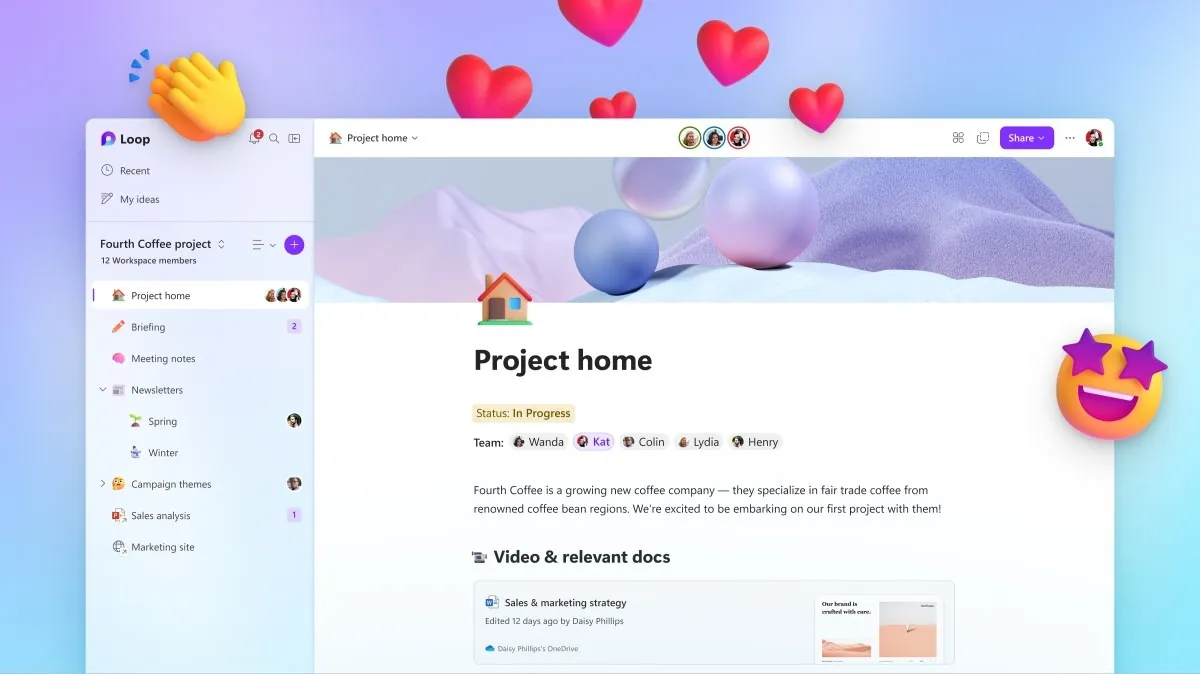
Microsoft Loop is a relatively new app from Microsoft that allows you to organize content from various Microsoft 365 apps into workspaces and pages. You can use the app for collaboration or just keeping content from different apps in a single space. Microsoft launched Loop in preview in March of this year. Now, Microsoft Loop is available through the Microsoft Store.
Content within a project can be converted into a Microsoft Loop component. Those components can then be shared with a group of people or any individual. Importantly, you can share part of a project or a specific component with someone rather than having to share an entire workspace or project.

Here's the description from the Microsoft Store page for Microsoft Loop:
"Microsoft Loop is a transformative co-creation experience that brings together teams, content, and tasks across your tools and devices. Loop enables you to organize your thoughts, content, and resources as your project evolves. Loop's portable pieces of content (components) synchronize across apps and stay up to date wherever they are shared across M365."
Initially, Microsoft Loop only worked with work accounts, but it recently gained support for personal accounts on iOS and Android.