


Windows 10 will reach its end of support on October 14, 2025. After that date, the operating system will not receive security updates, new features, or support.
While there are some options, such as paying for security updates, many have been forced to upgrade to Windows 11 ahead of the October 2025 cutoff. Those with PCs that cannot upgrade have had to migrate to new hardware, shift to another operating system, or plan to use an unsupported device.
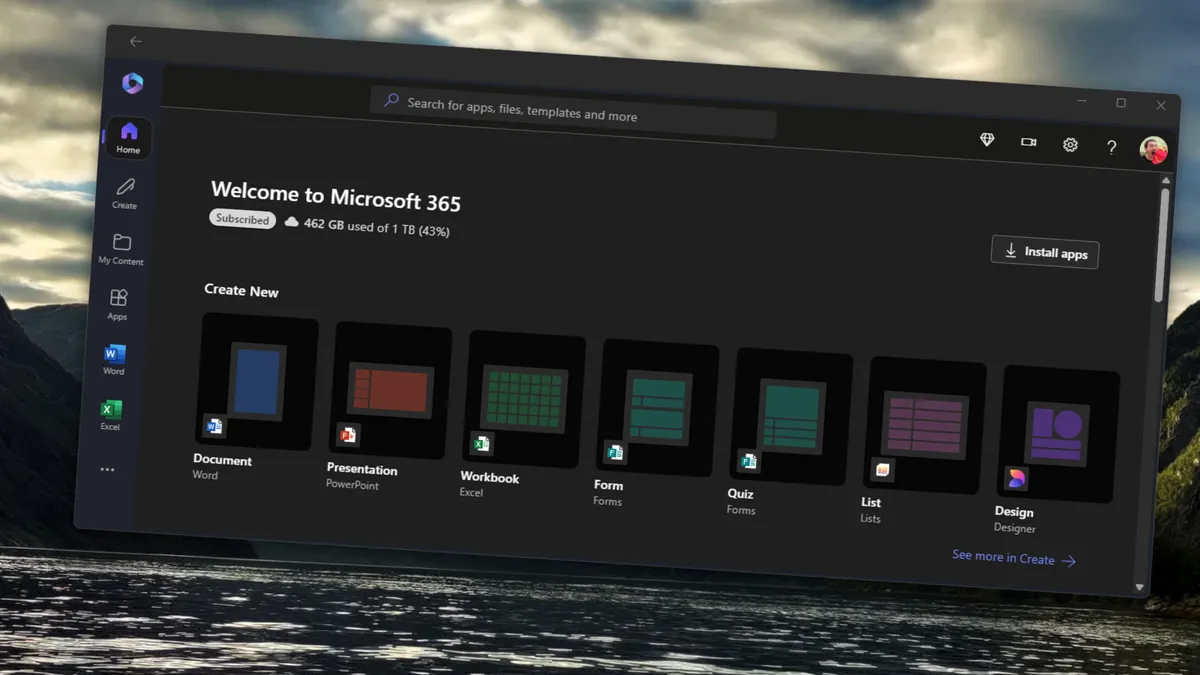
Although the Windows 10 end-of-support date remains unchanged, a Tech Community post outlines that some Microsoft 365 apps will continue to be supported on Windows 10 for three years. Neowin spotted the change in that post.
"To help maintain security while you transition to Windows 11, Microsoft will continue providing security updates for Microsoft 365 Apps on Windows 10 for three years after Windows 10 reaches end of support," states Microsoft. "These updates will be delivered through the standard update channels, ending on October 10, 2028."
There are limits on that support, however, which Microsoft listed in its recently updated post:
- If the issue occurs only with Microsoft 365 Apps on Windows 10, with or without Windows 10 Extended Security Updates, and doesn't occur on Windows 11, support will ask the customer to move to Windows 11.
- If the customer is unable to move to Windows 11, support will provide troubleshooting assistance only; technical workarounds might be limited or unavailable.
- Support incidents for Microsoft 365 Apps running on Windows 10, with or without Extended Security Updates, do not include the option to log a bug or request other product updates.
Those limits mean that some issues within Microsoft 365 apps on Windows 10 will still be unsupported.
That will become a trend across Microsoft's apps as developers fully shift their focus to Windows 11.
The extended support for Microsoft 365 apps on Windows 10 is likely in place to help enterprise customers that will pay for security updates after the end of Windows 10 support in October.
Is Windows 10 support being extended?
Microsoft 365 apps receiving a few more years of support does not change the fact that Windows 10 will reach end of support later this year. On October 14, 2025, Windows 10 will officially become an unsupported operating system.
The end date for Windows 10 support has been known for almost a decade, but occasionally news stories will pop up hinting that things could change. While I suppose anything is possible, it seems extremely unlikely that Microsoft would shift its plans regarding the end of Windows 10 support.
PCs running Windows 10 will continue to work after that date, but those devices will become increasingly less safe as time goes by. Since Windows 10 will not receive security updates after October, threats will remain unpatched.
It is possible to pay extra for extended Windows 10 support, though organizations and individuals will have to budget quite a bit to keep PCs running smoothly. Extended Security Updates (ESU) are available to both commercial and consumer customers.
For commercial customers, pricing starts at $61 for the first year, $122 for the second year, and $244 for the third year. All those prices are per device, which means a company with a large number of PCs would potentially have to pay thousands of dollars to get security updates to all of its systems.
Upgrading PCs to Windows 11 may seem like the obvious choice when compared to paying for security updates, but the strict minimum requirements of the operating system prevent may computers from being able to update.

