Last week we reviewed the Surface Pro 4 in-depth. Unfortunately, we were not given a Surface Book review due to limited quantities. We know you folks demand more from us so what else to do but buy one on day one at a Microsoft Store?
Luckily, we were able to walk into the New York City flagship location around 3PM and still pick up the hard-to-find Core i7 version with 512 GB of storage and a nice heaping 16 GB of RAM. Plus, yeah, it has that nifty Nvidia GPU on board too. Cost before tax? $2,699.99. Yowza!
We roll hard.
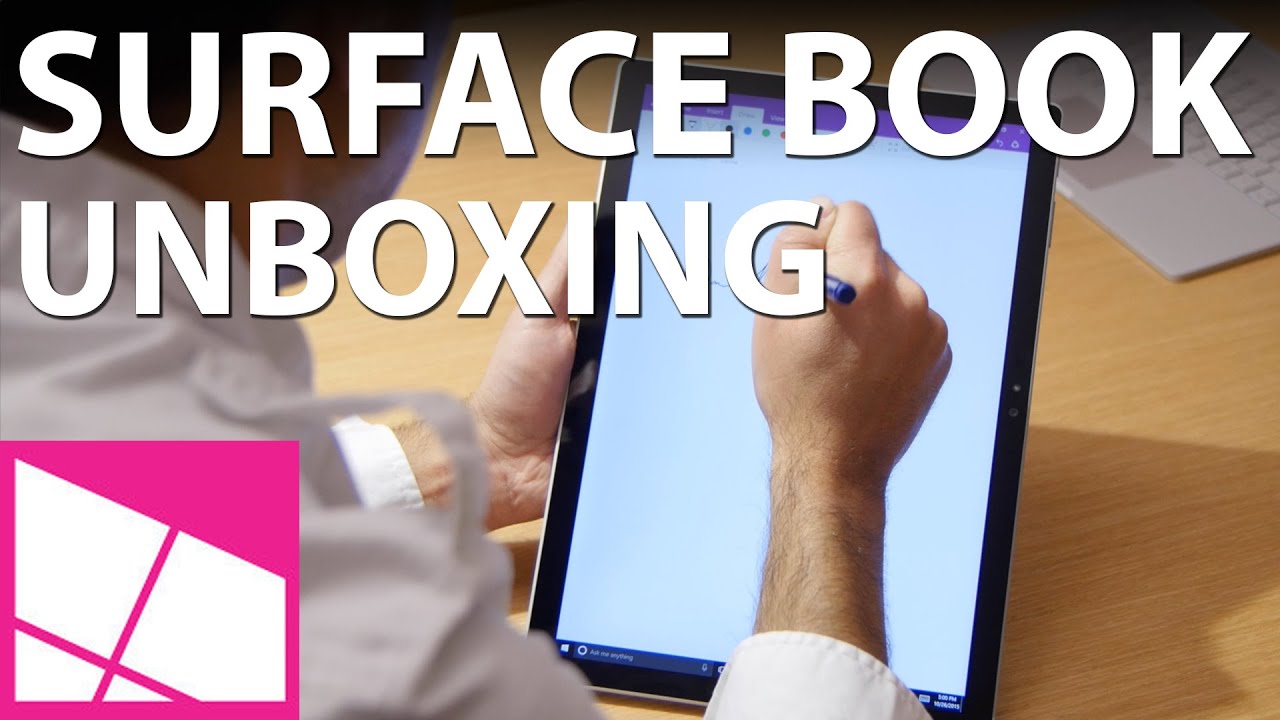
Although we plan on reviewing this impressive hardware next week, for now we'll do a quick unboxing and hands-on of the latest Surface. Have you pre-orderd? Still deciding which Surface to get? Sound off in comments and let us know what you think!
Order the Surface Book from $1499 at Microsoft
| Category | Specification |
|---|---|
| Display | 13.5-inch Pixel Sense display Contrast Ratio: 1800:1 |
| Display Resolution | 3000 x 2000 at 267ppi Aspect Ratio: 3:2 |
| Software | Windows 10 Pro |
| Processor | 6th Gen Intel Core i7 dual-core |
| Storage | 512GB Solid State Drive (SSD) |
| Memory | 16GB RAM |
| Graphics | NVIDIA GeForce custom graphics (GPU) |
| Rear Camera | 8MP with autofocus, 1080P recording |
| Front Camera | 5MP Full HD (1920 x 1080) Windows Hello face-authentication |
| Speakers | Front-facing stereo speakers with Dolby audio |
| Ports | Two full-size USB 3.0, Full-size SD card reader, Surface Connect, Headset jack, Mini DisplayPort |
| Sensors | Sensors, Ambient light sensor, Accelerometer, Gyroscope, Magnetometer |
| Security | TPM chip for enterprise security |
| Battery Life | 12 hours of use |
| Pen | Surface Pen 1,024 levels of pressure sensitivity Magnetic storage |
| Power Supply | 36W power supply with USB chargin port 65W power supply with USB charging power (discrete GPU SKU) |
| Weight | 1.6lbs (tablet) 3.48lbs (full) |
| Dimensions | Laptop: 9.14 x 12.30 x 0.51- 0.90 in ( 232.1 x 312.3 x 13 -22.8 mm) Clipboard: 8.67 x 12.30 x 0.30 in (220.2 x 312.3 x 7.7 mm) |