


Where's the best place to buy a Dell XPS 17 (9710)?
Why buy directly from Dell?
In addition to being the first place you can purchase the XPS 17 (9710), Dell's website is also the best place to purchase the laptop. Dell will likely have the best price for the laptop and also offers free shipping on the device.
Dell's website also has a configuration tool that allows you to customize elements of the laptop, such as the processor, display, hard drive, and RAM. You can also add protection plans, additional software, and premium support if you'd like. If you want to get an XPS 17 now but want to spread out its cost over time, you can also set up a payment plan through Dell's website.
The price of the Dell XPS 17 hasn't changed much since its launch. Dell products go down in price over time as newer generations within the same line come out, but the current XPS 17 is new enough that its starting price is still close to what it originally started at. Right now, it's $1,421, which is $21 pricier than the launch MSRP.
Why is the Dell XPS 17 (9710) worth buying?
The XPS 17 (9710) is the largest XPS laptop Dell has released in a long time, and the best Dell laptop if you want to go big. It's the largest sibling of one of the best Windows laptops, the XPS 13. Despite having a 17-inch display, the laptop has a relatively small body compared to other 17-inch laptops. In his Dell XPS 17 review, our executive editor Daniel Rubino says, "If you need a desktop-class display wherever you go, the XPS 17 should be at the top of your list. It's one of a kind."
Dell states that it's the "smallest 17-inch laptop on the planet" and that it's smaller than 48% of 15-inch laptops. The 17-inch display is available in up to 4K UHD+ and has excellent color accuracy. The 4K UHD+ version of the display is anti-reflective, supports HDR400, hits 500 nits of brightness, and has 94% DCI-P3 color accuracy. The display features a taller 16:10 aspect ratio and thin bezels. Unlike some older XPS devices, the XPS 17 (9700) doesn't have a visible chin below the display.
On the inside, the XPS 17 (9710) pairs up to a 11th Gen Intel Core i9-11980HK processor with up to NVIDIA GeForce RTX 3060 Max-Q graphics. It has up to 64GB of DDR4 memory and up to 8TB of PCIe SSD storage. The internal specs should be enough for creative professionals in many fields. To go along with those internals, the XPS 17 (9710) has quite a few ports, including four Thunderbolt ports (which support power delivery), a full-size SD card reader, and a headphone/microphone jack.
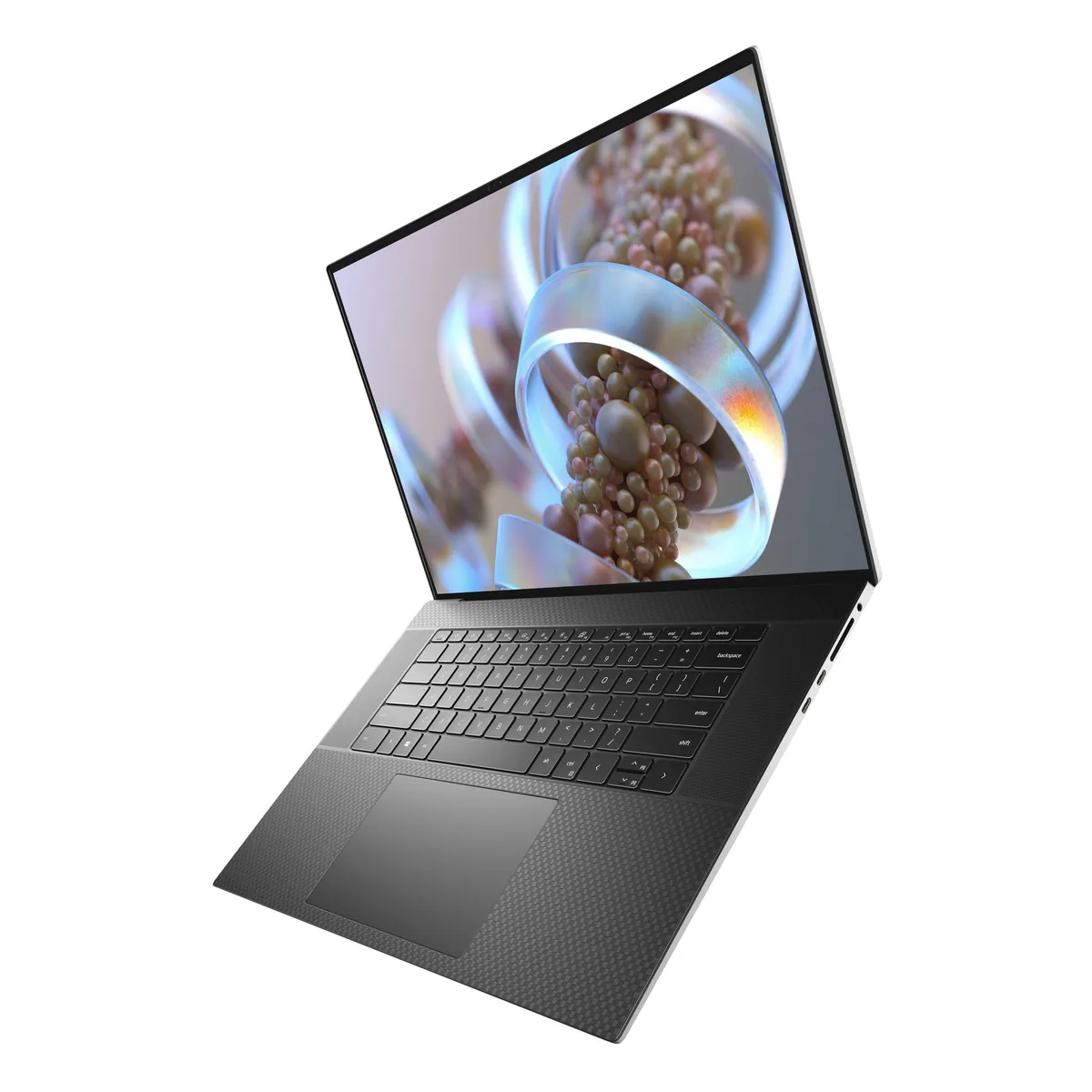
A big entry to the XPS lineup
The XPS 17 (9710) features a massive 17-inch display, but thanks to its thin bezels, its body is the size of many 15-inch laptops. It pairs that large display with powerful internal options for creators.

