


Update November 10, 2020: Astro has released a firmware update for the Astro A50 to bring compatibility for the Xbox Series X without SPDIF optical. Here are some steps on how to get it working. You will need a compatible Windows 10 PC to get it updated.
- Download the Astro Command Center from the Windows 10 Store here.
- Switch your Astro A50 docking base station to PC mode using the switch on the back of the dock.
- Connect the Astro A50 to your PC via the USB cable.
- Wait for Windows to pull the drivers automatically and finish installing, you should get a notification.
- Open the Astro Command Center app.
- It should update the firmware automatically. If not, select Update Firmware.
- Now, you can connect your A50 to your Xbox directly with USB.
Do note that you can also just plug the optical cable directly into your TV, and get the audio from your Xbox that way as well. Be sure to take a look at our best Xbox Series X, Series S headsets article if you're looking to pick up an alternative too!
Original article
Microsoft has said that "all" accessories will work on the Xbox Series X, but in reality, that question is in doubt. With the SPDIF optical port removed from the final retail version of the Xbox Series X, many accessories like the (amazing) Astro A50 headset, the Astro MixAmp, and things like the Turtle Beach Tactical Audio Controller would need to be plugged directly into your TV, instead of into your console. That's great if your set-up can accommodate that, but for those of us either without the proper specced SPDIF ports in our televisions, if we have it at all, that's little comfort.
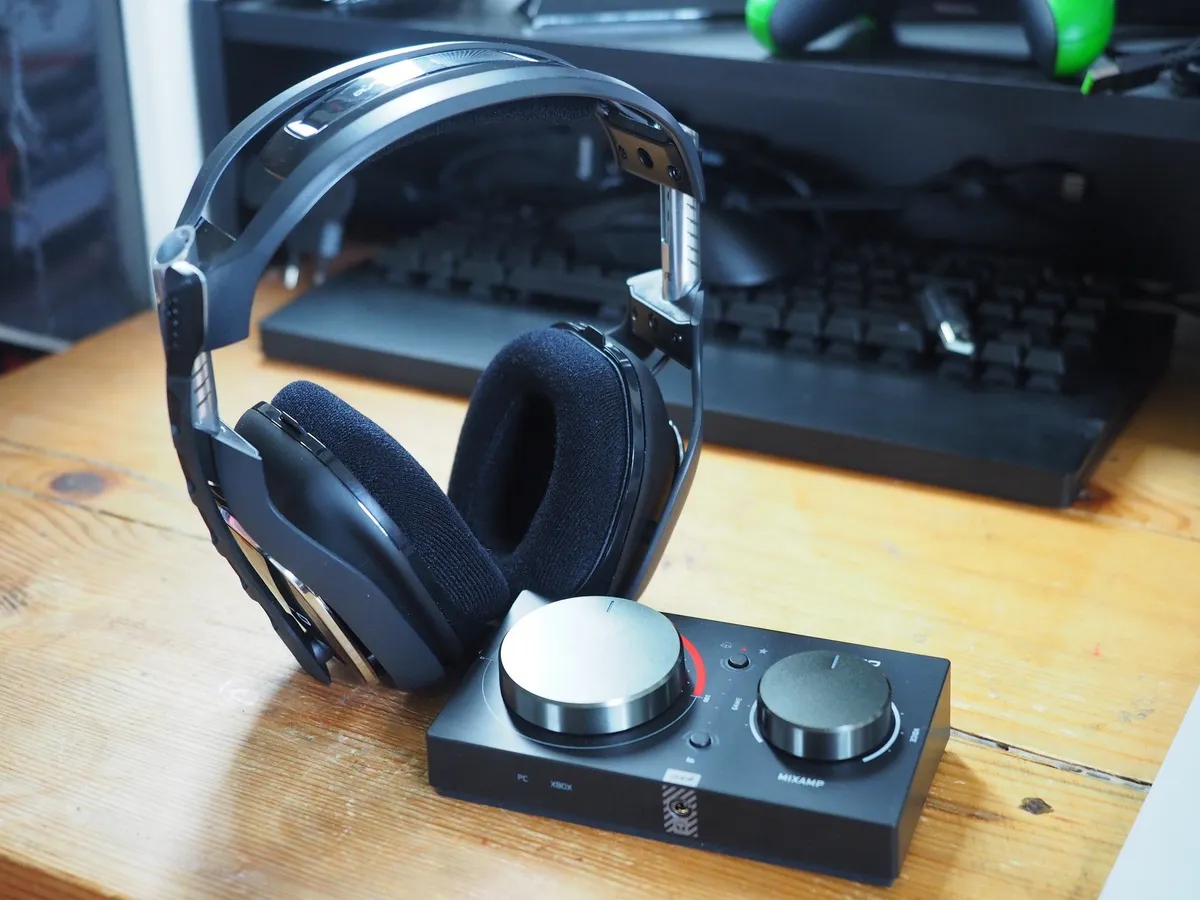
Thankfully, it seems that Astro at least is making alternative arrangements for its headsets and SPDIF MixAmp to work on Xbox Series X. I've been told that there are plans to make the MixAmp and Astro A50 work on the Xbox Series X, but Astro and Microsoft are still ironing out the details. It'll be worth keeping an eye on Astro's social channels in the meanwhile.
All current ASTRO Gaming products designed for Xbox One will offer continuous compatibility on Xbox Series X.
Stay tuned for more updates on connectivity. pic.twitter.com/KIxxX7EBy4All current ASTRO Gaming products designed for Xbox One will offer continuous compatibility on Xbox Series X.
Stay tuned for more updates on connectivity. pic.twitter.com/KIxxX7EBy4— ASTRO Gaming (@ASTROGaming) March 19, 2020March 19, 2020
Right now, the Astro A50 works on PC via USB alone, so it stands to reason that they might open up the option for this functionality on Xbox Series X. For streamers and content creators, losing the ability to mix Astro A50 sound between the SPDIF port on Xbox and on PC for comms via USB will be annoying, however. It remains to be seen exactly how Astro and others will accommodate the Xbox Series X's frustrating port omission, but at least the company is exploring plans to do so.
You may be able to connect your Astro A50 directly into your TV and switch your Xbox One to HDMI audio and retain the same functionality, but if you're unable to do that, hang tight, Astro is working on a solution.

Probably the best premium Xbox headset.
Complete with a convenient charging dock, great sound, mic monitoring, and Dolby Audio, this is the best wireless Xbox headset bundle on the market, and hopefully, it'll be compatible with the Xbox Series X too.

