


Is the new Dell XPS 15 webcam below the display?
The webcam is where it should be
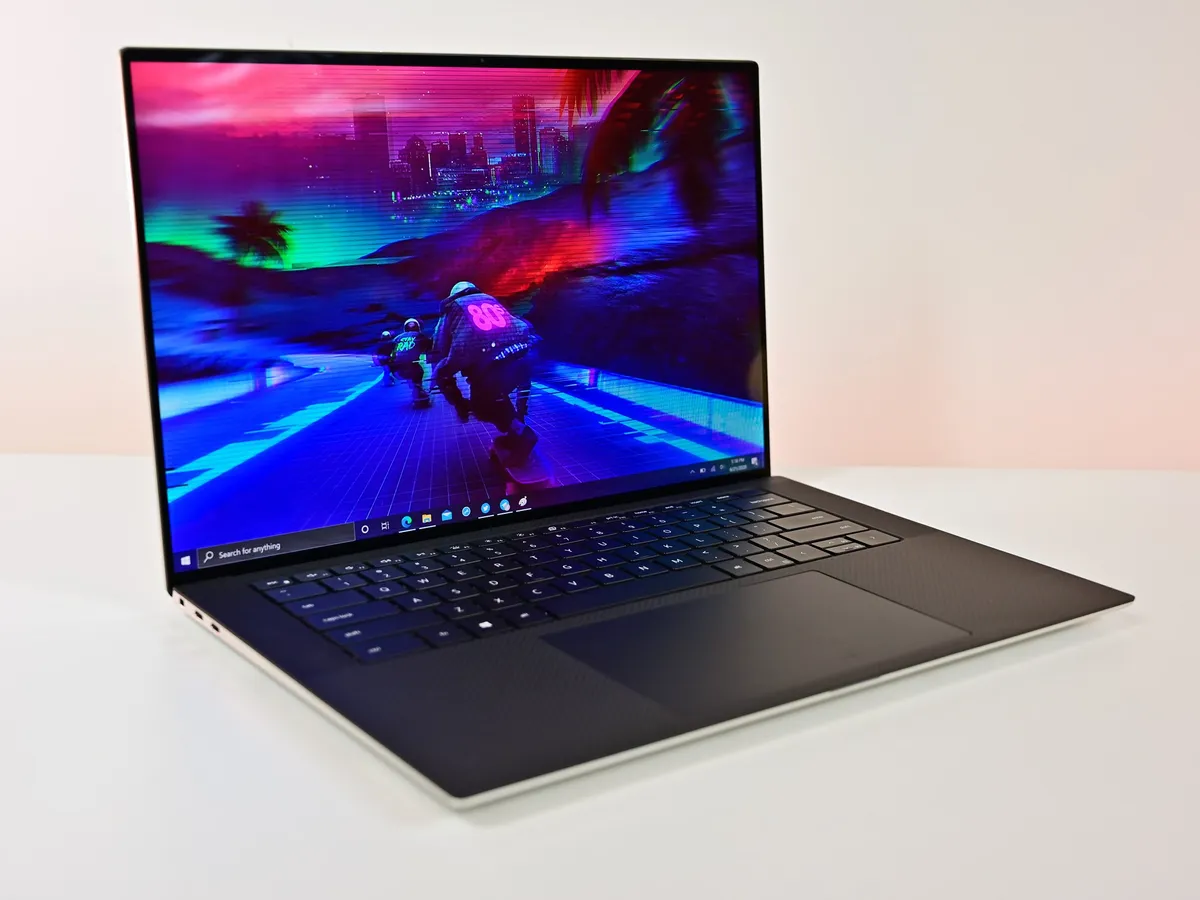
When Dell first moved the webcams on its best laptops, like on the XPS 13 way back in 2015, it was understandably met with mixed reactions. It allowed for the now-iconic design and almost no bezels on three sides of the display, but at the cost of an odd angle if you actually used the webcam. Everybody you Skyped with would see up your nose, which is an unflattering look for anybody.
Fortunately, designs have matured, and the latest version of the XPS 15 doesn't have that problem. Its webcam is exactly where you would expect to find it — right above the display — and that's despite being one of the smallest 15.6-inch laptops on the planet.
It's not at the sacrifice of super-skinny bezels, either. The latest XPS 15 has super-skinny bezels, too.
Dedicated webcam is still better for intensive use
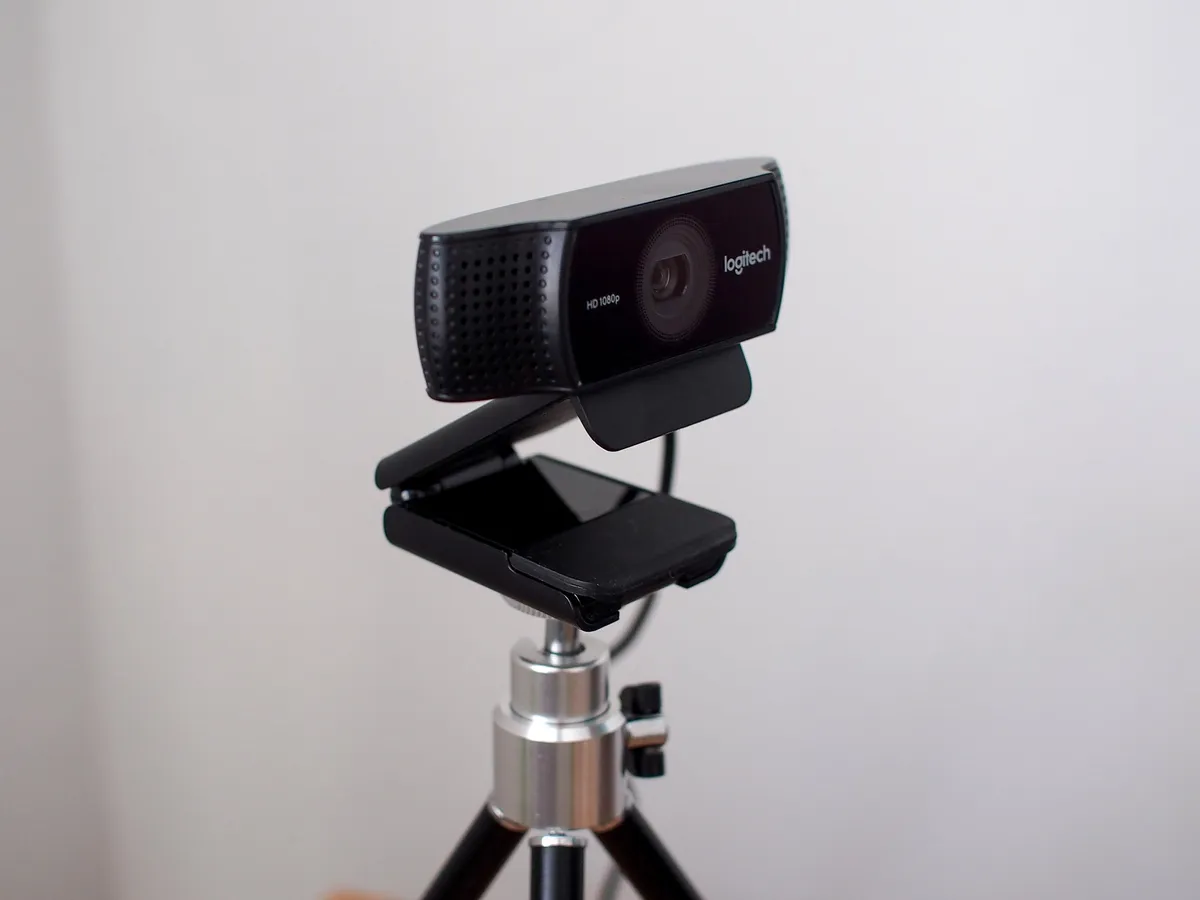
The integrated webcam on the XPS 15, like with most high-end laptops, is solid, and if you're only using it for the odd video call then you might be absolutely fine with it.
If you're relying on it for anything more intensive, such as content creation, then a dedicated webcam will always deliver better quality video. Something like the Logitech C922 is a good companion, with 1080p video at 30 FPS, a pretty sharp-looking image, and decent colors, while remaining affordable.

A powerful laptop with a webcam where it should be
The latest Dell XPS 15 has a stunning display, NVIDIA RTX graphics, and up to the latest Intel Core i9 processor inside. Best of all, it has a webcam in the right place.

A better camera all around for more serious use
If you need a webcam to rely on for good quality video, the C922 is a wise investment over any laptop webcam.

