


It seems a bit silly including a DVD full of drivers in the box with a motherboard these days, but the idea is still the same. Once you've built your PC you want to make sure you've got the latest drivers since (usually) that's where improvements come from.
In particular, if you're building a new Ryzen PC on an X470 motherboard, AMD will almost 100 percent have more up to date chipset drivers than the ones your motherboard manufacturer is offering up.
Where to download AMD chipset drivers
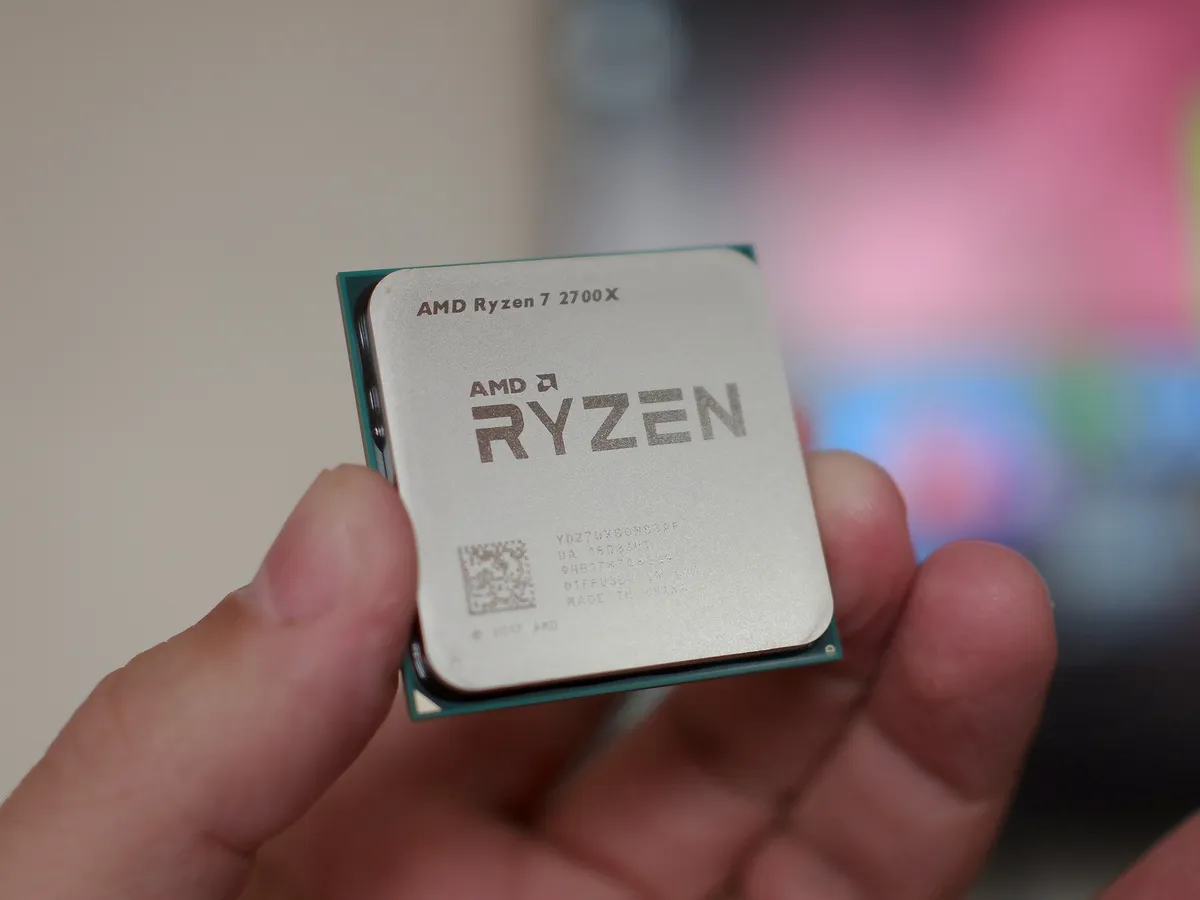
Not only will AMD have the latest drivers, downloading directly will also add a dedicated Ryzen power plan to your PC. The AMD Ryzen Balanced power plan isn't offered directly through Windows 10 when you first boot up, but downloading the latest chipset drivers will add this to your PC.
To get the latest for your motherboard visit this link. Right now it's a single download to cover all the various new chipsets released on the AM4 platform.

The download will be a regular .exe file you just need to open and follow the on-screen instructions to install.
As an example, Gigabyte's latest offered X470 chipset for my motherboard was released in May. At the time of building my new PC, AMD's was dated June 7, almost a full month newer. AMD offers a bunch of other drivers directly, including for RAID, and they're all on the same download page.
So if you have or are building a new AMD Ryzen PC, be sure to swing by and make sure you've got the latest bits.

