


Storing stockpiles of games on Xbox can be a drag these days, what with AAA titles costing hundreds of gigabytes worth of space and constantly moving them from external SSDs and consoles, as you can't play games directly from them.
Seagate's Storage Expansion Cards for Xbox Series X|S, however, skip all the tedious file management while packing tons of space for your games, depending on what card you choose. These include 1TB cards (now 17% off for $190.50 at Amazon), 2TB cards (now 15% for $275.88 at Newegg), and 4TB cards (now 17% off for $549.99 at Amazon).
Updated Friday, April 17 at 5:25 AM ET: Newegg's discount on the 1TB cards has expired, so we switched it with Amazon's discount, which is active and in stock. We've also added an extra discount for the 2TB card found at Walmart in the alternative discounts section. — Alexander Cope, Staff Writer - Deals/Gaming News
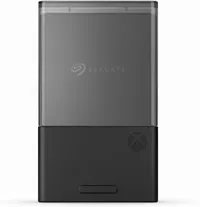
Why buy the Seagate Expansion Card for Xbox (and now PC)?
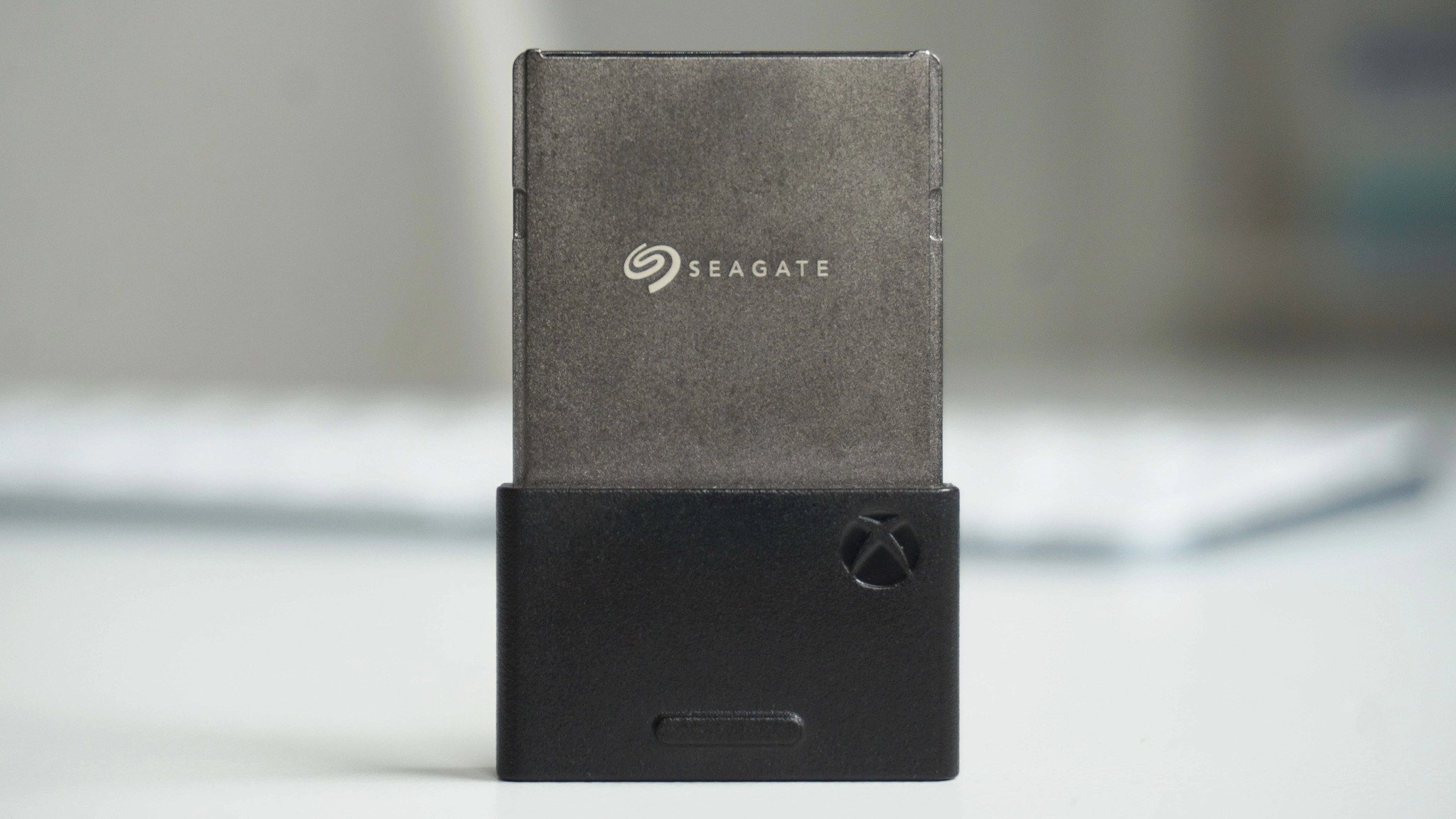
In addition to large storage spaces for games, Seagate's Xbox Storage Expansion Cards seamlessly integrate into an Xbox Series X|S and feature the ability to play games directly installed on them, unlike external hard drives.
They also include fast transfer speeds so you won't feel any input lag while playing games on them, and they're compatible with Xbox's Quick Resume feature, so you can continue playing where you left off after turning the console off.
What's more, they can double as storage units for PCs once you're done using them for Xbox consoles. That's right, it was believed that Seagate's Storage Expansion Cards were capable of only being used on Xbox Series X|S.
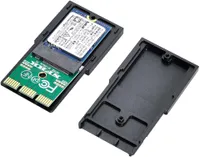
However, a Reddit user called u/Dramatic-Shape5574 discovered that a somewhat inexpensive PCIe adapter can combine with Seagate's Xbox Expansion Cards and use them on a PC to grant them extra storage while offering twice the speed of a normal SATA SSD.
With this finding, these expansion cards are now not just one of the best SSDs for Xbox, but for PC too. They may be pricey, but as someone who owns one of these cards, they're 100% worth the long-term investment.
Alternative discounts
If the above main discounts expire or run out of stock, here are some alternative back-up bargains you can use:
1TB
- $190.28 at Amazon (was $230.57)
- $199.99 at Best Buy (was $249.99)
2TB
- $275.88 at Amazon (was $349.99)
- $275.88 at Walmart (was $299.99)
- $279.99 at Best Buy (was $349.99)
- $275.88 at Newegg (was $349.99)
FAQ
What Xbox consoles can this expansion card be used for?
Seagate's Storage Expansion Card for Xbox works on Xbox Series X and Xbox Series S. It doesn't work on older consoles like the Xbox One, Xbox 360, or the original Xbox.
Can I use it on a friend's console?
Yes, you can use your Seagate Storage Expansion Card on a friend's Xbox console. However, you will still need to sign in with your account on your friend's console to access your games.
Is it Plug and Play?
Yes, it is. This means the Seagate Storage Expansion Card doesn't need any external tools or extra cables to plug it in.
All you need to do is insert it into an Xbox Series X|S dedicated Storage Expansion Card slot so you can start downloading games on it and play them directly from the card.

Join us on Reddit at r/WindowsCentral to share your insights and discuss our latest news, reviews, and more.

