Xbox is Microsoft's gaming division. Launched in 2001 with the original Xbox console (presented by Bill Gates and The Rock, no less), the division has gone through multiple permutations on its journey to its current form. Originally envisioned as a device that could bring Windows to the living room, Xbox eventually competed more directly with PlayStation targeting core gamers.
Xbox had solid success in the United States and other English-speaking markets, buoyed by heavy hitters like Halo and Forza, alongside various heavy hitting third-party exclusive titles. Microsoft's Xbox is responsible for various gaming innovations that are now commonplace. Online live infrastructure, "games as a service" titles, subscription services, and cloud-first business models owe at least something to initiatives spearheaded by Microsoft (for better or worse).
In 2013, Microsoft's push to turn Xbox into a digital-first entertainment center saw widespread pushback from the gaming community. Despite predicting trends that are now commonplace, the way Microsoft positioned Xbox back then has seen it struggle to regain the relevance it once enjoyed as a brand in a universe of increased competition from other platforms, in addition to always-on forms of entertainment and smartphone-delivered social media algorithms.
As Xbox enters its 25th year, Microsoft is once again reinventing what Xbox is with its new approach, doubling down on Windows' openness, and returning to the original vision of Windows gaming in the living room. It'll be fun to see how it pans out.
Essential Xbox reading


Latest about Xbox

Gaming Overwatch has announced a new collaboration with Stellar Blade, which may hint that the popular action game may be coming to Xbox platforms

Xbox A new report suggests that Helen Chiang, recently appointed as Xbox Chief Operations Officer, was terminated for "policy violations," although there's no word on exactly what.

Gaming There was once a time I was a multi-console player, but as the years went by, my home console loyalty gravitated towards Xbox consoles, and it's time I told my story for Xbox's 25th anniversary
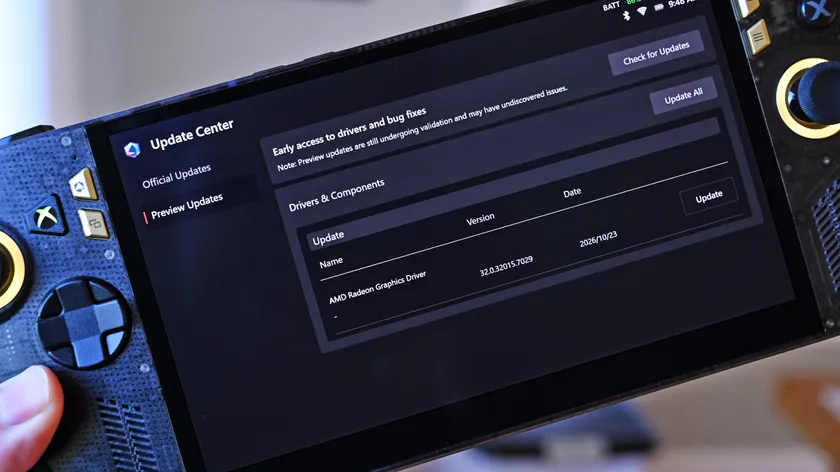
Gaming Players on Reddit have discovered that all Xbox Ally handheld consoles have received beta drivers for AMD's FSR 4.1 upscaling technology, as our sources told us earlier this week.
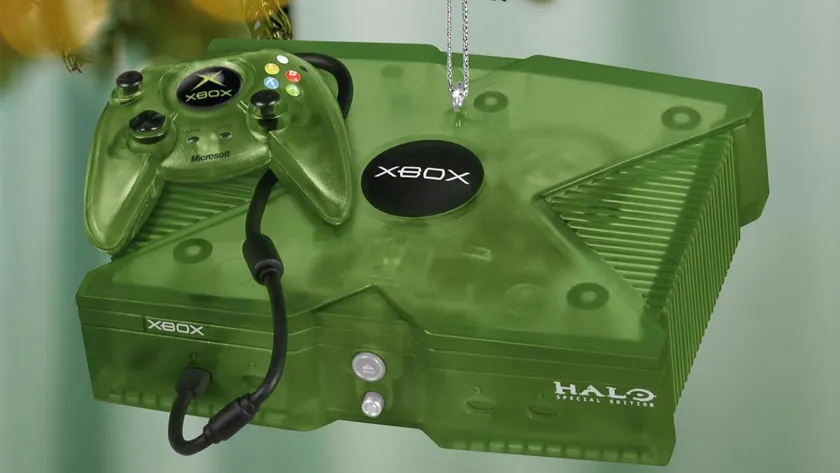
XBOX 25 Hallmark and Xbox have collaborated for another amazing holiday decoration

Gaming Cyberpunk 2077 is about to get a new Cyberpunk: Edgerunners tie-in quest, dual-wielding pistols, mod support on consoles, and more in its 2.5 update, along with Xbox Play Anywhere support
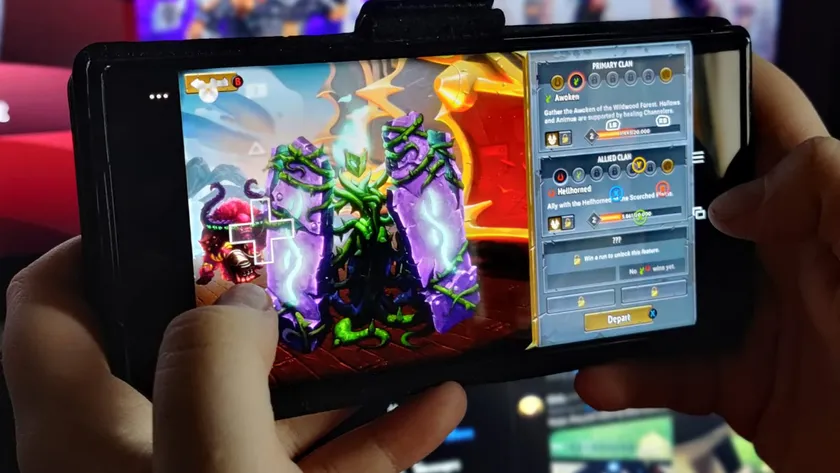
Xbox Microsoft revealed a few weeks ago that Xbox Cloud Gaming will lose its "unlimited" playtime under Xbox Game Pass Ultimate. Here's how users will be able to go beyond the limit.

GAMING EA just announced 400 jobs to be cut and the closure of BioWare, a studio famed for Dragon Age and Mass Effect.