


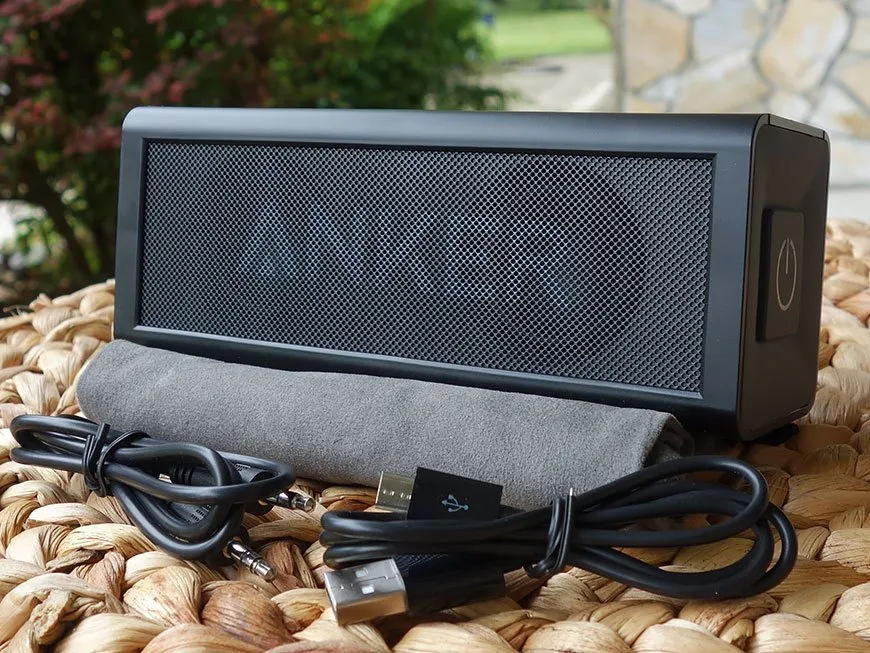

Streaming audio from your phone to a Bluetooth speaker is something many of us have done for a long time, but what about your PC? With the necessary hardware installed on your Windows 10 desktop, laptop or even tablet, you can get the same, wire-free audio experience.
Here's how you set it up.
How to pair a new Bluetooth device in Windows 10
Just follow these easy steps:
- Open Settings.
- Navigate to Devices.
- Click Bluetooth & other devices in the left sidebar.
- Set the toggle switch at the top to On.
- To add a new device click add Bluetooth or other device.
- Select Bluetooth.
- Choose the device from the list.
For some Bluetooth devices you'll need to enter a PIN to confirm pairing, but once it's done you're all set. A Bluetooth speaker will connect just like headphones, and it should now be the default audio output when it's on and paired with your PC.

An easy way to check this in the latest Windows 10 update is to select the speaker icon in the bottom right corner near the clock. Clicking on this will tell you the current audio output, and if you need to change in a hurry, the ^ icon will quickly open up all your available options.
If you'd like to do this on your PC but you don't have Bluetooth built-in, all is not lost. You could always pick up a USB dongle that can affordably add the ability to your computer. Or, if you're in the mood for upgrading internals, some Wi-Fi cards also come with Bluetooth built-in.
Updated May 31, 2018: We refreshed this guide to ensure it's correct for the Windows 10 April Update.

