What you need to know
- Microsoft Teams for Education has a new home page that's designed to help catch up on tasks and assignments.
- The home page shows announcements, pinned classroom resources, upcoming assignments, and more.
- Microsoft also added the ability to create and review assignments on tablets running Android or iPadOS.
Microsoft has new education features for Teams just in time for back-to-school. The platform has a new home page that gathers vital information together into one spot as well as new capabilities for Teams on iPadOS and Android. The new capabilities are summarized in an education blog post by the Microsoft Education Team.
The new home page in Teams acts as a hub for educators. It shows announcements, pinned classroom resources, upcoming assignments, class files, and more. The refreshed home page is rolling out this week and will automatically be included in all classes using Teams.
The home page is customizable as well, allowing educators to add images, sections, and other information.

Teams also gained support for creating and reviewing assignments on iPads and Android tablets. Previously, the functionality was limited to Teams on Windows, Mac, or through the web.
Reflect was also highlighted by Microsoft in its blog post. It provides a platform for students to share feedback and updates about themselves. Students can express their feelings through check-ins that use emoji or characters.
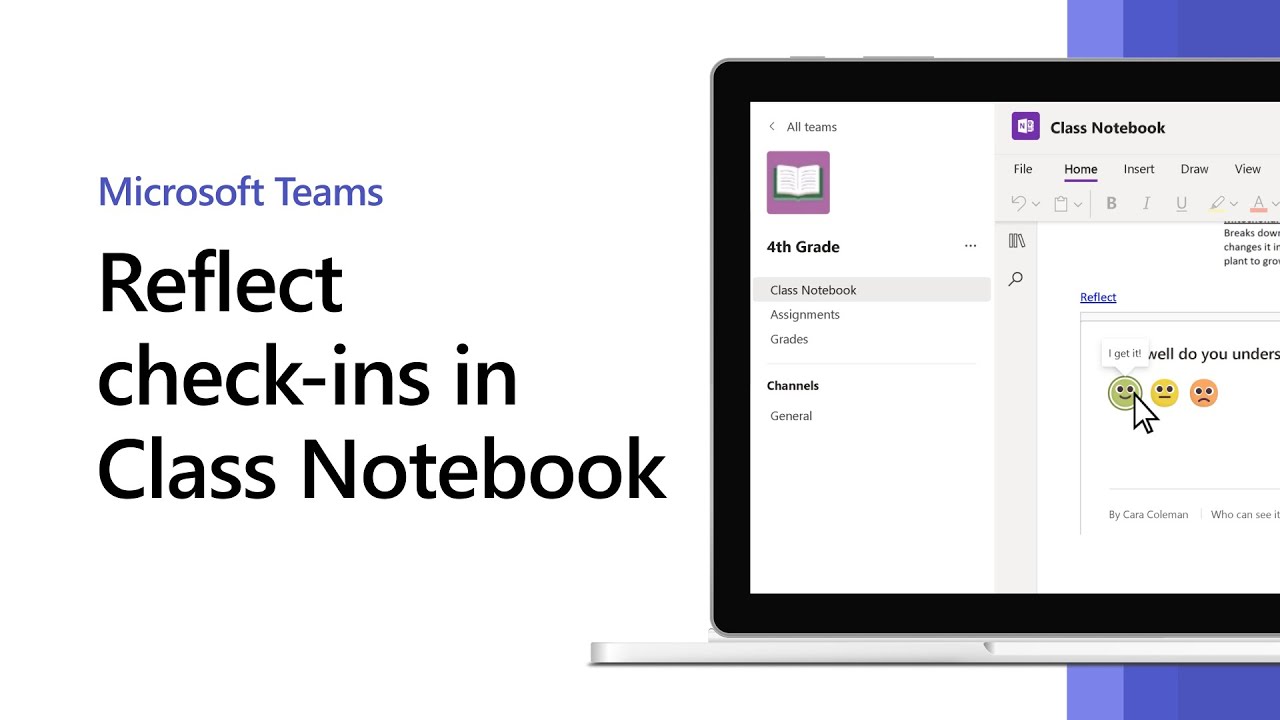
"At Microsoft, we know that self-awareness and self-management are critical skills for lifelong learning, so Reflect provides opportunities for students to reflect on their learning," said the blog post. "[Reflect] helps educators better understand how students receive their curriculum and work with students to increase the agency they have in their own learning process. The benefit is helping students develop a growth mindset by honestly evaluating their own effort, motivation, and progress."
A support document from Microsoft can help educators get started with Reflect in Teams.