Somehow, Banjo-Kazooie lives on, with fans of the series now taking to recompiling the game themselves.
Banjo-Kazooie is a fan-favorite 3D platformer from the Nintendo 64 era, developed by Rare of Sea of Thieves fame. After Microsoft acquired Rare, Banjo-Kazooie and other Rare franchises fell by the wayside, but that hasn't stopped fans from requesting the game's revival. Banjo-Kazooie is one of the most-requested Xbox-owned franchises for a return, but so far, Microsoft hasn't been willing to play ball. The community is stepping up instead.
Banjo-Kazooie is getting something of an unofficial PC remaster, to some extent. For those unfamiliar, recompiling a game means taking the original compiled code and translating it into new native code that can run directly on modern hardware. This is not emulation, and it does not require access to the original source code.
In the case of Banjo-Kazooie, the original Nintendo 64 version of the game developed by Rare, has been recompiled to run natively on modern hardware. That includes Windows and, yes, even Linux, without relying on traditional emulators.
For console players, Banjo-Kazooie arrived on Nintendo Switch Online in 2022, while Xbox fans can play it through Rare Replay or Game Pass. PlayStation players, however, are still left without an official option.
What makes Banjo: Recompiled different from emulation
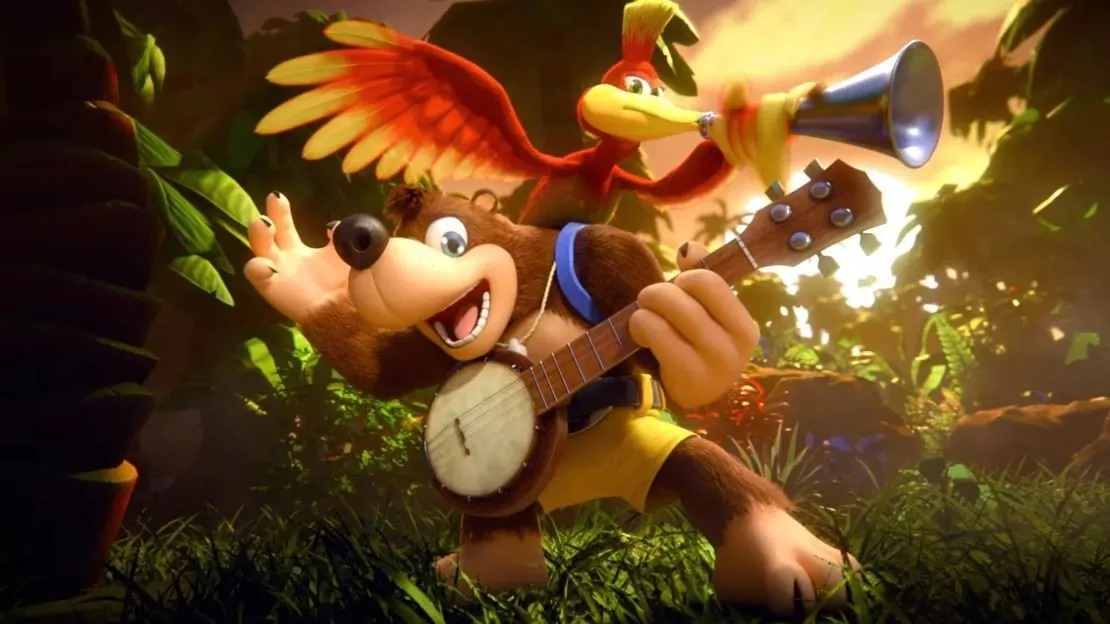
Unlike an emulator, which simulates original hardware, this recompiled version runs natively on your system. That removes much of the performance overhead and input latency commonly associated with emulation.
Just as importantly, the game’s original logic and timing are preserved. The framerate is no longer tied to Nintendo 64 hardware limits, allowing the game to run smoothly on modern displays without breaking gameplay.
This approach is not entirely new. Super Mario 64 has also been recompiled in the past, leading to an explosion of mods and custom content, much to Nintendo’s frustration.
For Banjo-Kazooie, fans can expect a plethora of benefits. Input latency is noticeably lower than most emulator setups, load times are faster, modern controls, and widescreen and ultrawide support are built in. The game also runs on Windows, Linux, and Steam Deck.
As with Super Mario 64, recompilation also opens the door to mods. How far the Banjo-Kazooie community takes that potential remains to be seen but there are some mods already available.
This also is not the first time Banjo has seen a fan driven comeback. A passionate creator recently made a new Banjo-Kazooie within Dreams, a PlayStation exclusive game creation platform that unfortunately never received PC or Xbox support.
For now, most of Banjo’s momentum continues to come from its community. All fans can do is hope the franchise eventually receives the official revival it deserves.
You can check out the GitHub Repo for Banjo-Kazooie recompiled here.

What do you think about fan led recompilation projects like Banjo Recompiled? Let us know in the comments and make sure to take part in our poll below:

Follow Windows Central on Google News to keep our latest news, insights, and features at the top of your feeds!