


What I'm working on this week: Unseasonal weather has forced me indoors, where I'm happy to begin my Forza Horizon 6 journey. Otherwise, I'm cheering for the last Canadian team remaining in the NHL playoffs.
Microsoft's new Surface Laptop for Business (8th Edition), aka the Surface Laptop 8, has one defining feature that I think is reason enough for many to seek a generational upgrade.
I'm talking about the integrated privacy screen, a first for any Surface product and a key tool in a busy professional's fight against data security.
It's an optional upgrade that's only available on the 13.8-inch Surface Laptop 8, but hey, at least it's something that further separates the "for Business" and regular consumer Surface devices.
Surface isn't the only brand offering integrated privacy screens, nor was it the first. Far from it. I'm going back to when this sort of privacy feature first arrived at HP, and I'm taking a look at how it's been implemented by some of the big laptop brands in the following years.
Which brand had the first integrated laptop privacy screen?
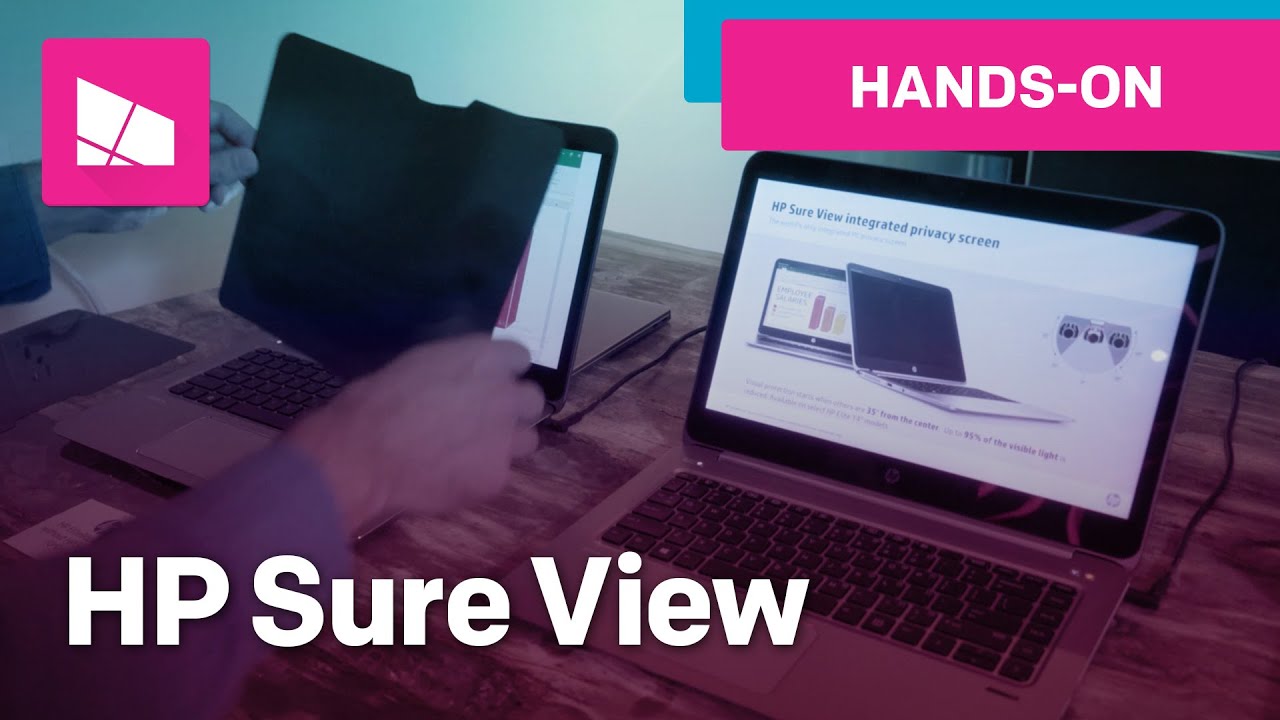
Surface is far from the first laptop to feature an integrated privacy screen. HP's Sure View method made its debut in 2016 on the EliteBook 840 G3 and EliteBook 1040 G3, and we actually have a hands-on video with the original implementation, which I've embedded above.
The top comment on the 2016 Sure View video reads, "They already have this. It's called screens with crappy viewing angles..." Sometimes it's nice to be reminded of how far display tech has come in the last decade!
Like any good privacy screen, HP's Sure View was capable of cutting out 95% of visible light when viewed from an angle, effectively making the screen impossible to see if you weren't sitting head-on like the actual user.
It wasn't a permanent feature, only activated by pressing the Fn + F2 shortcut. This is really what set it apart from alternative, third-party options that had you gluing an extra layer to your screen after purchase. These alternatives, of course, couldn't be toggled on and off.
HP followed up its original Sure View screen with a second-gen version in 2018's EliteBook x360 G2 that we reviewed, and at the time, Windows Central Editor-in-Chief Daniel Rubino did a deep dive into the tech.
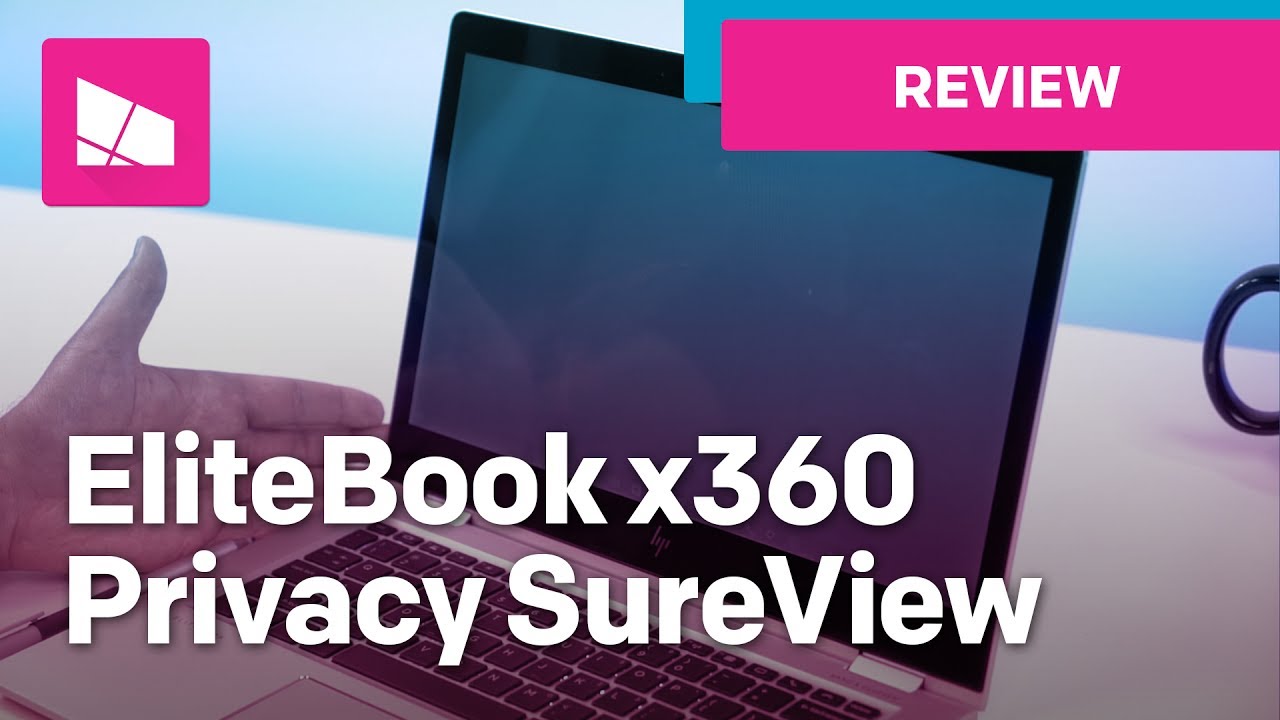
The second-gen version moved to a method using off-axis contrast reduction, resulting in a bright white panel if viewed at an angle.
Rubino noted that the biggest downsides to a Sure View Gen 2 privacy screen were less battery life (about a 20% difference between always on and always off) and a higher cost (about $111 for the upgrade).
Of course, there were also ongoing issues with picture quality and bad contrast when Sure View was activated.

Sure View's third generation returned to a darker privacy screen that boosted security beyond the first two generations. Sure View Reflect came after as a fourth-gen proprietary method using copper tinting to better function in dark and light environments.
Sure View tech is still around today in a wide range of HP's professional laptops, giving buyers that extra protection against visual hacking that's so important when working in crowded spaces.
Lenovo 's Privacy Guard arrives to compete with HP Sure View

Not to be outdone, ThinkPad maker Lenovo introduced its Privacy Guard feature a couple of years after HP debuted Sure View; right around the time HP was working on its third-gen implementation. Privacy Guard first arrived in the company's premier 14-inch ThinkPads, including the legendary T480s.
Privacy Guard essentially worked the same way as HP Sure View, providing users with a shortcut toggle for privacy. The biggest difference between HP and Lenovo was that the latter focused more on preserving image quality. Regardless, its low brightness output made some think twice about buying.
Brightness woes were mostly solved in second-gen Privacy Guard screens, and Lenovo eventually folded Privacy Guard into its overarching ThinkShield suite of security tools, where it remains today.
This is also when PrivacyAlert was introduced to the mix. Lenovo was the first company to combine its IR cameras with tracking software to recognize when eyes other than yours were glancing at your screen. Once tipped, the laptop would enable Privacy Guard or, at the very least, give a warning on screen.
These advances have now evolved into modern Human Presence Detection that can lock and unlock your PC automatically, give you warnings of onlookers, and a lot more. Of course, Dell and HP have also added these features to many of their own laptops.
How does Dell handle privacy screens in its laptops?

Dell's SafeScreen arrived in 2019 for select Latitude 7000 business laptops, and its implementation was almost identical to Lenovo's and HP's. Just hit a shortcut on your keyboard to enable the privacy screen and carry on working.
However, the inner workings were different from the first Sure View generation. Dell chose to rely entirely on the display's backlight to obscure the picture. Although it cut down on viewing angles and also didn't sap battery life as much, it also affected the real user sitting head-on.
Like with HP and Lenovo, Dell's SafeScreen has evolved to be easier on the eyes and has joined other advanced security features to better protect your data when working in public.
How is the new Surface privacy screen different?


Our Editor-in-Chief, Daniel Rubino, was among the first in the world to test the new Surface Laptop 8 privacy screen, and he shared some insights into why it's different from other laptop implementations.
As Rubino explains, Surface takes a similar approach to what Samsung did with its Galaxy S26 Ultra.
Basically, there are wide and narrow view pixels, and toggling between them creates the effect. As far as I know, this is the first time it's ever been implemented in a laptop in this way.
Daniel Rubino
The best part about Microsoft/Samsung's approach is that the privacy screen doesn't harm brightness, color reproduction, or contrast.
Rubino tested 100% sRGB, 89% AdobeRGB, and 100% P3 color reproduction using a colorimeter with and without the privacy screen enabled. It was also able to hit the same 500 nits with privacy toggled on.
The Surface privacy screen isn't quite perfect ... but it's close

I appreciate how Microsoft took the best current privacy tech on the market and applied it to Surface. It fits the "boutique" market that Surface has always been a member of, with higher prices reflecting premium design and features. Leave it to Surface to do it best.
However, the cost here for the privacy screen upgrade is quite aggressive, with compatible 13.8-inch Surface Laptop 8 models starting at $2,549.99. I don't think it makes any sense that you can't add 5G connectivity AND a privacy screen; wouldn't those who need wireless data to work anywhere also want additional privacy?
There's also the matter of display finish. Microsoft only offers the privacy screen with an anti-glare layer, whereas those without the filter use a superior anti-reflective finish.
Finally, a lack of Human Presence Detection shows how Microsoft is still settling into its new privacy feature. Maybe that's not such a big deal in your world, but for me, it's something I hope is remedied in the next Surface generation.
I want to know your thoughts on laptop privacy screens
I had a great time going back through the extensive Windows Central archives while researching this piece, and I hope it helped shine a spotlight on a laptop feature that I think is often overlooked.
Now I want to know your experience. In what sort of laptop (and from what year) did you first get experience an integrated privacy screen? Was it satisfactory?
If you've considered using one in the past, what stopped you? Brightness or contrast concerns? Battery concerns?
Let me know your thoughts in the comments section below!

Join us on Reddit at r/WindowsCentral to share your insights and discuss our latest news, reviews, and more.

