Windows Central Verdict
The Razer Basilisk V4 Pro is probably the best gaming mouse I've ever used overall, packed with features, performance, and customization. But why did they have to include AI with it at all?
Reasons to buy
- +
Refined design with a slightly shorter body and better Hypershift button location
- +
5 device connectivity
- +
Improved battery life over predecessors
- +
Insane levels of customization
- +
Amazing optical switches
- +
Soft touch finish
Reasons to avoid
- -
Quite expensive
- -
Button mapped out of the box for a pretty poor AI tool
- -
Wireless charging only possible with Razer accessories
Why you can trust Windows Central Our expert reviewers spend hours testing and comparing products and services so you can choose the best for you. Find out more about how we test.
While I'm a Razer DeathAdder kid at heart and always will be, when it comes to gaming it's hard to top the Basilisk. I actually switched to using the Basilisk V3 Pro last year, and it's been an incredible mouse.
Not just for gaming, because it's so ergonomic, it's a fantastic mouse to use all day everyday for work, too.
It's going to be hard to top, but the Basilisk V4 Pro is now here, and as you'd expect, it's packed with improvements and new features.
On the surface it looks a lot like its predecessor, but there are some thoughtful improvements that help to elevate it a little further.
Equally, there are some choices I'm not as fond of, not least an out-of-the-box button binding for AI, which we'll talk about later. Overall, it's still an incredible package, though.
This review was conducted with a Basilisk V4 Pro provided to Windows Central by Razer. The company had no input in nor saw the contents of the review prior to publication.
What's new in the Razer Basilisk V4 Pro?
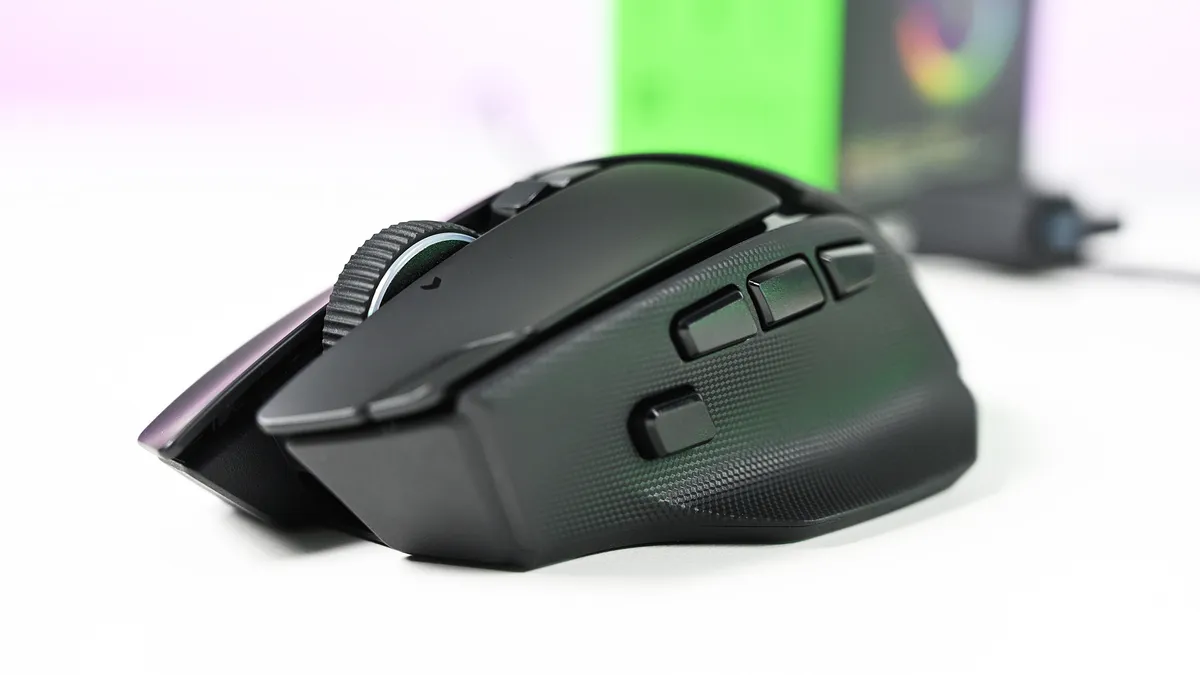
Rather than break down every little design feature, I'm going to try and keep it brief by outlining what's new and changed from the previous Basilisk V3 Pro 35K that I've been using every day.
The overall design has been very subtly changed, but for the better. Especially if you have smaller hands, like myself. Side-by-side with the previous Basilisk, it's very slightly shorter, but still noticeable. This makes the main mouse click buttons also a hair shorter, and they do sit better under my fingers.
The left mouse button also has a friend on the Basilisk V4 Pro, taking a little notch out of it but still positioned in such a way that you won't accidentally press it. This is the profile cycling button, moved up top from underneath on the Basilisk V3 Pro 35K, and a much more sensible location for it.
Now, say, if you have profiles for work and profiles for gaming, you can just effortlessly go between them without having to flip the mouse over and press until you get the right one.
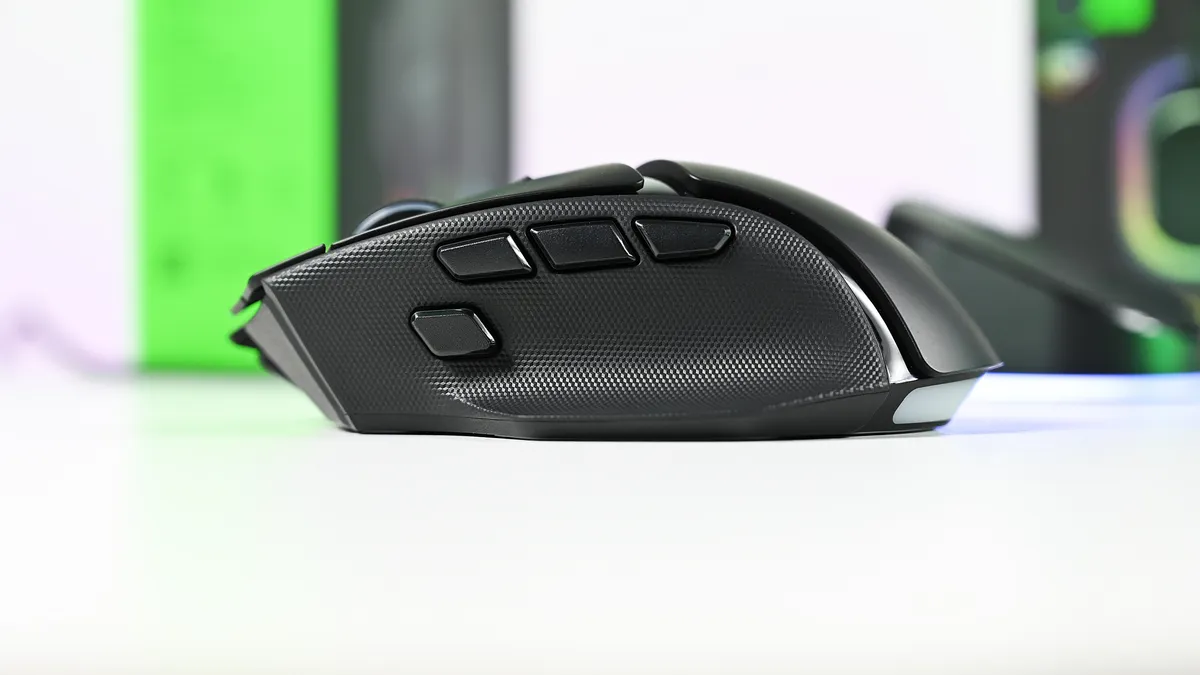
The buttons on the left-side of the Basilisk V4 Pro are much better on this year's model, too. There are now three, and the HyperShift button has been repositioned and redesigned and is easier to click with your thumb. Two of the others are vacant out of the box to be mapped to your own functions. But I love that they're smaller and more defined than the buttons on the older Basilisk.
In total there are 14 customizable buttons on the Basilisk V4 Pro, which, combined with HyperShift and the four profiles you can store on the mouse, leaves more space than most of us will ever need to set the perfect layout.
The sensor gets an upgrade, of course, to Razer's Gen-3 Focus Pro 50k optical sensor. But it's not this that is most exciting; it's Frame Sync. The Basilisk V4 Pro will align both the sensor scanning and the mouse's polling rate. This reduces motion latency when it's communicating with the PC but, crucially, also helps improve battery life, as there's no wasted reporting.
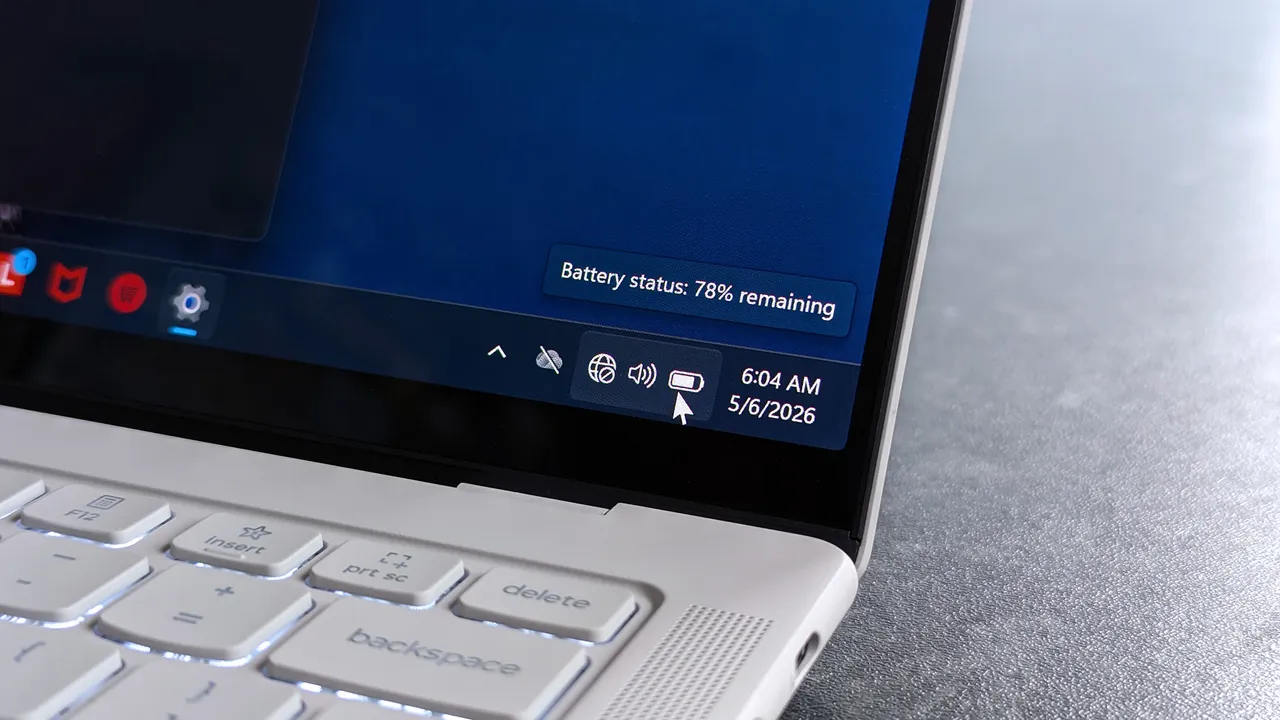
That leads to up to 200 hours off the charger (up to 275 hours on Bluetooth), though I haven't been able to push it that far. I haven't had it long enough, but it's not run out of battery yet, and it's going strong.
I'm far from a pro gamer, too, but I love using the Basilisk V4 Pro. It's so accurate; I feel better than I actually am. In some games you also have a built-in 'cheat' since you can map a button to do an instant 180-degree turn. I pass no judgment, but it's there.
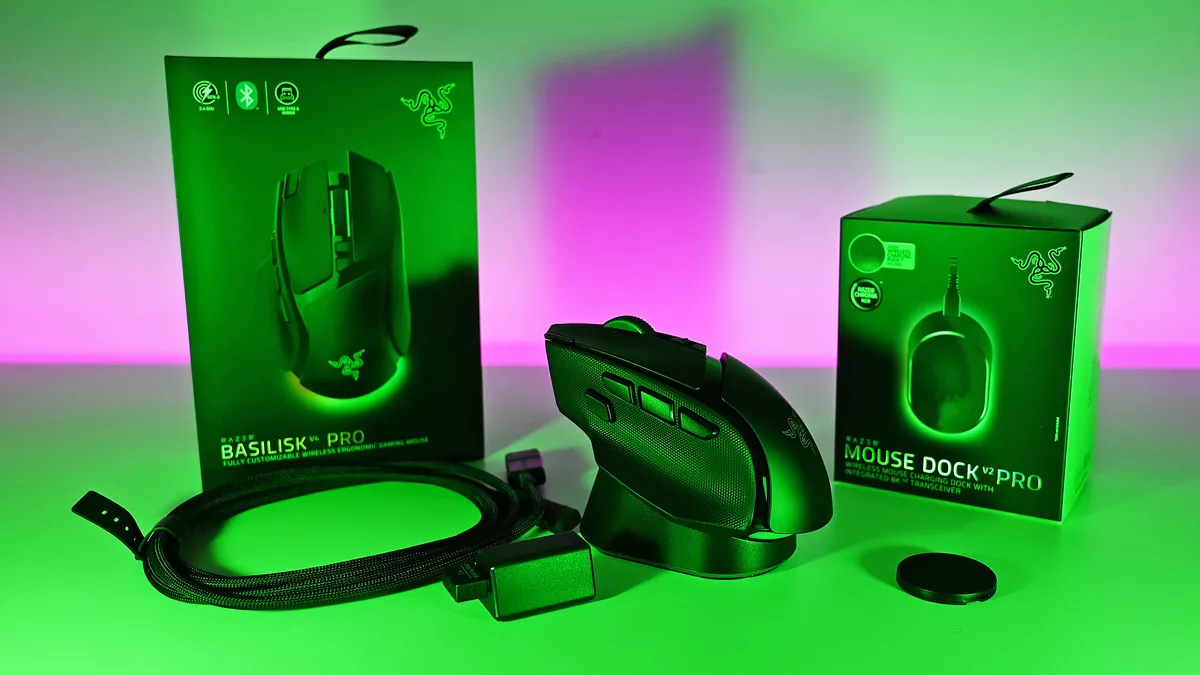
When you do need to top up, if you already have one of Razer's wireless charging mousepads, the Basilisk V4 Pro is compatible. The charging puck is pre-installed, and it also works with the new mouse dock. It's an optional purchase, but you just drop the Basilisk V2 Pro on top, and it charges it up. If you use the mousepad, you'll never have to worry about running out. I've never once charged my Basilisk V3 Pro 35K manually.
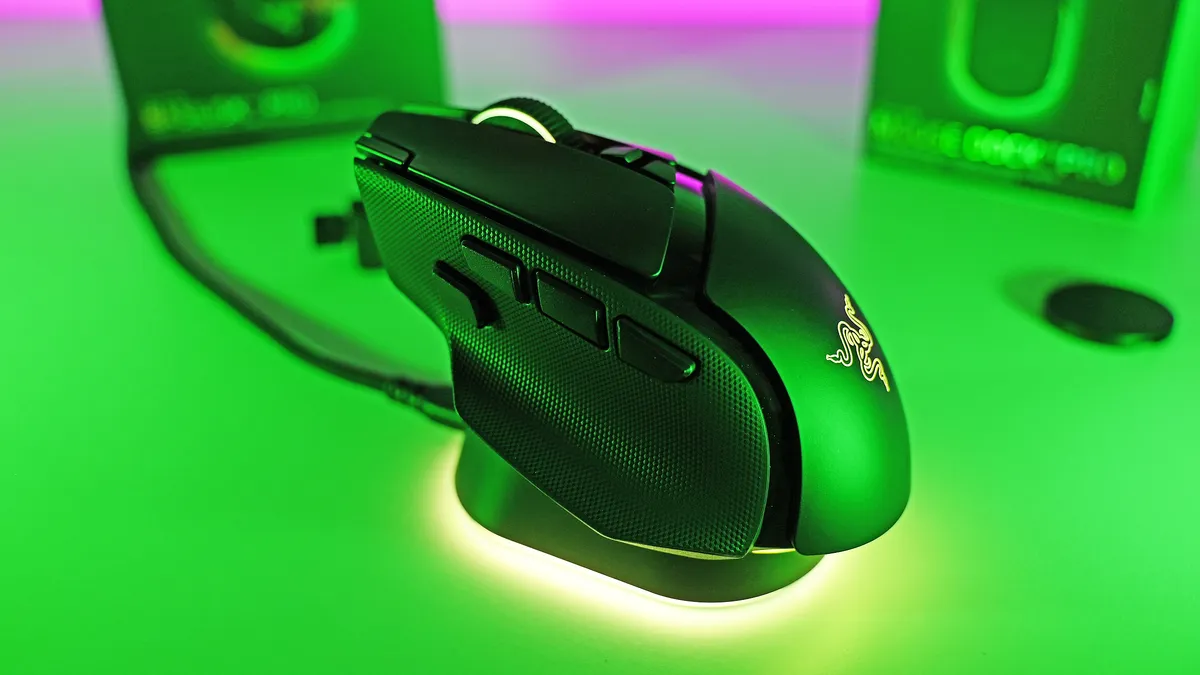
Despite better battery life, the Basilisk V4 Pro is even lighter than its predecessor. While it's not a massive amount, it is noticeable, especially when you're actually moving it about the desk.
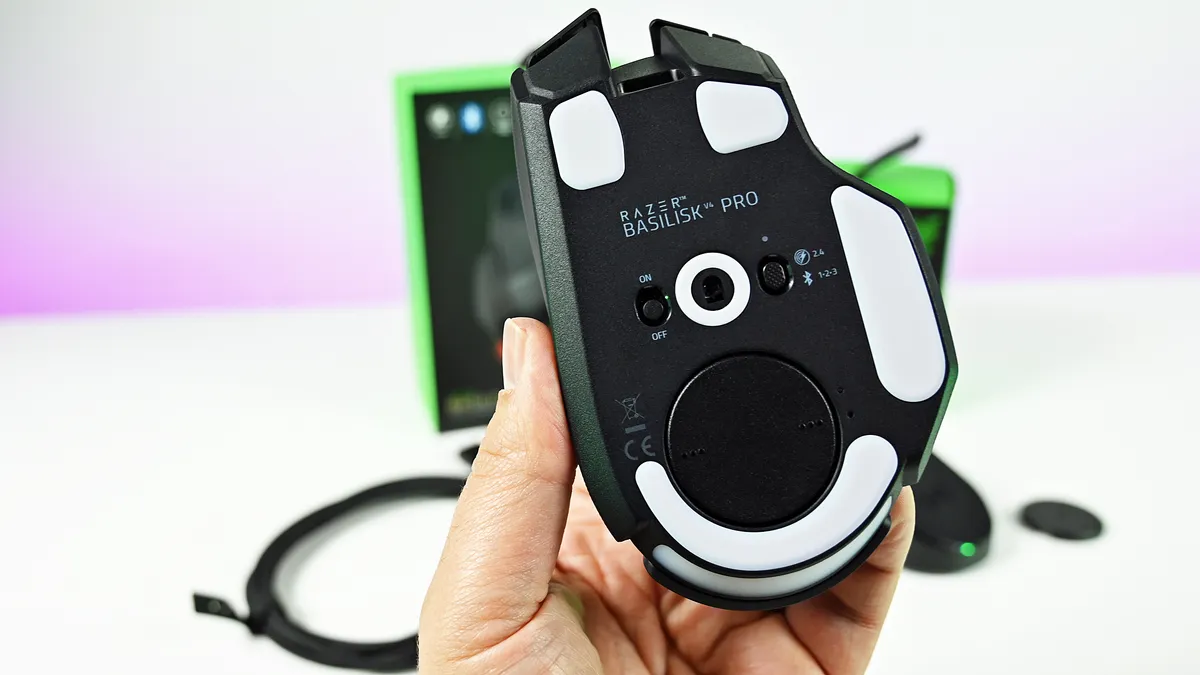
The best performance comes naturally wired or using the 2.4 GHz dongle, but you can also pair the Basilisk V4 Pro up with three additional Bluetooth devices. You're able to cycle between them with the button on the bottom, with each having its own color code to help you distinguish them.
I also want to shout out the Precision Tactile setting on the scroll wheel. As someone who's constantly scrolling through large chunks of text, it's really made this so much more pleasant to do.
Overall, though, I really like the changes made to the Basilisk V4 Pro. Not all of them, but as a package, it's such a nice mouse. Packed with features, insane levels of customization, and the performance we've come to expect, all wrapped up in a stellar soft-touch finish with better battery life.
What I don't like about the Razer Basilisk V4 Pro
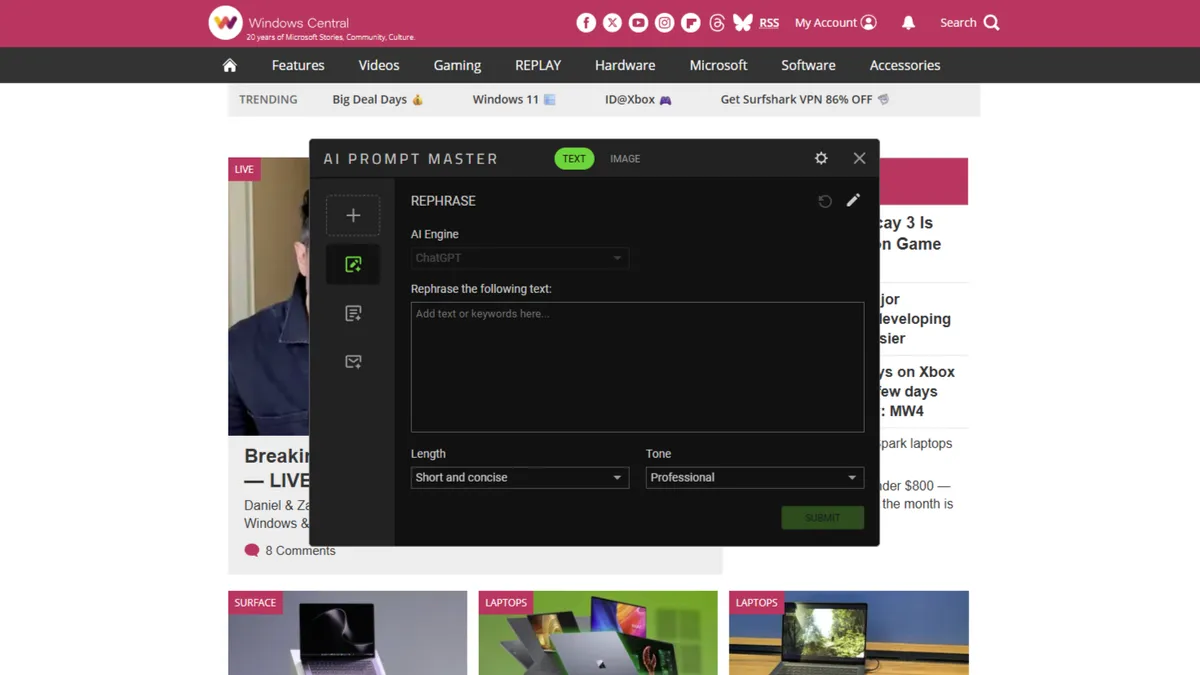
Let's talk about AI. Yes, groan.
I should say up front, this feature is optional. You can make it go away. But out of the box, it's configured, and I don't like it one bit.
One of the three buttons on the side of the mouse launches the "AI Prompt Master." This opens a chatbot window, built by Razer but using ChatGPT to execute. You have pre-built options to compose emails, summarize, rewrite, and create images, with modifiers for what you want the results to look like, and you can create your own template.
My question, though: Why?
Razer is a company founded on gaming. Its core customers are gamers. This is the best gaming mouse the company has ever made, but by default, it has a hardware button bound to an AI chatbot. Not even one that lets you change the AI engine it uses (right now at least). And it even sits above all your open windows, even if you're not actively using it. Awful.
If you don't have Synapse installed on a PC, it won't work. And yes, you can remap the button to anything else you want. I just don't understand why it's even here. Gamers are not typically receptive to AI being shovelled into their gaming setups. We've been there already with Microsoft and its Gaming Copilot.
That's basically all I don't like about the Basilisk V4 Pro. I know it can be made to go away; I'm just really disappointed that a company I've used for gaming hardware for so long has gone down this path. And with a pretty bad app for it, too.
I should also mention the price. This is the top of the line, so it comes with a price tag to match at $169.99. But if you're looking for the best of the best, it's worth it.
I'd also maybe like to have seen more than just Razer's own wireless charging accessories able to charge the mouse. I get it, from a business perspective, and controlling the experience. But if you have a wireless charging pad for your phone already, I can't deny it'd have been nice to be able to use that with the Basilisk V4 Pro as well.
Should you buy the Razer Basilisk V4 Pro?
AI shenanigans aside, the Basilisk V4 Pro is a ridiculously good gaming mouse. If you've ever used a Basilisk before, you'll know why.
The core remains largely unchanged, just updated for 2026 with performance oozing out of it. Like its top controllers, you can top out at an 8,000 Hz polling rate, and with Frame Sync, it's one of the most accurate gaming mice for competitive players.
Whether you should buy one or not depends on which mouse you're currently using. If you're on a Basilisk V3 Pro 35K, as I have been, it's a harder sell. It's a little bit better, but I'm not sure you should be first in line.
If you're on anything older or from another manufacturer, it's far easier to recommend. It's ergonomic, so you can use it all day for work or play. The improved battery life means you can actually take it on the road with you for multiple weeks without having to worry about it even if you're using it heavily, and it's absolutely killer for gaming.
It's hard to make great products greater, especially when you already have one of the best gaming mice on the planet. But Razer managed it with the Basilisk V4 Pro.
The Razer Basilisk V4 Pro is available starting October 8 for $169.99, alongside the Mouse Dock V2 Pro, which costs $69.99.
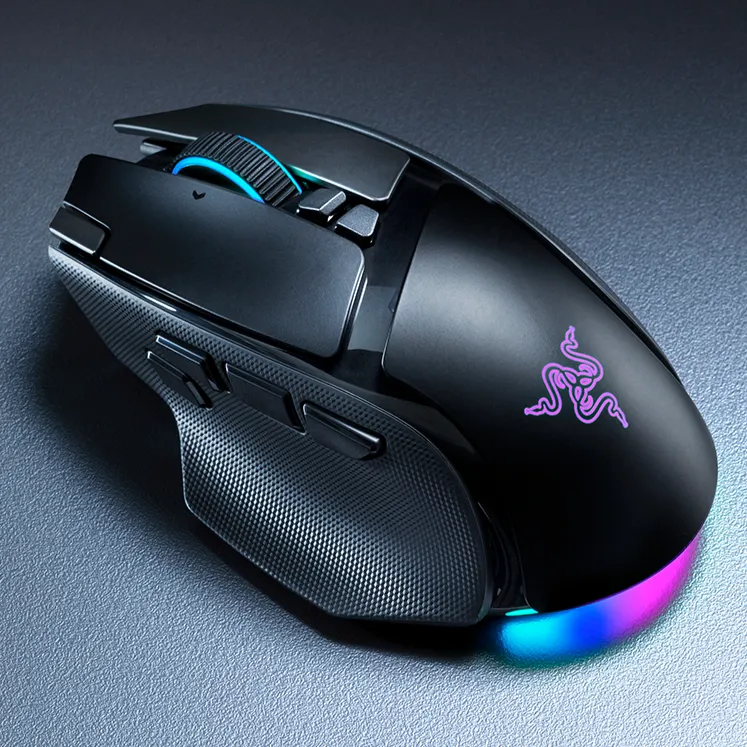
"Where immersion meets customization, the Razer Basilisk V4 Pro takes both further than ever. Fully decked out with our latest suite of next-gen technologies, discover the ultimate wireless ergonomic RGB gaming mouse that plays to your every possible preference."

Join us on Reddit at r/WindowsCentral to share your insights and discuss our latest news, reviews, and more.