


The world of retro PC gaming has seen a massive rise in popularity of late, and for good reason. As PC hardware prices continue to balloon, it's getting ever harder to justify spending thousands on a modern system.
Many PC gamers who traditionally enjoy their favorite titles on more affordable builds have been priced out of the market, and never mind the bloated prices of high-end components.
It's no wonder that searches for "retro gaming PCs" have exploded in 2026, as gamers search out affordable alternatives.

In a separate article, I covered in a lot more depth exactly why the retro PC gaming world is taking off. It ultimately comes down to a mix of affordability, nostalgia, taste, and preservation.
Although you can run retro games on just about any PC with the help of emulators, not everyone has an extra system sitting around.
I've returned with a guide on how to build your own standalone retro gaming PC for less than $500 in 2026.
How to build a retro gaming PC for less than $500 in 2026

The retro gaming PC you build ultimately depends on what type of games you want to play.
If you're interested in 8-bit and 16-bit games from the NES, SNES, and Sega Genesis era, you'll need about 2GB of RAM and a CPU that hits at least 2.0GHz.
These games can basically run on a potato, and you might want to check out a Raspberry Pi 4 for a quick, inexpensive start.
For emulating 32-bit games from the Nintendo 64 and PlayStation era, a dual-core CPU at 2.0GHz with 4GB of RAM should be enough.
Hardware recommendations get a bit stricter with the Xbox, PlayStation 2, GameCube, and Dreamcast generations. At least an Intel Core i5 CPU is recommended, and you should have at least 8GB of RAM.
My retro gaming PC parts list costs less than $500
Although you certainly don't need a powerful PC to run retro games, I wanted to put together a system that can handle a wider range of generations.
Here's what my custom retro gaming PC build looks like:
| Row 0 - Cell 0 | Component |
Notes |
Price |
CPU |
AMD Ryzen 5 5600GT |
A capable CPU paired with integrated GPU that can run emulated games |
|
Cooler |
Cooler Master Hyper 212 Black |
Affordable and reliable CPU cooler |
|
Memory |
TeamGroup Elite 8GB |
A single stick of 8GB DDR4-3200 RAM keeps costs down |
|
Storage |
Kingston A400 240GB |
Retro games don't take up a lot of space — 240GB is plenty |
|
Motherboard |
Gigabyte B550M K |
A Micro-ATX board is really all you need |
|
Power |
Thermaltake Smart 500W |
Affordable and reliable PSU with plenty of power |
|
Case |
Cooler Master MasterBox Q300L |
MicroATX Mini case won't take up much space. |
|
| Row 8 - Cell 0 | Row 8 - Cell 1 | Total: |
$490.42 |
Although these prices will undoubtedly fluctuate over time, you should still be looking at a retro gaming PC that costs around $500.
Why does this retro gaming PC lack a discrete GPU?
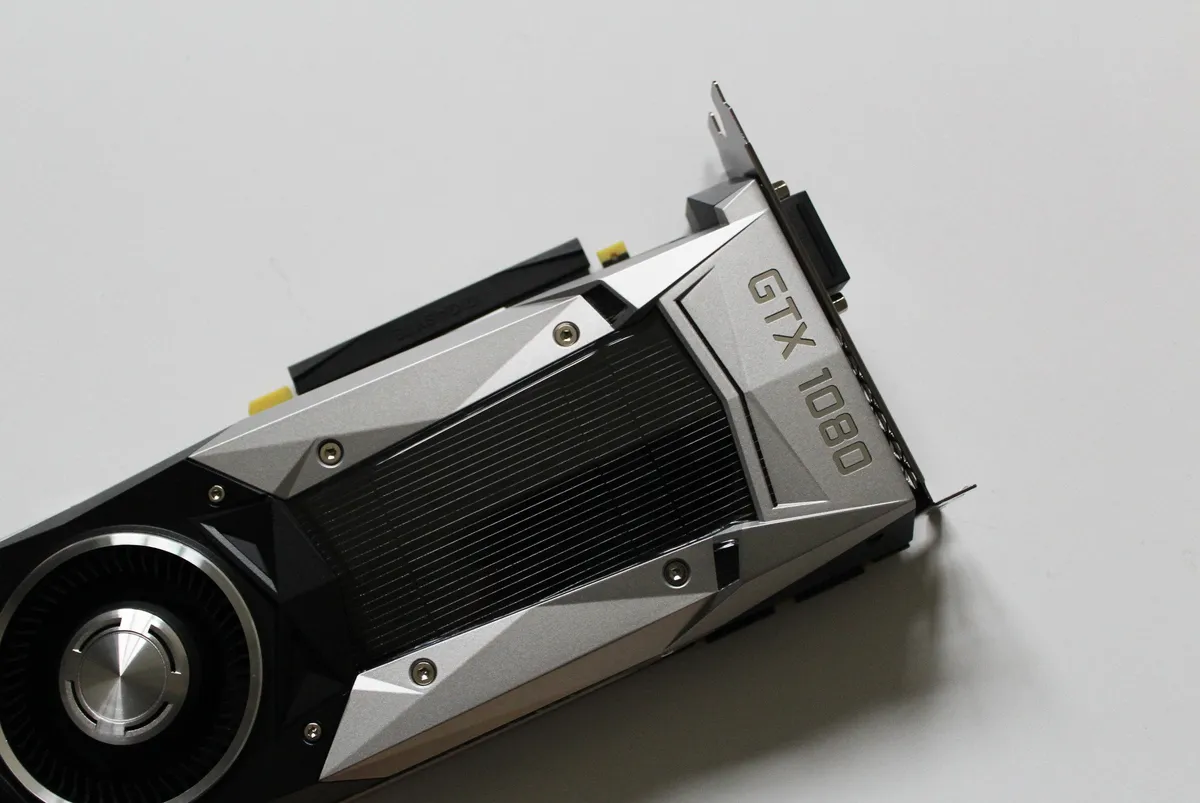
You've likely noticed that this build lacks a dedicated GPU. That shouldn't be a problem for the vast majority of retro games, but if you do get into the more demanding emulators, you can always pick up a discrete card.
For everything else, the powerful integrated Radeon graphics in the Ryzen 5 5600GT will do just fine.
What operating system should I use in my retro gaming PC?

You've probably also noticed that my retro gaming PC build lacks an operating system. That's for good reason.
Although you can certainly install Windows on it for a broad emulation approach (and for dual-use as a standard PC), there are plenty of free alternatives.
Something like RetroPie, designed as an emulation platform on Raspberry Pi, can also be installed on regular PCs running Linux.
RetroPie is a great way to package a bunch of different emulators like RetroArch and EmulationStation, and it comes with a ton of settings you can play around with.
Another option is Lakka, which is a Linux distro built specifically for retro gaming. It's free and open-source, with a vibrant community behind it providing support.

Where do I get retro console games (ROMs)?
Whereas emulators — the software that emulates console hardware — are legal, the games you run on them exist in a grey area.
ROMs, as these games are known, are digital copies of games that otherwise live on cartridges, arcade boards, and CDs. If you own a physical copy of a game, creating a ROM is not technically illegal and does not infringe on copyrights.
Even if you own the game in question, it is illegal to download or distribute a ROM on the internet.
I'm not recommending you do anything illegal, but it has traditionally been rare for individuals downloading ROMs for personal use to see any legal trouble.
Can I play old PC games on a retro gaming PC?

While the retro PC build I put together above is great at running console emulators (and lighter modern PC games), you're probably wondering how you can enjoy retro PC games from the '80s, '90s, and '00s on modern hardware.
This is actually a lot easier than many suspect. Something like DOSBox Pure Unleashed can be installed on a modern PC running Windows and used to emulate DOS games. It's free and open-source.
It goes beyond just DOS games with its ability to install old operating systems, including Windows 95, Windows 97, and Windows XP.
You can also set up DOSBox Pure to run on RetroArch for older PC games support.
Take the easy route with retro games available on GOG.com

If you'd rather not mess around on your own with extra software, old PC games are readily available on GOG.com.
GOG makes it super easy to run old titles on modern PCs by packing the games with emulators like DOSBox. You can just download the game of your choice and start playing it on modern Windows without all of the legwork.
Games from GOG don't come with any DRM software, and they're all tested to ensure that they work on modern hardware. The games aren't free, but they're certainly quite affordable.
Are you interested in retro PC gaming?
This sub-$500 PC build I put together here is but one of the many avenues to take if you want to get into retro PC gaming. Be sure to let me know if you see any areas where it could be improved without adding cost.
Do you enjoy retro games? Which ones are your favorite, and on what sort of hardware do you run them? Be sure to let me know in the comments section below!

Join us on Reddit at r/WindowsCentral to share your insights and discuss our latest news, reviews, and more.

