


Microsoft's Photos app is about to get a major upgrade. Microsoft recently highlighted how the app is faster, more efficient, and full of new features. The upgraded Photos app will feature a new Gallery, Editor, and Viewer.
Details about the new Photos app were shared in a Microsoft blog post, but images and videos have since shown off the level of improvement we can expect.
Based on early impressions of the app, the new Photos experience could be a go-to way to view and edit images on Windows 11 rather than an app you scroll past after right-clicking and selecting "Open with."
New features
The three main additions to the Photos app are the new Gallery, Editor, and Viewer. Those experiences are designed to, "help you rediscover and organize your collection, give you more capable tools for your favorite shots, and make the everyday experience faster," according to Microsoft.
The new Gallery gathers together photos from your PC, OneDrive, and iCloud into a single space. You can then search for images using text, filter photos to see specific people, or browse Moments created by the app or albums you've organized.
You can use natural language to find images in your gallery, such as searching "sunset at the beach." That saves you the hassle of searching for specific file names.
The new Editor loads 25 percent faster, according to Microsoft. It includes tools to crop, enhance, repair, and stylize photos.
Super excited to ship the new Photo Viewer and Editor! Faster launch times, nearly 50% less RAM used by the Editor, and tons of new features! One detail worth showing off: Photo Viewer is now edge-to-edge. Zoom into a photo and watch it take over the entire window! https://t.co/5mKMO87PVlOctober 15, 2026
Microsoft rebuilt the new Editor from the ground up with WinUI 3, which is the modern framework used to create apps. Notably, only certain parts of the new Photos app are built with WinUI 3.
On top of the normal features you'd expect from an editor, such as cropping an image, the new Photos app has some advanced features like Relight. With that tool, you can add up to three light sources to an image and dynamically adjust lighting in the photo.
Microsoft added support for editing and saving HEIC and WebP images as well as the ability to preserve the color and contrast of HDR photos throughout the editing process.
The new Viewer in the Photos app is also called "native" by Microsoft, though the blog post does not specify that it is built with WinUI 3. It now has better support for HDR viewing and supports more file types, including SVG files.
Speed improvements
I'm excited to try the new features in the Photos app, but the speed of the app is what has stood out to me the most. Diego Baca, Microsoft's Vice President of Design for Windows, shared a video showing the new gallery.
Baca scrolls within the Photos gallery and hundreds of photo previews load instantly. Even when pausing the video, there is only one instance of stuttering or the app having to take a moment to load images.
Photos gallery super fast 👀 🖼️ https://t.co/g4k9W9yhG6October 16, 2026
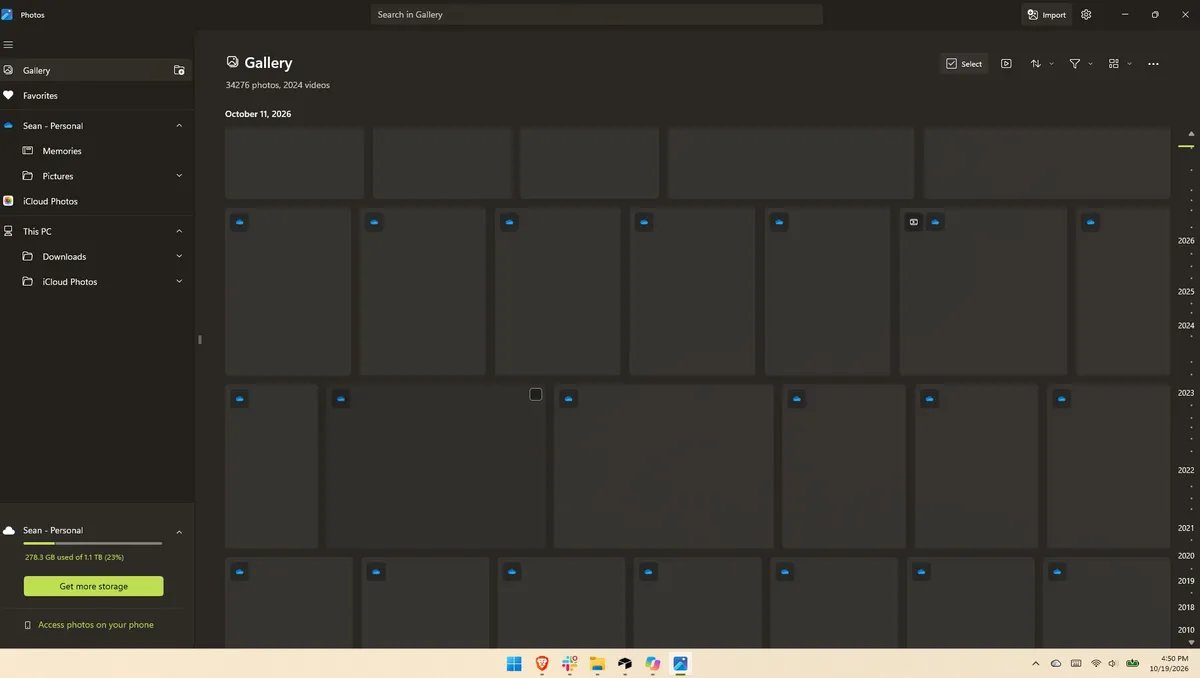
I thought for a moment I may have been judging the old Photos gallery too harshly, but a quick test put that concern to rest. Scrolling through my gallery on my main PC, which does not have the improved Photos app yet, I can watch thumbnails load one at a time. It's like switching from dial-up internet to broadband.
Several parts of the app have been sped up, such as Viewer launching 15 percent faster on average and up to 30 percent faster for HEIC images.
Earlier this year, we covered Microsoft's Rudy Huyn assembling a team to work on Windows apps. We've seen some of the fruits of that team already, but the new Photos app is by far the biggest improvement connected to them.

Join us on Reddit at r/WindowsCentral to share your insights and discuss our latest news, reviews, and more.

