


Microsoft is rolling out a new developer tool designed to make it significantly easier to bring apps to Windows 11. For years, devs have complained about fragmentation, packaging headaches, and inconsistent APIs — and this tool aims to smooth out the entire process. If Microsoft wants a healthier Windows app ecosystem, this is exactly the kind of move users have been waiting for.
In short, Microsoft is looking to remove roadblocks for developers who want to build apps for Windows 11 but don't use Visual Studio or MSBuild.
The tech giant just announced the public preview of Windows App Development CLI, also known as winapp CLI. The tool is designed for cross-platform tools like Rust, Electron, or Dart.
Windows Development CLI is an open source command-line tool that should help developers make apps take advantage of Windows features without needing to use Visual Studio.
The new tool makes it easier to access modern APIs and package apps into MSIX packages, which is essential for getting apps into the Microsoft Store.
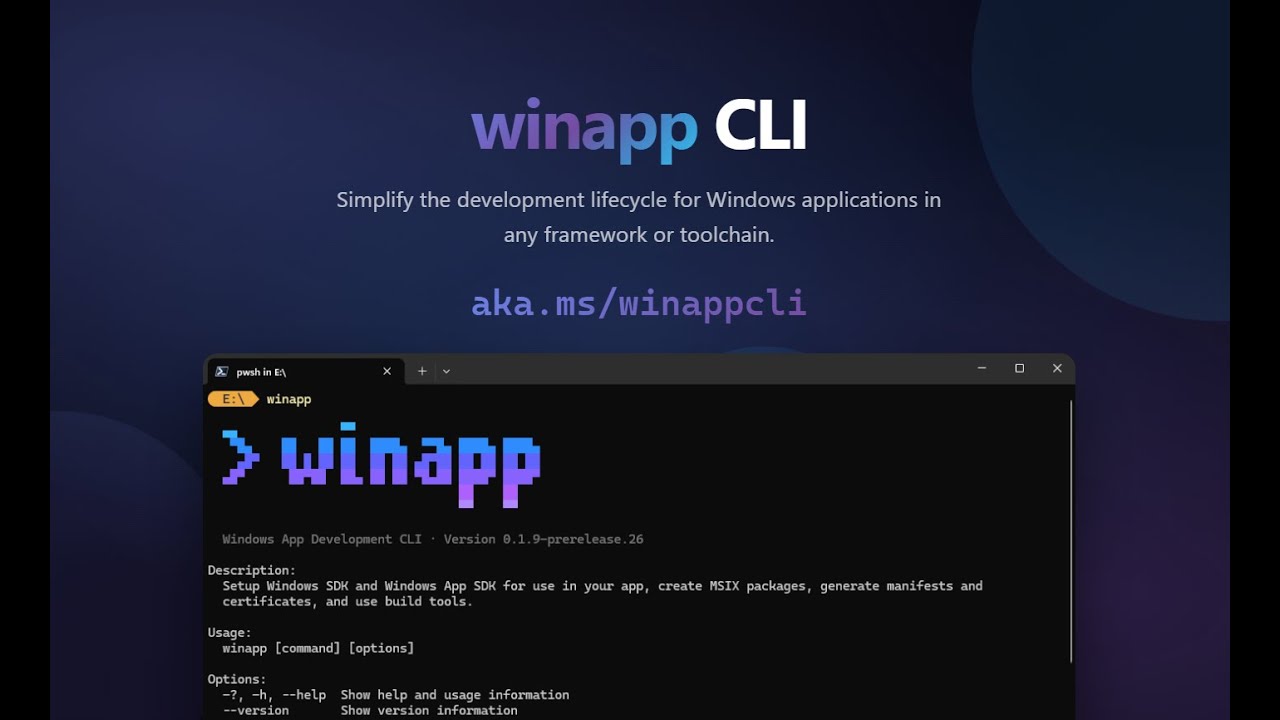
Microsoft announced the Windows App Development CLI and explained some of the roadblocks to app development that the tool can help with:
"Windows development often involves managing multiple SDKs, creating and editing multiple manifests, generating certificates and navigating intricate packaging requirements. The goal of this project is to unify these tasks into a single CLI, letting you focus on building great apps rather than fighting with configuration."
The tool is in public preview now as part of an attempt to get feedback from real-world usage. You can check out the tool on GitHub.
Whether this tool becomes a turning point depends on how quickly developers adopt it, but the intent is clear: Microsoft wants Windows 11 to be a friendlier, more modern platform for app creators. If it works, users could finally see the Store — and the OS — get the app support it’s been missing.
FAQ
What is a "CLI" and why is Microsoft making one?
"CLI" stands for "Command Line Interface" — think of the Terminal or PowerShell as examples. Microsoft's new CLI allows developers to type commands and can be used by devs who do not use Visual Studio. It also automates tasks, streamlining workflows and reducing friction.
Is winapp CLI replacing Visual Studio?
No. winapp CLI is for developers working outside of Visual Studio or MSBuild. The winapp CLI is designed for cross-platform developers who want to make Windows 11 apps without using a new suite of software or development tools.
I’m not a developer; why should I care about winapp CLI?
Anything Microsoft does to reduce friction for developers can help quality apps get into the hands of users. If a developer has to use new tools or alter their workflow to optimize an app for Windows 11, they may choose to release a port or web app that does not take advantage of appropriate Windows APIs.
Will the winapp CLI help the Microsoft Store?
Yes. Because the winapp CLI automates the process of turning code into an MSIX file, developers can put apps into the Microsoft Store more easily.

Is this the tool Microsoft needed to win over cross-platform devs? Give us your take in the comments.

Follow Windows Central on Google News to keep our latest news, insights, and features at the top of your feeds!

