


Windows 11's Start menu is making headlines again, and not in a good way. A recent update drew criticism and mixed reactions from users. Some asked “why is this worse?” while others were bothered by their workflow being interrupted.
Start11 is a well-known Start menu replacement that we've followed for a long time. Start11 is a paid app, but an exclusive deal to Windows Central readers reduces its price by 25 percent. To get the discount, you need to use the code windowscentral on Stardock's website.

Start11 isn't a mod that tweaks the Start menu. It is a fully fledged replacement to the default Start menu on Windows 11. While you could simply use Start11 to make a user-friendly replica of the stock Start menu, the program also supports a number of customization options.
Start11 supports several themes that are drastically different from each other, though they should all feel familiar to those who have used Windows for a long time. For example, you can pick the classic Start menu inspired by Windows 7 or use the app launcher style that feels more like a smartphone (and Windows 11).
More subtle options let you change the color of icons, set entire groups to a single color, or adjust the roundness of corners. You can also tweak transparency settings.
While Start11's biggest selling point is the improved Start menu it delivers, the app also adds functionality to the taskbar. You can resize the taskbar when using Start11 or move it to the top or sides of the screen.
Start11 also integrates a third-party search tool called "Everything" that lets you search without seeing ads.
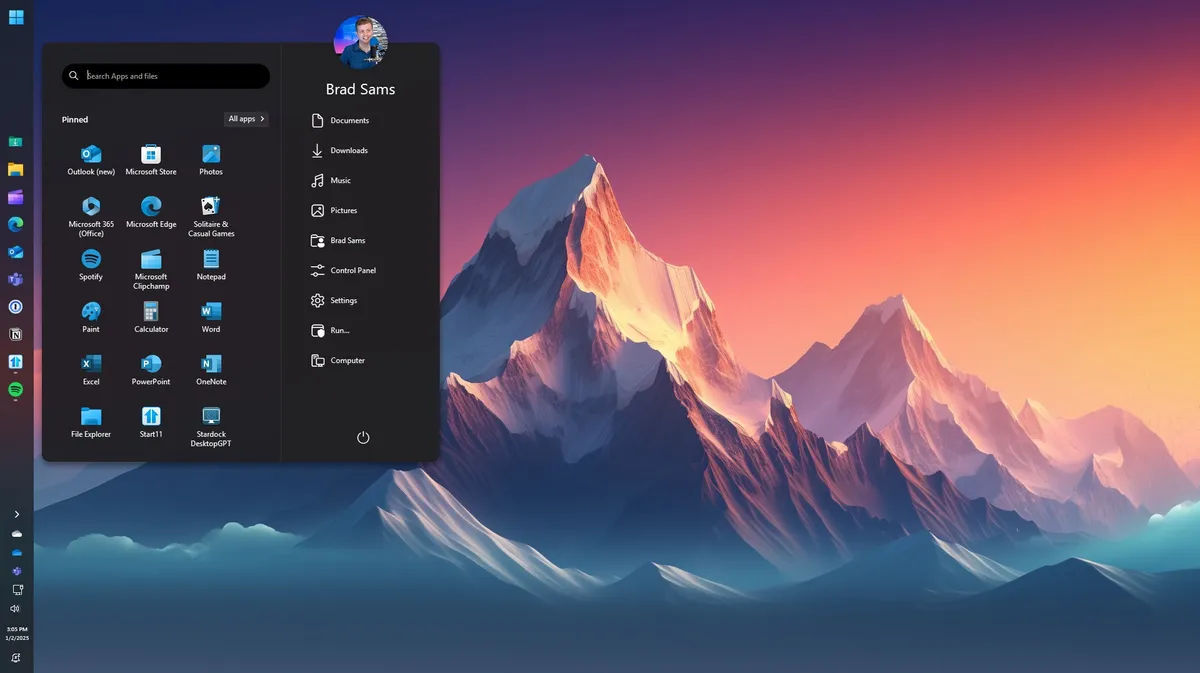

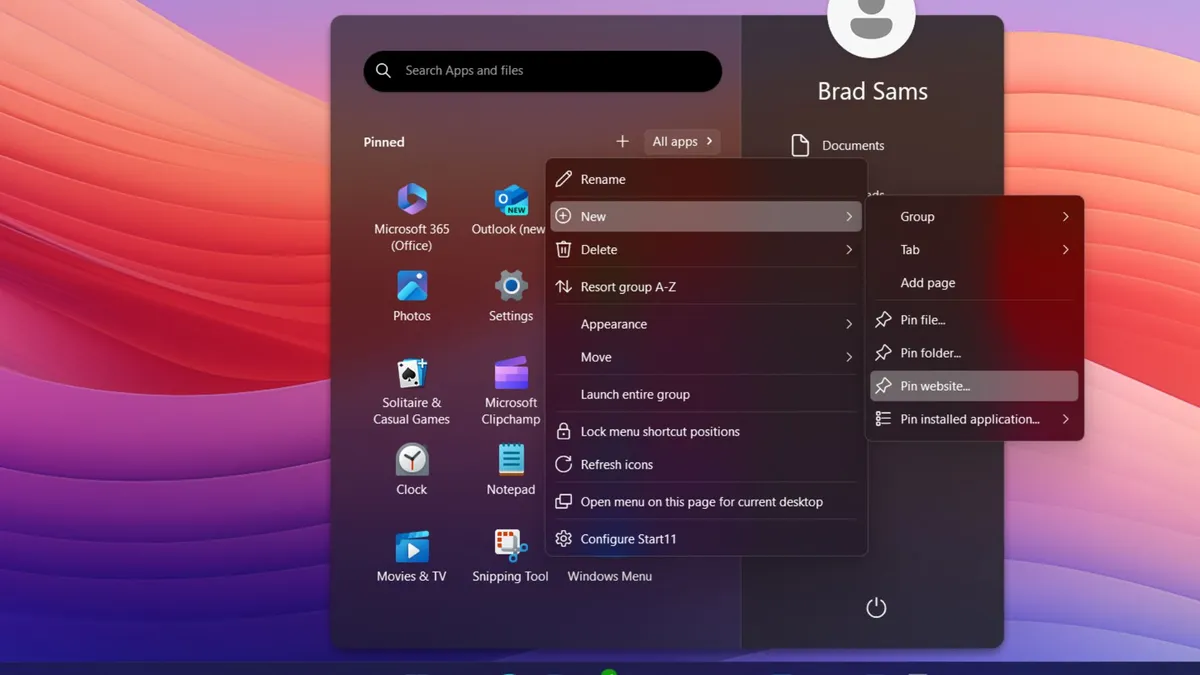
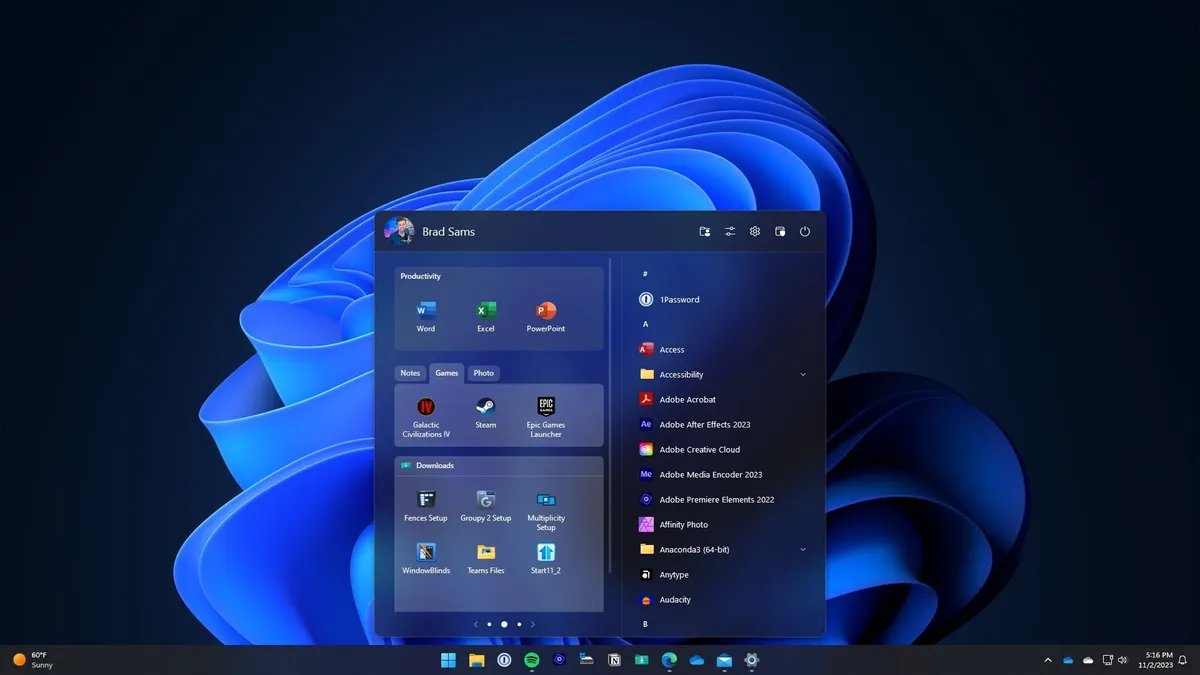


Perhaps the best part of Start11 is that it's consistent. Not only does the app support classic and modern styles, you don't have to worry about it losing a bunch of features or drastically changing in the background with an update.
It's odd to list that as a positive for an app — you'd think consistency would be a given. Unfortunately, that's not the case with the Windows 11 Start menu.
Even when adding what are arguably improvements, Microsoft makes enough other changes to create a learning curve. Look no further than the recent Start menu update that included the controversial categories feature that groups apps automatically (and incorrectly).
Start11 insulates you from updates that break your workflow while also providing customization options and productivity features that Windows 11 lacks. A 25% discount makes the app more affordable and even easier to recommend.

Join us on Reddit at r/WindowsCentral to share your insights and discuss our latest news, reviews, and more.

