


I love widgets. Microsoft seems much cooler on the concept. Sure, Windows 11 has a Widgets Panel, but it's barely useful due to its lack of quality widgets. That's why I was so excited to see WidBar highlighted on Reddit.
WidBar is a new app that allows you to add widgets to the empty spaces of the Windows 11 taskbar. It's still in beta, but it's off to a promising start.
The developer of WidBar, Andrea Del Bello, shared the app and detailed its progress.
At the moment, WidBar only has a pair of widgets: "Now Playing" and "System Metrics." They're basic but they do a good job showcasing the app.
Within WidBar, you can drag and drop widgets into a preview of your taskbar. Different widgets can be placed on various monitors.

Any developer can make widgets for WidBar. Del Bello explained how that works on Reddit:
"Each widget is just a small packaged app that you publish to the Microsoft Store like any other app, and WidBar picks it up on its own: there's no separate plugin store, no manual install into WidBar, and no approval from me. The moment your widget is installed from the Store, WidBar recognizes it automatically, it appears in the catalog, and the user can drop it onto the taskbar."
Del Bello also provided a template for making WidBar widgets on GitHub.
Putting Microsoft to shame
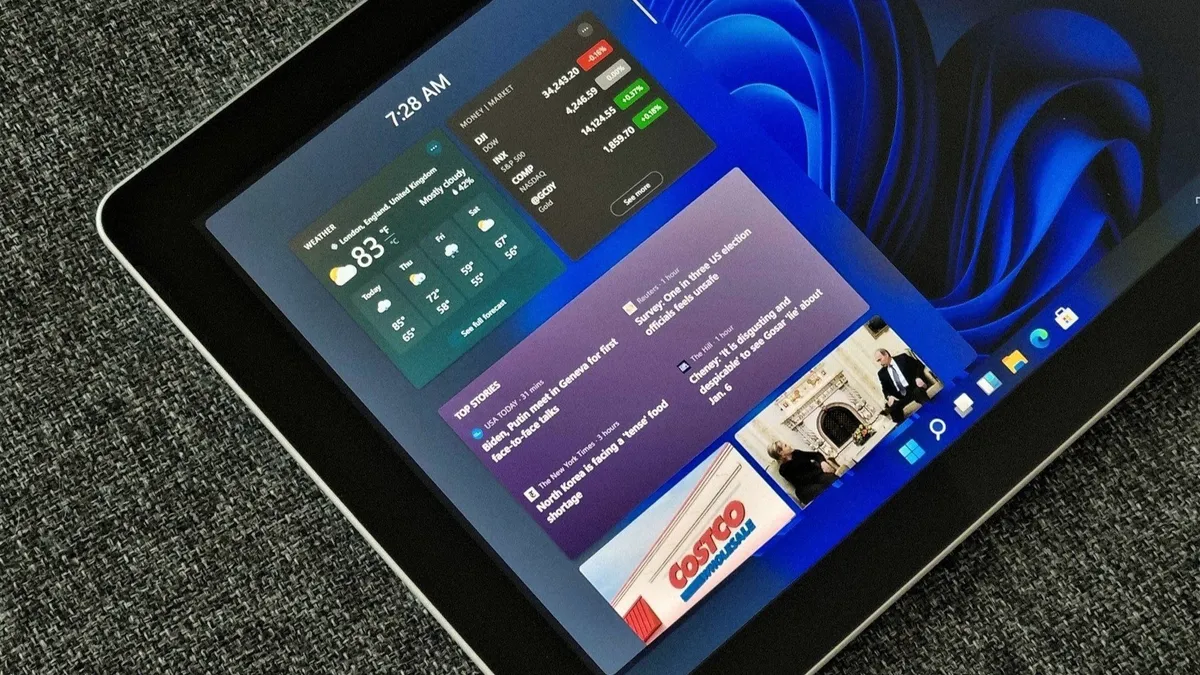
WidBar has two supported widgets right now and is still in beta, but it already surpasses Windows 11's Widgets Panel in an important way.
Incredibly, the Widgets Panel lacks a Now Playing widget from Microsoft. Windows 11 has those controls, but they appear in the Action Center. That shows how much Microsoft thinks about the Widgets Panel.
There is a widget made by Stefan vd called "S Media Controls" that seems to fill the gap, but I've only used it briefly in testing.
Even if you give Microsoft the benefit of the doubt and argue having audio controls in the Action Center and the Widgets Panel, it won't take much to catch up.
With just two supported widgets, WidBar is well on its way to beating the Widgets Panel. There are a grand total of 56 widgets in the Microsoft Store for the Widgets Panel. And that count includes "My Tic-Tac-Toe" and several entries that appear to be money grabs that offer little functionality.
Add a clock, a calendar, a recent files shortcut and WidBar is almost 10% of the way to the entire Widgets Panel ecosystem.

Join us on Reddit at r/WindowsCentral to share your insights and discuss our latest news, reviews, and more.

