


I've always loved Microsoft's quirky licensed collector items, from the Ugly Sweater to the Xbox Series X mini fridge. And while Windows 98 may be long gone as a mainstream operating system, its spirit still lingers in bizarre tech hacks like this.
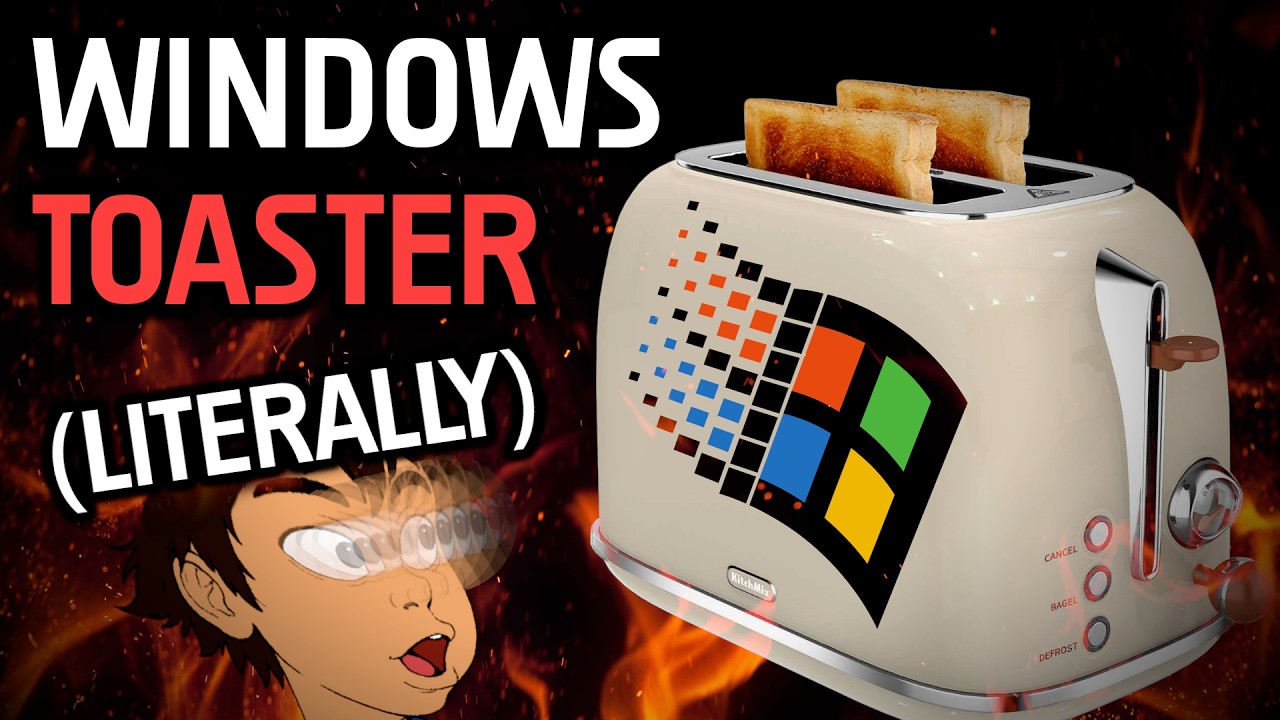
Most of you have probably seen the Xbox Series S toaster, but would you have ever pictured Windows 98 running on a smart toaster? If you're of a certain age and have been in the PC ecosystem for a while, then you might remember the famous Flying Toasters screensaver. This is a little different.
Avid tech enthusiast and YouTuber "Throaty Mumbo" took the theme a sizeable notch higher by making this bizarre idea a reality. Admittedly, getting Windows 98 to run on a smart Toaster is no small feat, and it took a lot more effort for some strange breakfast (via Hackster).
If you don't remember, the famous Flying Toasters screensaver was part of a themed "After Dark" screensaver collection, created for Macintosh in 1989 and later ported to Windows. It featured cartoon-style toasters with wings, accompanied by slices of toast flying across the background. Now it's alive and documented in video form.
Mumbo's first task was to determine how the original smart toaster actually works, prompting him to attach a logic analyzer to the wiring between the touchscreen and the control board. However, as is often the case with modern tech, they ditched timers and heating coils in favor of more sophisticated components such as microcontrollers, digital displays, and overall better control systems.
He later established that the smart toaster's command packets were being transmitted approximately every 30 milliseconds to coordinate heating levels, tray motion, and status updates. A Raspberry Pi Pico took over the toaster’s signals, replacing the original hardware. Once the inputs were captured, the Pi would allow him control the toaster however he wanted.
Now, it is virtually impossible to run Windows 98 on the toaster's hardware since it's completely incompatible. Instead, the OS runs on a secondary, more advanced Raspberry Pi 5, which he used as a functional PC, placed inside a 3D‑printed beige case for a true 90s retro look.
As a final touch to the unusually inspiring project, Mumbo wrote a thematically suitable program called toast.exe. He also replaced the toaster's tall display with a 7-inch panel to achieve a functional yet still retro aesthetic. However, the toasting process seemed a tad longer than usual.
You'd have to use the screen to find the toast.exe executable on the desktop, then double-click on it, and select Start Toast. Additionally, all the steps in the toasting process were represented individually, meaning you'll also have to control the heating, cycles, and tray movements manually.
That said, this doesn't discount the effort and the insane thought process that made this spectacular project a success and made my morning.


Join us on Reddit at r/WindowsCentral to share your insights and discuss our latest news, reviews, and more.

