


Like millions of other people, I have a Windows 11 PC and an iPhone. I'm envious of some of the ways Macs and iPhones connect, but I still rely on Windows 11 for everyday work and my hobbies.
AirDrop is one of the features I want the most when looking over the digital fence at my friends who are fully in the Apple ecosystem. While you cannot use AirDrop on a PC, there are some great alternatives.
"Does anyone actually have a good way to transfer files between an iPhone and a Windows PC?" asked Reddit user Palunath in the r/Windows11 subreddit. Users responded with several options, but two stood out: Blip and LocalSend.
Reddit delivered with both those recommendations. I downloaded both and have used them over the last week. I'm hardly the first person to highlight these apps, but if people are asking for AirDrop alternatives on Windows 11, they likely haven't heard of Blip and LocalSend.
Top pick: Blip
Transferring files is quicker and easier if both of your devices are on the same network, but Blip works when on different networks as well.
Blip is my top pick. It's easy to use, has an interface that feels familiar, and it's extremely fast. It's similar to AirDrop but without the Apple exclusivity.
Blip supports sending files and folders without any size limits (Blip's website says "99TB? Game on").
Not having to zip folders is a big plus, as is being able to send large photo files.
Blip is free for non-commercial use. If you're a business user or want priority speed, you can subscribe for $25 per user per month.
Signing up for Blip is easy and just requires entering your email and confirming the code you're sent.
Blip's website has download links for all supported platforms, including Windows, macOS, Android, iOS, and Linux.
Secure second: LocalSend
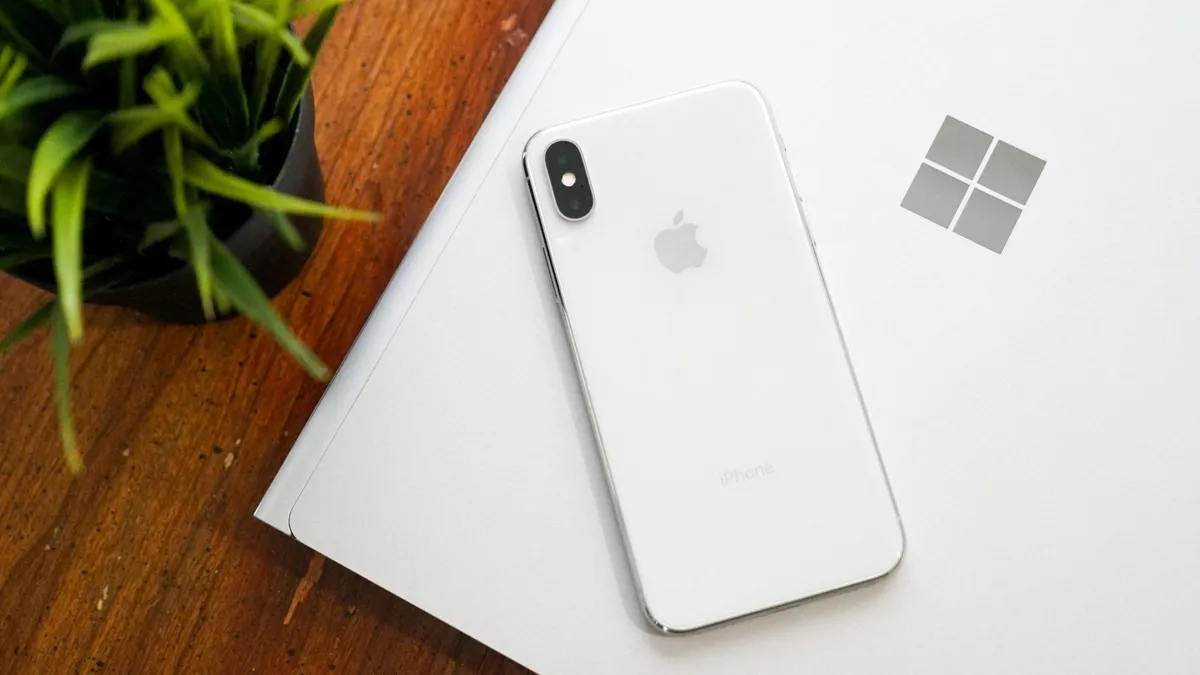
LocalSend works very well, but its structure has some pros and cons. Because it works through your network, it works without the internet. It's also incredibly fast, assuming your Wi-Fi network has quick speeds.
LocalSend doesn't require an account or logging in. Your devices from the network just appear within the app. You can mark devices as favorites to streamline sharing as well.
You can download LocalSend through its website (or just use the service through that site). LocalSend is free to use.
You can send files to a single recipient or multiple recipients as well, which makes LocalSend feel a bit more like AirDrop.
LocalSend is open-source, fully offline, and peer-to-peer, so it's a great choice for people who value privacy.
The obvious drawback is that LocalSend is for sending files locally. If you just need to send files at home or work when devices are on the same network, LocalSend provides a seamless experience.
OneDrive and iCloud
Blip and LocalSend are made for sharing files on demand. If you want to sync entire folders or all of your files, you can use apps like OneDrive or iCloud.
In my experience, these apps are much slower at syncing and sending files, but they're a great way to back up content.


Join us on Reddit at r/WindowsCentral to share your insights and discuss our latest news, reviews, and more.

