


Much has been made of Windows 11 coming along with hardware requirements that leave many, many older laptops out in the cold. But not being able to upgrade to Windows 11 doesn't have to mean you need to toss a perfectly usable piece of hardware on the giant e-waste pile.
Did you know that you can recycle your old laptop or desktop PC into a fully functional home server that could also help you reduce how much you're spending on subscriptions to cloud-based services?
Anyone can do this, and while you'll be ditching Windows, there are countless resources online to help you get where you need to be. A good starting point would be to set up Debian Linux on your machine for some of these projects.
Before you begin...

A few things to point out before we go any further.
Firstly, this isn't a comprehensive guide to setting up these projects. Merely suggestions on things you could do.
The other thing that needs to be remembered is that there are good and bad points to recycling an old laptop in this way. On one hand, you have a built-in UPS thanks to the battery; you have ports to connect drives to; and of course, a built-in display, mouse, and keyboard for accessing and troubleshooting your setup.
With a battery, though, comes the inevitability that batteries will go bad over time, and keeping one plugged in, charging 24/7, isn't advisable. So perhaps if you are using a laptop, consider shutting it down at night when you don't need it or, if you can, limiting how much the battery is charged.
With that out of the way, let's have a look at some fun projects you can reuse an old Windows PC or laptop for, with the added bonus of perhaps reducing your reliance (and spending) on cloud services.
1. Replace Microsoft 365 with Nextcloud

Nextcloud is a fantastic piece of software if you live inside the Microsoft 365 environment, but would love to not pay for it and have all your data under your own control.
There could be an entire article on what you can do with Nextcloud, but at its core, it's a self-hosted office suite where you can store files, create documents, get your email, host video calls, organize photos, keep your daily notes and to-do lists, and so much more.
Community-created plugins further expand what Nextcloud can do for you, and with apps for Android or iOS, you can access your files from any of your devices.
The whole point of Nextcloud is to create your own personal, private cloud. There are several ways to get set up, and you can find out everything you need to know from the Nextcloud website.
2. Home media server with Plex or Jellyfin

A home media server is the obvious choice, especially for reusing an old laptop since you don't need to run it 24/7. It also makes a ton of sense in the age of multiple different streaming services, and said streaming services continually losing content.
Plex and Jellyfin are but two options, but they're both popular for their own reasons and both really easy to use. In essence, you run the server from your computer, point it at a location that's hosting your media files, be it on the same device, another PC, or a NAS, and then watch said content on your PC, TV, smartphone, or tablet.
The most time-consuming aspect is collating the media. But you can easily rip your collection of Blu-ray and DVD discs and digitize them to view through Plex or Jellyfin.
It's worth it in the end, though, because nobody can take away your favorite movies and shows if you have a local copy. Why rely on Netflix when you can build your own?
3. Network-wide adblocking with Pi-hole or Adguard Home

I wouldn't recommend using an old laptop solely for the purpose of creating a network-wide adblocker. A Raspberry Pi is a far more efficient way of doing that.
But, if you're dabbling with projects and creating a little home server, then setting up Pi-hole or AdGuard Home is something easy to do.
Both have their fans, and I've used both, but I personally lean more towards AdGuard Home, as it's always felt a little more beginner-friendly. In essence, both of these act as a DNS server that will intercept ads on any device you point at it.
There are limitations to exactly what can be blocked, so don't expect a magic wand, but both are highly customizable. Find out more about Pi-hole and AdGuard Home at their respective GitHub repos.
4. Build your own NAS to back up your files

Nextcloud is a decent way to share files, but that's not what it's built for. If you've ever wondered if you really need a NAS in your life, you can recycle an old PC and just build one yourself.
Why even bother? How much are you spending on cloud storage every month? Do you really need to if you can build your own solution?
A couple of platforms you could try are TrueNAS and OpenMediaVault, both of which are installed as an OS rather than on top of something else. But both are capable of turning your old PC into a NAS to use at home.
Whether it's your media library, backing up photos, or just a place to store your files, you don't necessarily need to buy a NAS to have one if you already have an old PC lying around.
5. Host your own password manager
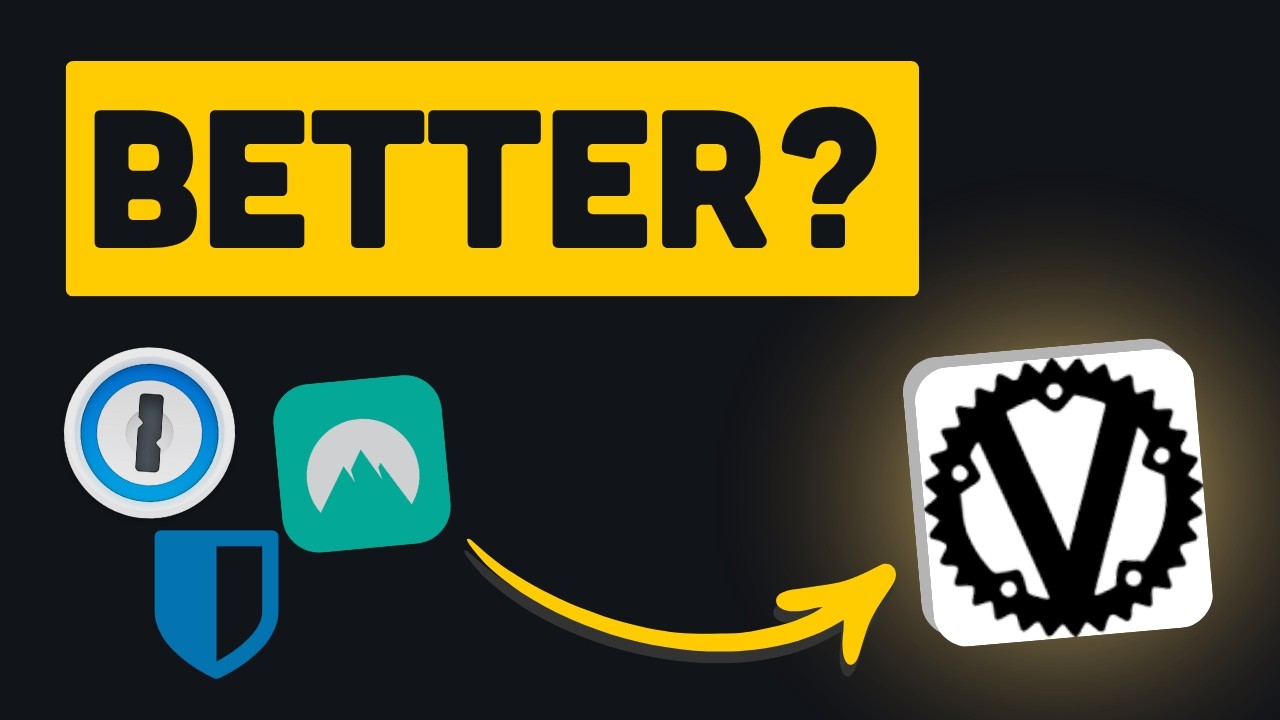
If you're paying for a password manager such as 1Password, have you considered that you could host it yourself?
One increasingly popular way to do this is using VaultWarden, an open-source, self-hosted tool that is compatible with BitWarden apps and browser extensions.
Everyone should use a password manager, and it should be secure, but that also doesn't mean you have to pay for it. Maybe hosting your own is a better idea?
You'll still get the same end result but without paying, and you have total control over some of your most sensitive data.
There are countless different things you can do with an old laptop to give it a second life, and these are just some suggestions that might set you on the right path.
Other useful places to check out are r/homelab, which is stacked with enthusiasts for this type of thing, and of course, YouTube. Building a server at home is becoming more and more popular, and there are so many resources at your disposal.
This video by YouTuber Tech by Matt is also worth a watch if you're thinking of reusing your old laptop in this way. He takes a slightly different approach, but it's an extensive walkthrough that you could find helpful.
If you've done something similar to this already, be sure to share your own tips and tricks in the comments below!

Join us on Reddit at r/WindowsCentral to share your insights and discuss our latest news, reviews, and more.

