


ASUS launched its new Zenbook A16 Windows laptop on April 7 this year, and it certainly earned high praise in my review after I tested the similarly new Snapdragon X2 Elite Extreme processor inside it. That chip comes from Qualcomm, part of the Windows on ARM platform and the Arm64 architecture in general, rather than the "traditional" x86-64 examples you'd see from manufacturers like Intel's Core Ultra and AMD's Ryzen.
It's undoubtedly a monstrous, monolithic SoC (System-on-Chip), offering a power-efficient combination of a high-end "Oryon" CPU and a wealth of on-package memory (RAM), particularly for the X2 Elite Extreme variant inside my Zenbook A16 sample. You also get a "Hexagon" NPU for local AI tasks, rated for up to 80 TOPS, alongside an "Adreno" GPU for graphics.
Now, ASUS never put much marketing emphasis on the Zenbook A16 to suggest it's a gaming laptop, despite a brief mention of "ultra‑smooth gaming" supported by the Snapdragon X2 processor. Then again, PC gaming handhelds like my still-beloved Steam Deck use integrated graphics, which should be much lower-spec than a 16-inch Zenbook, so — can the A16 play games?
TL;DR: Yes, the Zenbook A16 can play games because it is a computer. No real shock there. However, its reliance on Microsoft's Prism translation layer for titles that don't offer native ARM64 builds muddies performance expectations.
1. World of Warcraft: Midnight

- Verdict: ✅ Perfect
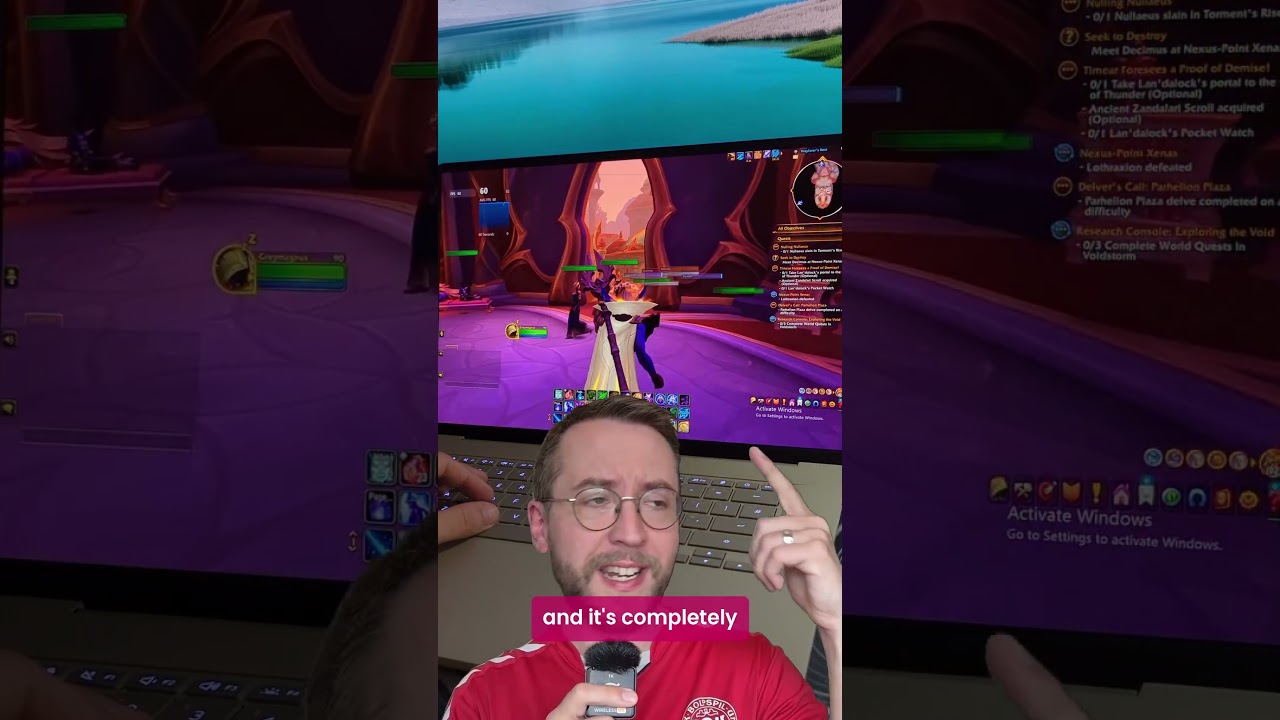
So, let's start with World of Warcraft, a game that I knew for a fact had native support for Windows on ARM since 2021. Even an MMO that's celebrating 21 years of gameplay raises its minimum PC specs over time, so it's interesting to see how an integrated GPU handles it. WoW isn't the most graphically impressive game in the world, but there certainly can be a lot to draw on the screen.
I saw the retail build of WoW running at a solid 60 FPS inside a major city while the Zenbook A16 was on battery power.
Using the improved Xbox Game Bar to track metrics, I saw the retail build of WoW running at a solid 60 FPS inside a major city while the Zenbook A16 was on battery power. I didn't need any resolution scaling, sticking instead to the native 2880 x 1800 desktop setting with whatever other graphical settings the game recommended, and the result was impressive.
I have to give Blizzard respect for supporting World of Warcraft's ARM64 build, even if it means borrowing my wife's account and having her see how well it performs with minimal fan noise. Now she wants the Zenbook. Either way, this is good news for anyone tempted by the A16 who moonlights in an active guild.
2. Cyberpunk 2077
- Verdict: 🟠 Playable
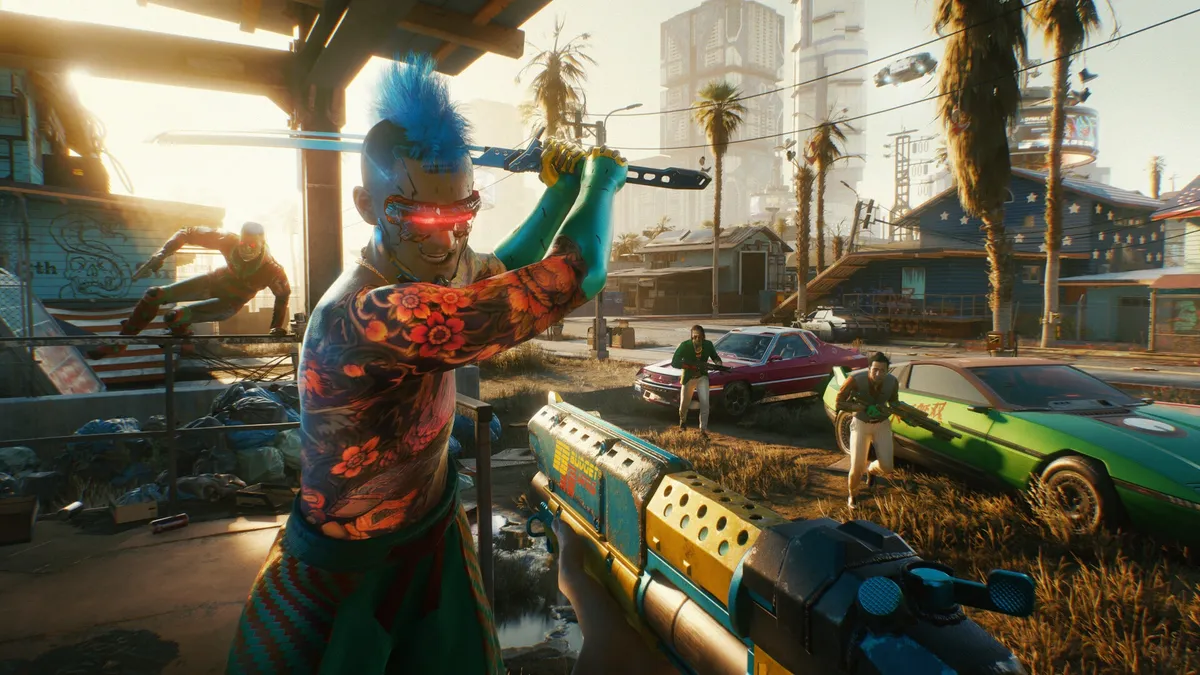
My first experiment with an x86-64 game didn't yield particularly encouraging results, and I deliberately avoided any community-led rabbit holes for "best settings" recommendations. No, this needed to be from the perspective of a casual gamer who might pick up a productivity-first laptop like the Zenbook A16.
Keeping Cyberpunk 2077 on its "low" preset and using upscaling tech to reduce the internal resolution in favor of blown-up graphical tricks didn't significantly improve performance, and I was lucky to maintain around 30–40 FPS.
In this state, it is technically playable, and some tinkering in the options could likely squeeze out a few more frames, but it doesn't feel worth it. At this point, I'd recommend playing the game on practically anything else that was built for gaming, whether that's an Xbox console or a dedicated gaming handheld.
3. Counter-Strike 2
- Verdict: 🟠 Playable
April 30 @ 6 AM ET: Counter-Strike 2 does eventually calm down and stop total hangs (like 0 FPS on death), and some console commands (fps_max 0) can help with drastic lows. Casual play is fine, but competitive play isn't viable. Original verdict follows.
CS2 is a mess on the Zenbook A16. At its lowest settings, the game can't maintain a steady framerate and regularly hitches at bizarre moments in any match. Resolution changes didn't help with frame pacing, and while the metrics show hints of 100 FPS, it's never sustained for an extended period; crashing up and down like a tsunami of disappointment.
Counter-Strike 2 might stand as one of the world's most popular online shooters, but forget it, you won't be enjoying a second of it on this laptop. It's a sad result, considering how Valve is developing its upcoming Steam Frame VR headset for the "androidarm64" architecture (not Windows on ARM), but maybe things will improve in the future. Skip for now.
4. Minecraft: Bedrock Edition

- Verdict: ✅ Great
Much like World of Warcraft, Minecraft has an impression of being simplistic enough that it seems like it should run on anything. However, the rendering demands happening behind the scenes can become quite intense on your PC, depending on what you build and how many creatures and monsters might be nearby at any given time.
Ray tracing is out of the question, though. Completely greyed out in the options menu.
Sticking to the default render distance of 12 "chunks" keeps a smooth, consistent framerate around 55–60 FPS without requiring any other changes, and you get exactly what you'd expect from Minecraft. It's not as pretty as the game can get, and visual mods would definitely have you turning to Automatic Super Resolution (Auto SR) for a chance at a few extra frames.
Ray tracing is out of the question, though. Completely grayed out in the options menu, the lack of support for Qualcomm's Adreno GPU means you'll be stuck playing Minecraft without RT, relying instead on standard lighting. No big deal, and not too surprising, considering the integrated graphics.
5. Kingdom Come: Deliverance II

- Verdict: ❓ TBD
The black sheep of the testing group, cut short early with a disappointing revelation that the Xbox PC app does not offer the same ARM64 build as Steam, and KCD2 falls back on x64 code. Given how much Cyberpunk 2077 struggled at its basement-level graphical settings, it's hardly worth pushing a year-old RPG through Prism emulation when a native build should be available to all.
Patch release gaps between Steam and Xbox PC aren't a particularly new annoyance, but they still feel like one that shouldn't happen to begin with.
Stick a pin in this one. Games with native support are already rare, so missing a chance to try the latest effort in Kingdom Come: Deliverance II is frustrating. Still, I expect this update will soon be available to Game Pass Ultimate subscribers, and that's when I'll see how the Snapdragon X2 Elite Extreme chip handles it. Until then, we don't need to dig into the specifics of its emulated performance.
A far cry from Valve's Proton efforts on Linux, but native support is inspiring

These results are what I expected from an integrated GPU that's already on the fringe of niche, and expecting developers to build native ARM64 versions of their games is a much bigger ask than requesting it from your average GitHub app creator. None of this affects my opinion of the Snapdragon X2 Elite Extreme processor, but it does have me pondering the Windows on ARM platform.
Prism is certainly helping, even if it isn't delivering quite the same experience as Valve's Windows-to-Linux translation via Proton. However, I'd like to see more attention given to Windows on ARM, especially in this portable space.
We've discussed the idea of an ARM-based gaming handheld multiple times before, and it's still an interesting prospect — if we can figure out the software side. I will test more games for as long as I have this laptop sample; it just takes time, and fitting it into a busy schedule is an art form in itself. Still loving the Zenbook A16, though. Even after that surprise price change.

Join us on Reddit at r/WindowsCentral to share your insights and discuss our latest news, reviews, and more.

