


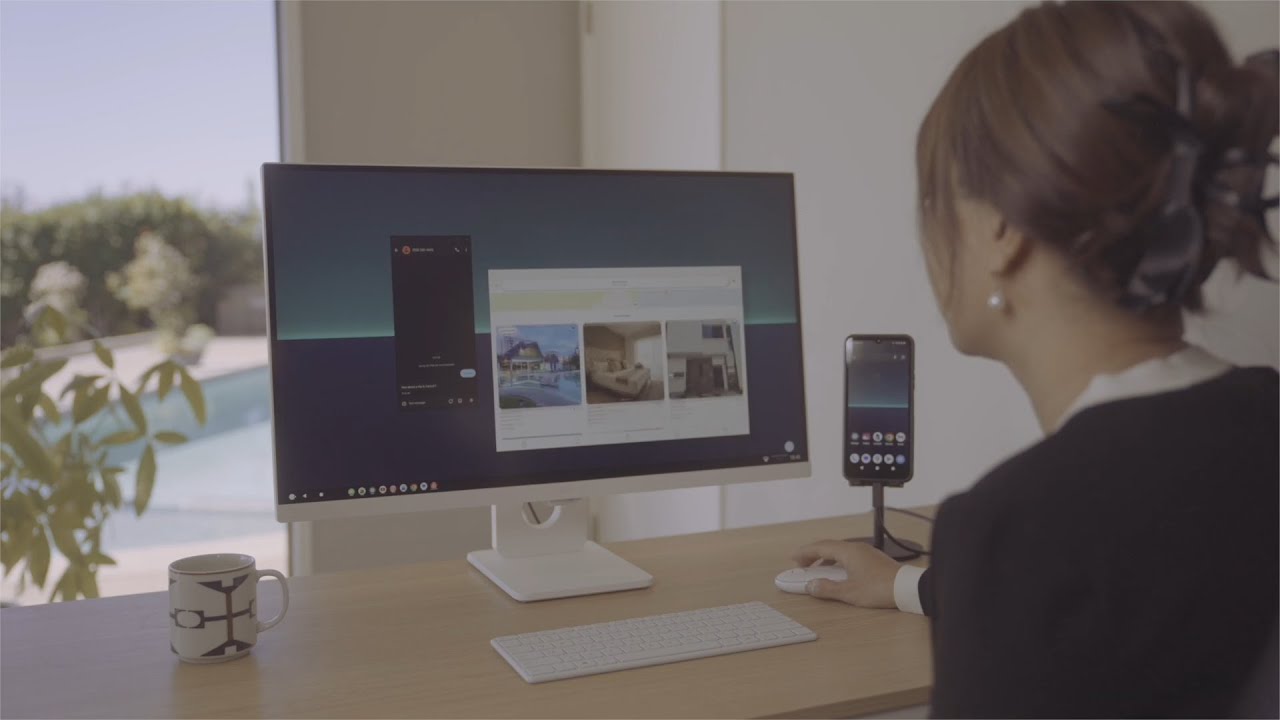
As announced last month, the NexPhone already caught attention for daring to put Windows 11, Android, and Linux on a single device — but its promo video takes things to another level. This is our clearest look yet at how the triple‑OS setup actually works in motion, from full Windows 11 desktop mode to seamless mobile switching. It’s still a prototype, but seeing the device boot, dock, and multitask in real time makes the idea of a modern “Windows Phone” feel far less theoretical than before.
We already knew about the NexPhone, having gone hands-on with it earlier this year. But now you can see NexDock's promotional video for the unique device.
The video, which you can see below, hit YouTube late last month. This week, Emre Kosmaz, the founder and CEO of Nex Computer, reshared the video. Kosmaz also noted that he's one of the actors in the promo.
A "true" Windows phone
Windows Phone is not coming back from the grave, but there's still reason for Windows Phone enthusiasts to be excited this year. The NexPhone is on the way, and you can now get a closer look at the device through a promotional video.
The NexPhone is a Windows phone, not a Windows Phone (emphasis on the lower case "p"). The phone does not run Windows Phone, Windows 10 Mobile, or the nonexistent Windows 11 Mobile.
Instead, the NexPhone is a unique device that can run three different operating systems: Android, Linux, and Windows 11. The phone can switch between Android and Linux at the push of a button or switch to Windows 11 with a reboot.

OS: Android, Linux, and Windows 11
Screen: 6.58-inch, 120Hz
Processor: Qualcomm Dragonwing QCM6490 SoC
RAM: 12GB
Storage: 256GB
When launched into Windows 11, the NexPhone has an interface that mimics the Windows Phone Start screen.
While Windows Phone fans may enjoy using any mobile device featuring a tiled interface, arguably the main draw of the NexPhone is its ability to connect to a lapdock or monitor.
You can use the NexPhone with your operating system of choice when carrying it as a phone, then connect it to an external device for a full PC experience. In many ways, it's the full vision of Continuum realized in 2026.
The NexPhone is made by Nex Computer, a company that makes laptop accessories. YouTuber Shane Craig showcased the NexDock (6th Gen) recently. The NexDock is essentially a laptop powered by an external device, such as a phone.
With the development of the NexPhone, Nex Computer expands its offering into the other side of the equation by making a phone that can connect to docks, screens, and devices like the NexDock.
Pricing and availability
The NexPhone costs $549.
You can reserve one today for $199 and then pay the remaining balance of $349 later this year when the device starts shipping (expected Q3 2026).

Over to you: Do you think the NexPhone will capture the hearts of Windows Phone fans? Let us know in the comments.

Follow Windows Central on Google News to keep our latest news, insights, and features at the top of your feeds! Also join us on reddit.com/r/windowscentral!

