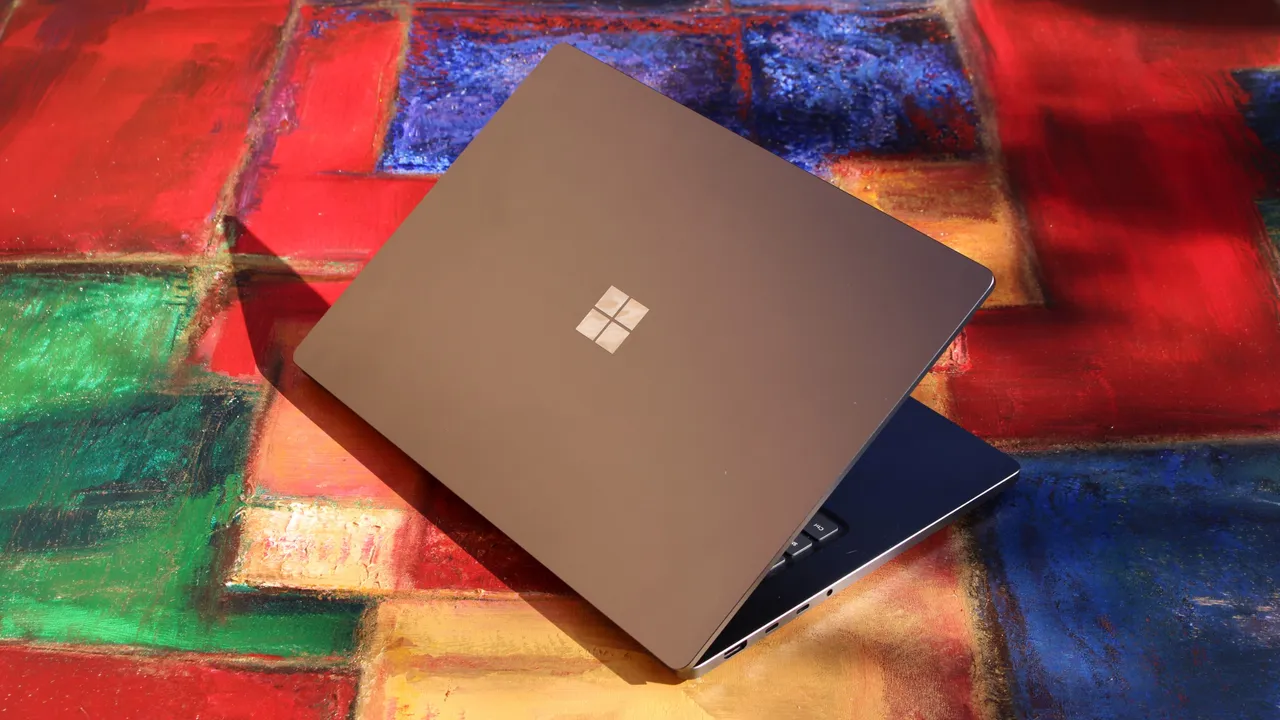
I'll be attending the Consumer Electronics Show (CES) in Las Vegas while you're reading this article, but I was given another opportunity to go hands-on with one of those CES 2026 announcements ages before the actual event.
This isn't the first time I've had an early, pre-production sample of an upcoming HP laptop on my desk, and this time it's the headline-stealing EliteBook X 14 (G2). I was so taken aback by its weight after pulling it from the box, I honestly believed for a moment HP hadn't sent me a functional device.
That's simply the nature of this laptop, though, which debuts a new ultra-light design and a crazy array of options — including the ability to equip it with Intel, AMD, or Qualcomm hardware. HP sent me the Intel-powered lightweight configuration, which also makes this my first experience with Intel Core Ultra (Series 3) silicon.
This hands-on was made possible thanks to a pre-production sample provided by HP. HP had no input nor saw the contents of this review prior to publication.
Doesn't catch the eye, but feels great in the hand

I actually reviewed the HP EliteBook X 14 (G1a) last year, which was a big, beefy laptop that focused on performance more than design and portability. The new EliteBook X is a very different beast.
• Display: 14-inch, Tandem OLED/OLED/IPS LCD options, up to 3K (2,880 x 1800) resolution, up to 120Hz refresh rate, up to 700 nits max brightness, up to 100% DCI-P3 color gamut, anti-glare coating
• CPU: Up to Intel Core Ultra 7 (Series 3) w/ vPro
• NPU: Intel AI Boost (Up to 50 TOPS)
• GPU: Intel Xe3
• Memory: Up to 64GB @ 9,600MT/s
• Storage: Up to 2TB NVMe PCIe Gen 5x4 SSD
• Features: Windows Hello facial recognition & fingerprint sensor, lightweight configuration option, optional 5G cellular
• Dimensions: 313 x 217 x ~13.15-14.35mm (12.31 x 8.54 x ~0.52-0.56in), ~1.1kg (2.42lbs) / 999g (2.20lbs) w/ lightweight configuration
In fact, this laptop feels more like the successor to the absolutely incredible HP EliteBook Ultra 14 (G1i) I also reviewed, but with an even lighter chassis and a more diverse list of options when you go to buy one.
You can get this laptop with the latest and greatest from Intel, AMD, and Qualcomm, and all will boast the same design coming in at just over a single kilogram. Choose Intel, though, and you'll be able to select an optional "lightweight configuration" that further drops that weight to just under a kilogram, putting the new EliteBook X in the same category as the ASUS Zenbook A14 (2025) I reviewed.
Like I alluded to before, though, something about the weight distribution makes this laptop feel lighter in the hand than even the Zenbook A14, even if it really isn't. The EliteBook X 14 almost seems hollow, but the build quality is still there for a premium business-grade laptop.
I will say, though, that the aforementioned Zenbook A14 and EliteBook Ultra (G1i) both boast more elegant designs — the EliteBook X 14 isn't ugly, by any means, but HP's clearly focusing on functionality and playing it safe with the aesthetics. At least that means no corners were cut with this hardware.


You get three USB-C ports, HDMI 2.1, USB-A, even optional 5G cellular connectivity. Quad speakers flank the new lattice-less keyboard, and you can equip the EliteBook X with one of HP's excellent haptic touchpads, too.
The default mechanical touchpad is also quite nice, but I was far more interested in properly testing the keyboard. HP has been putting top-notch boards in its EliteBooks for years, so I was a little concerned by the redesign. Fortunately, this keyboard is still truly excellent — but I wouldn't go so far as to say it's better than HP's previous EliteBook keyboards, just different.
The next-gen 2.8K OLED display may look the same on paper as what HP (and many others) have been using, but it's now noticeably brighter than before, and it looks amazing. HP will offer a lot of display options for the EliteBook X 14 (G2), though, including an ultra-bright Tandem OLED that I'd love to try for myself.
Limited experience with the latest from Intel

It's always fun to get my hands on a laptop before it's officially revealed, but I was especially interested in this opportunity because the EliteBook X 14 (G2i) is among the first devices rocking the latest Intel silicon. I've written extensively about Intel Core Ultra (Series 3) — also known as Panther Lake — but this is my first experience actually using the new platform.
Sadly, because this is pre-production hardware, I can't share any benchmark scores or make direct comparisons. Any definitive conclusions on battery life and efficiency will also have to wait until we (hopefully) review the EliteBook X 14 (G2i) after it properly releases.
So, we're limited to my initial impressions after using this laptop for a few days, but it's enough to reassure me that Panther Lake will be a very strong generation for Intel. Even unfinalized, the new EliteBook X 14 is beautifully responsive and smooth, waking from sleep instantly and absolutely flying through Windows 11.
This laptop has also stayed entirely cool and quiet during my time with it, which bodes well. It's all the more impressive considering just how thin and light the EliteBook X 14 is, but HP also offering AMD and Qualcomm variants suggests to me the company is confident in its tuning and thermal management solution.
Overall, HP may be on to a serious winner with the EliteBook X 14 (G2) family, with countless options to help anyone make the perfect companion for their work. This is an enterprise laptop worth keeping an eye on when it arrives in Spring 2026, even if HP hasn't quite revealed pricing information yet.

Follow Windows Central on Google News to keep our latest news, insights, and features at the top of your feeds!